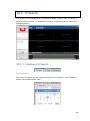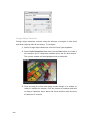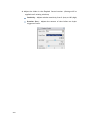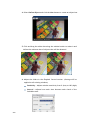
1
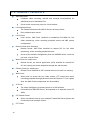
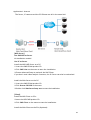
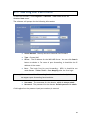
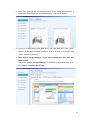
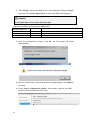
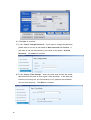
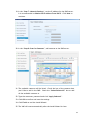
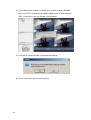
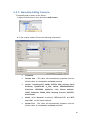
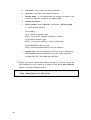
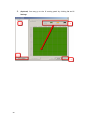
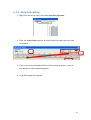
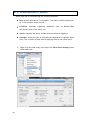
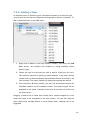
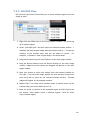
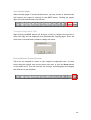
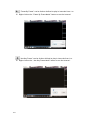
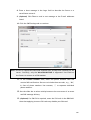
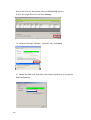
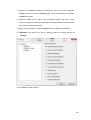
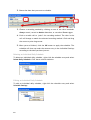
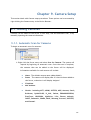
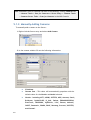
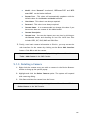
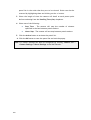
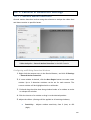
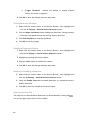
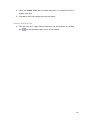
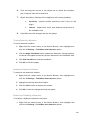
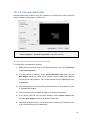
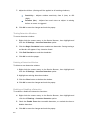
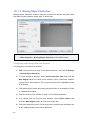
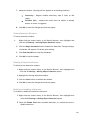
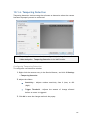
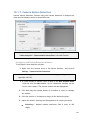
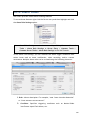
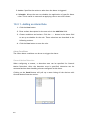
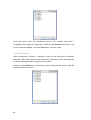
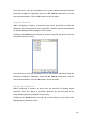
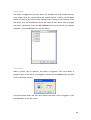
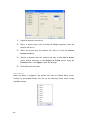
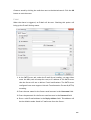
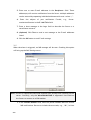
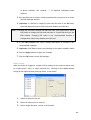
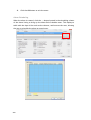
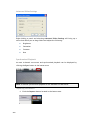
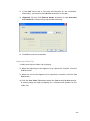
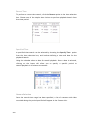
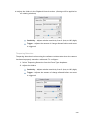
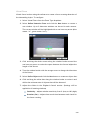
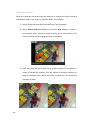
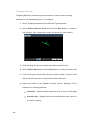
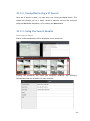
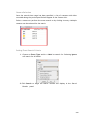
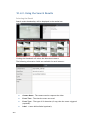
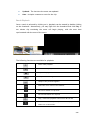
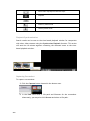
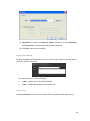
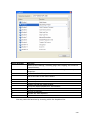
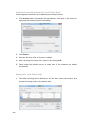
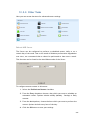
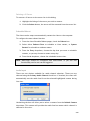
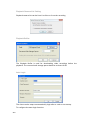
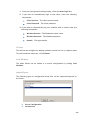
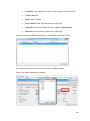
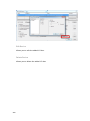
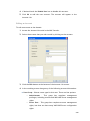
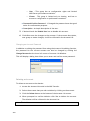
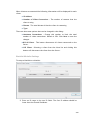
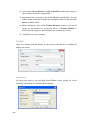
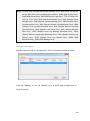
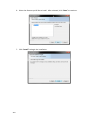
4. (Optional) Change the filename and file path. If you do not change the file details, the default save location for the video clip will be your installation path. 5. (Optional) You may click Remove Mosaic and enter a valid Username and Password to remove any privacy-mask mosaicing. Logging and Noting Clicking the Note tab beside the log entry will let you tag and note the search result for future references. You may choose one of the following: Label – Select one of the defined labels. Note – A short description for the video clip. Label Setup Clicking Advanced from the note context will bring up the label setup menu. To add a label: 1. Enter a name in the Advanced Settings field. 2. Click Add. The new label will appear in the LabelName table. Future clips may be tagged with this label. 251