1
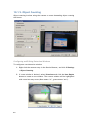
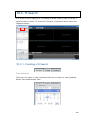
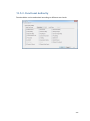
Forbidden Area Detection
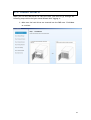
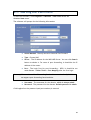
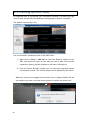
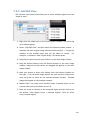
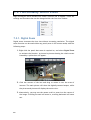
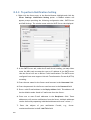
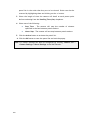
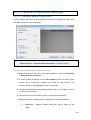
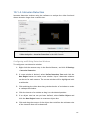
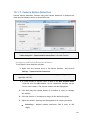
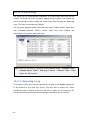
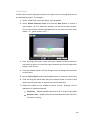
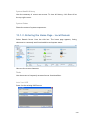
Forbidden area detection involves using the software to analyze the video feed
and immediately detect any object in specified areas. To configure:
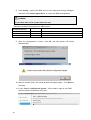
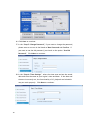
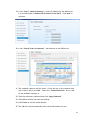
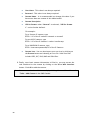
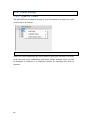
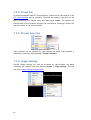
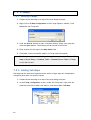
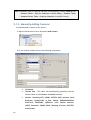
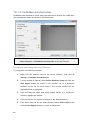
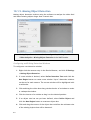
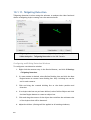
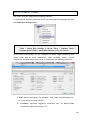
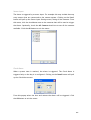
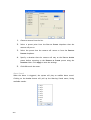
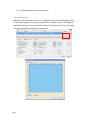
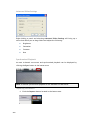
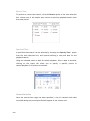
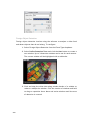
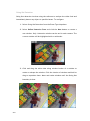
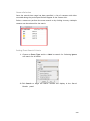
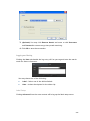
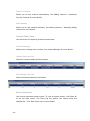
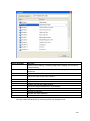
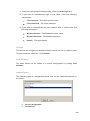
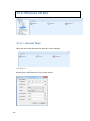
1. Select Forbidden Area Detection from the Event Type dropdown.
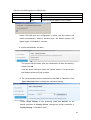
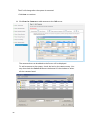
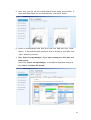
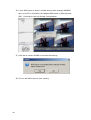
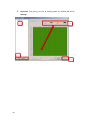
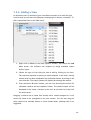
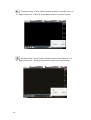
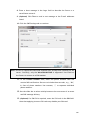
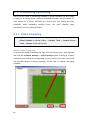
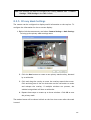
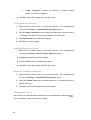
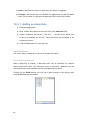
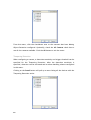
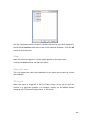
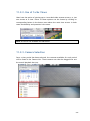
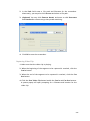
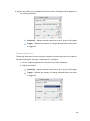
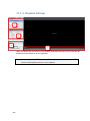
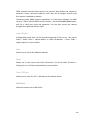
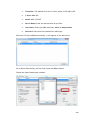
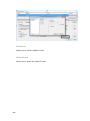
2. Select Define Detection Zone and click the New button to create a
new window. Up to 3 detection windows can be set for each camera.
The current window will be highlighted with a red border.
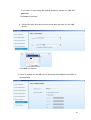
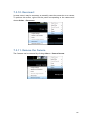
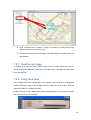
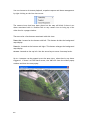
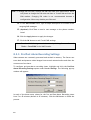
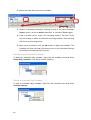
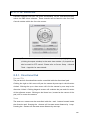
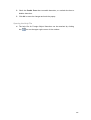
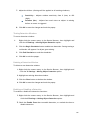
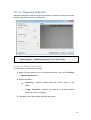
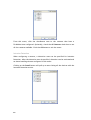
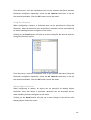
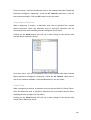
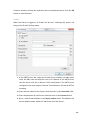
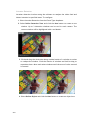
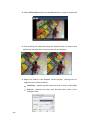
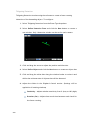
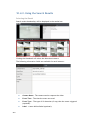
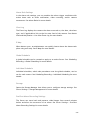
3. Click and drag the white dots along window border of a window to
resize or reshape the window. Click the interior of windows and hold to
drag to reposition them. Move and resize windows until the forbidden
area is covered.
241