1
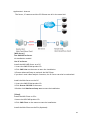
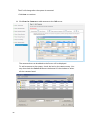
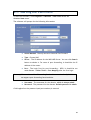
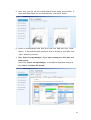
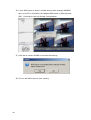
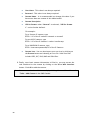
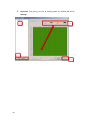
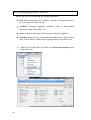
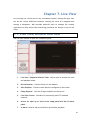
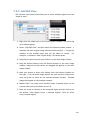
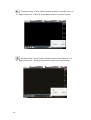
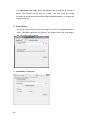
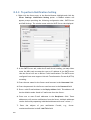
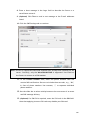
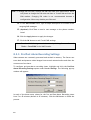
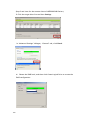
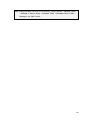
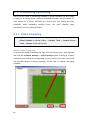
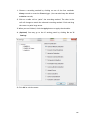
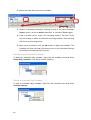
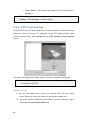
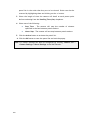
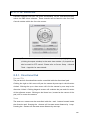
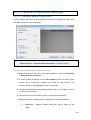
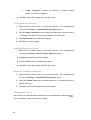
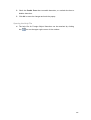
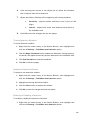
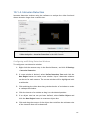
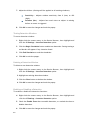
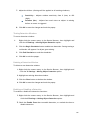
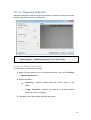
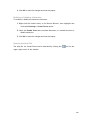
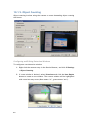
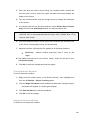
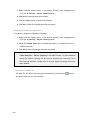
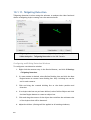
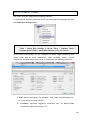
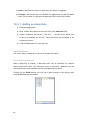
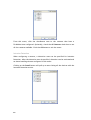
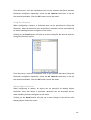
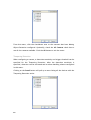
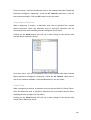
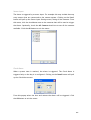
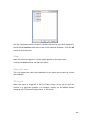
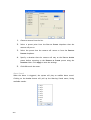
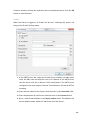
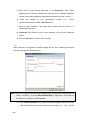
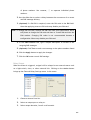
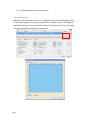
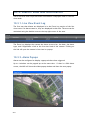
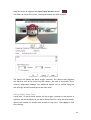
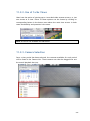
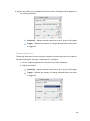
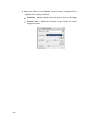
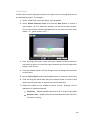
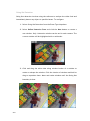
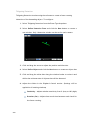
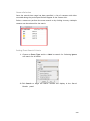
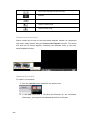
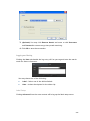
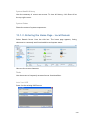
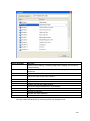
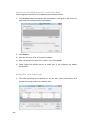
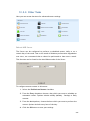
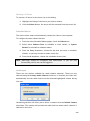
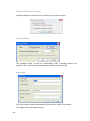
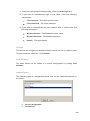
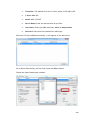
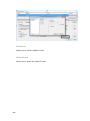
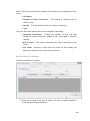
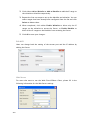
4. Adjust the sliders in the Playback Control section. (Settings will be applied to all existing windows) Sensitivity – Adjusts window sensitivity from 0 (low) to 100 (high). Trigger - Adjusts the amount of change allowed before and event is triggered. Tampering Detection Tampering detection involves using the software to determine when the camera has been improperly moved or redirected. To configure: 1. Select Tampering Detection from the Event Type dropdown. 2. Adjust the sliders: Sensitivity – Adjusts window sensitivity from 0 (low) to 100 (high). Trigger - Adjusts the amount of change allowed before an event is triggered. 233