1
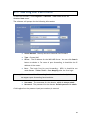
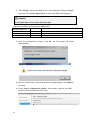
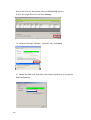
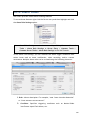
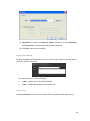
The IP will change after the system is restarted.
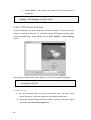
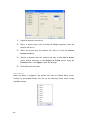
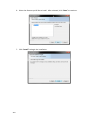
Click Next to continue.
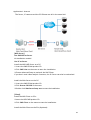
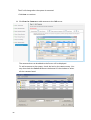
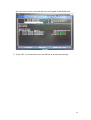
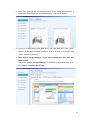
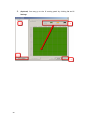
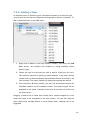
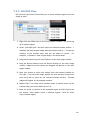
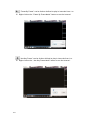
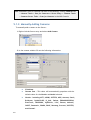
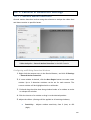
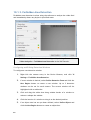
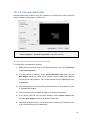
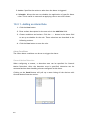
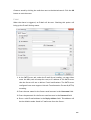
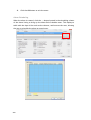
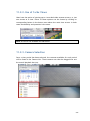
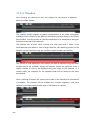
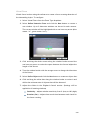
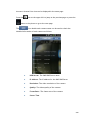
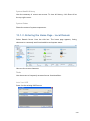
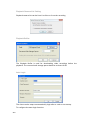
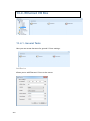
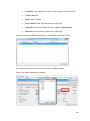
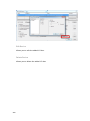
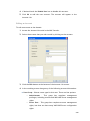
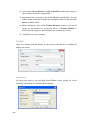
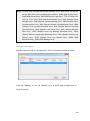
8. Click Scan for Cameras to add cameras to the SMR server.
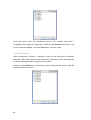
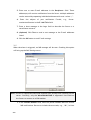
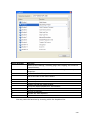
The cameras that can be added to the Server will be displayed.
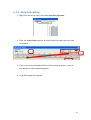
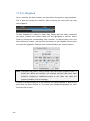
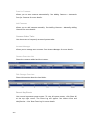
To add a camera to the system, check the box by the camera entry. You
may also check the Select All box at the bottom of the window to select
all the cameras found.
62