1
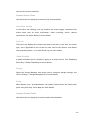
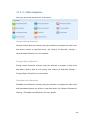
Recent Time
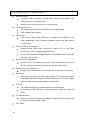
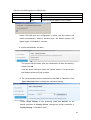
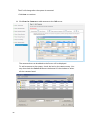
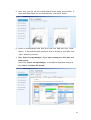
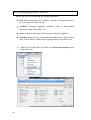
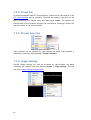
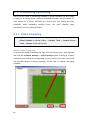
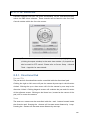
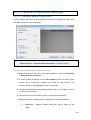
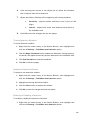
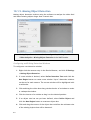
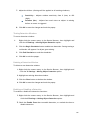
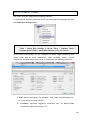
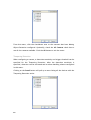
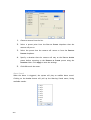
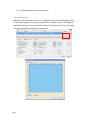
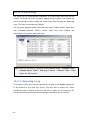
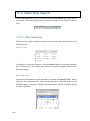
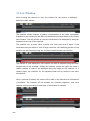
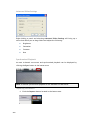
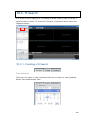
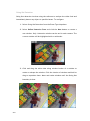
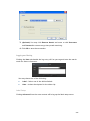
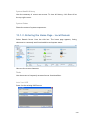
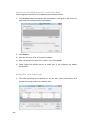
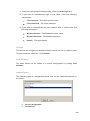
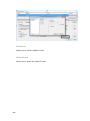
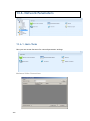
To perform a recent time search, click the Recent option in the time selection
box. Choose one of the simple time choices to perform playback/search from
that time period.
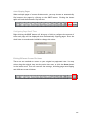
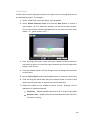
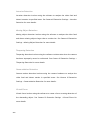
Specified Time
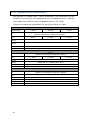
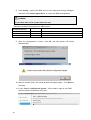
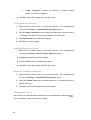
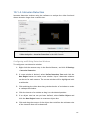
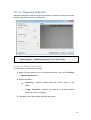
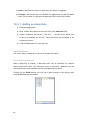
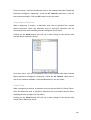
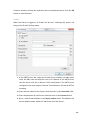
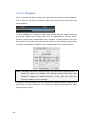
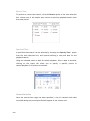
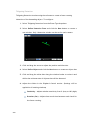
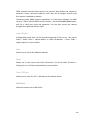
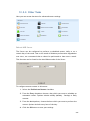
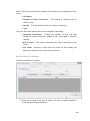
A specified time search can be selected by choosing the Specify Time option
from the time selection box, and involves defining a time and date for the
playback/search.
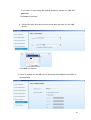
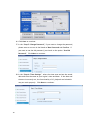
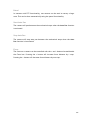
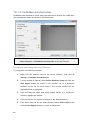
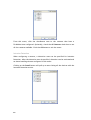
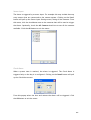
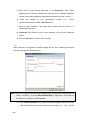
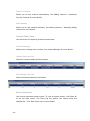
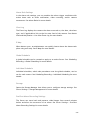
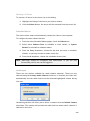
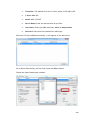
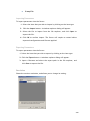
Using the calendar select a date for search/playback. Once a date is selected,
clicking on the boxes will allow you to specify a specific period to
search/playback in 10 minute increments.
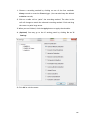
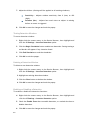
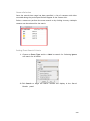
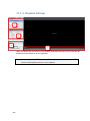
Camera Selection
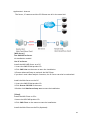
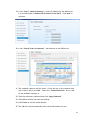
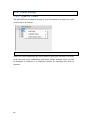
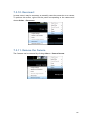
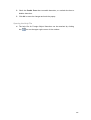
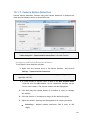
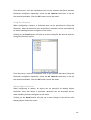
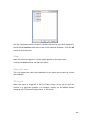
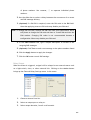
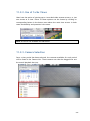
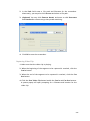
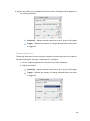
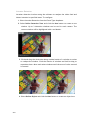
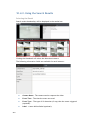
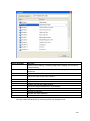
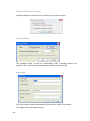
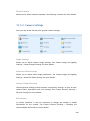
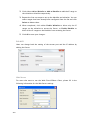
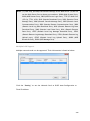
Once the search time range has been specified, a list of cameras with video
recorded during the period specified will appear in the Camera List.
230