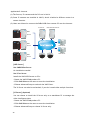
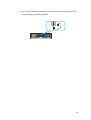
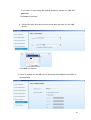
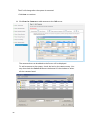
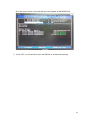
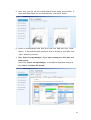
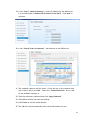
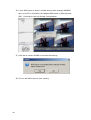
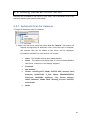
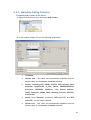
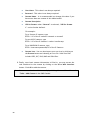
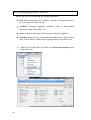
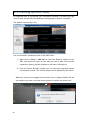
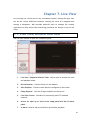
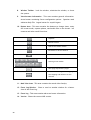
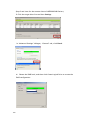
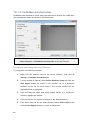
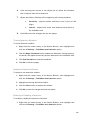
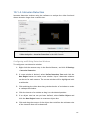
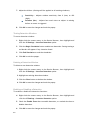
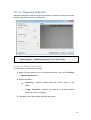
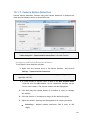
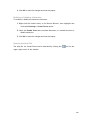
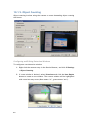
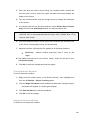
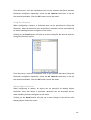
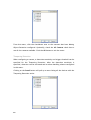
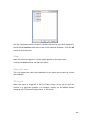
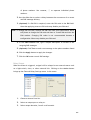
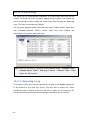
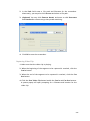
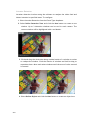
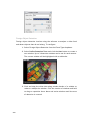
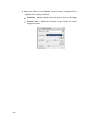
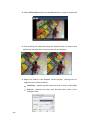
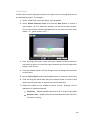
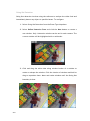
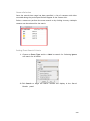
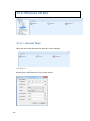
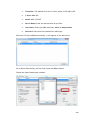
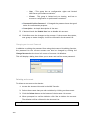
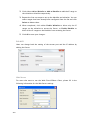
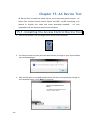
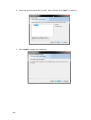
3. Use the space bar on your keyboard to select the hard disk drives you’d like
to reset.
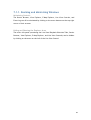
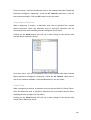
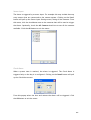
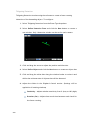
4. Once selected, press “Enter” and type “Y” to confirm and reset the selected
hard disk drive to NON-RAID.
72