1
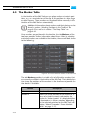
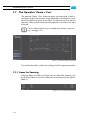
The Conforming Tool
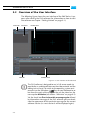
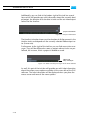
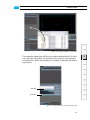
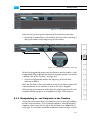
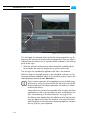
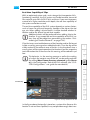
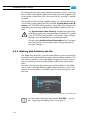
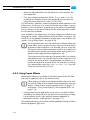
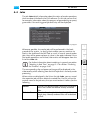
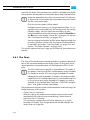
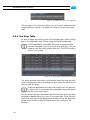
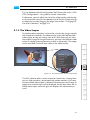
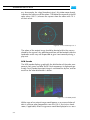
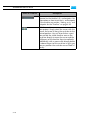
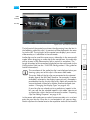
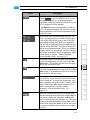
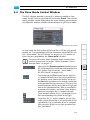
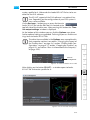
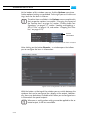
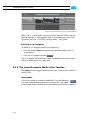
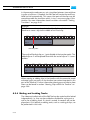
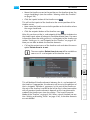
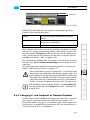
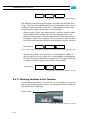
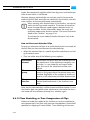
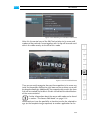
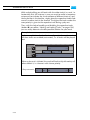
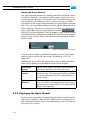
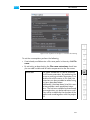
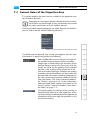
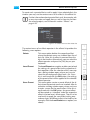
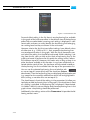
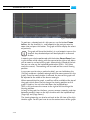
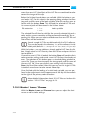
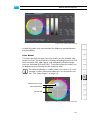
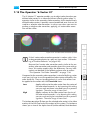
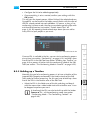
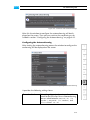
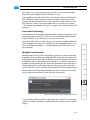
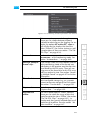
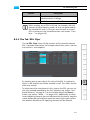
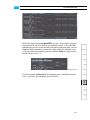
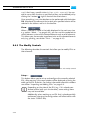
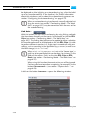
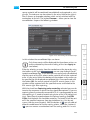
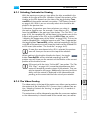
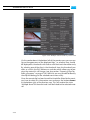
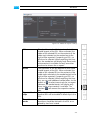
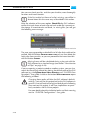
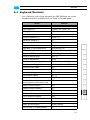
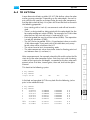
Figure 8-21: The tab 'Original EDL'
With the help of the tab Original EDL you can, for example, compare
the contents of the EDL file with its imported version in the Edit Tool.
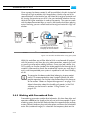
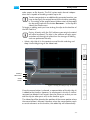
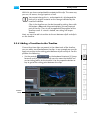
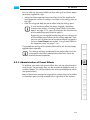
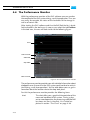
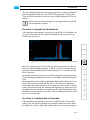
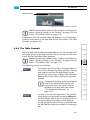
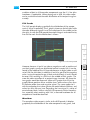
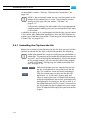
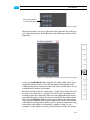
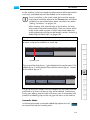
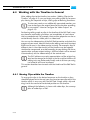
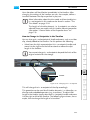
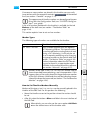
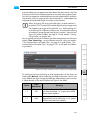
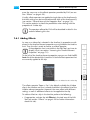
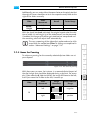
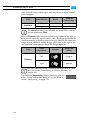
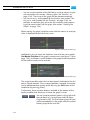
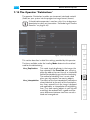
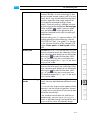
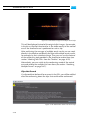
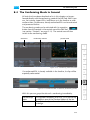
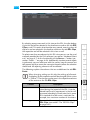
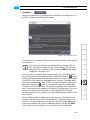
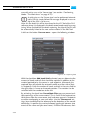
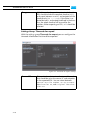
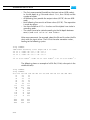
Additionally, you can mark text with the mouse and then copy it to the
clipboard of the operating system by simply calling the context menu
in the text field and selecting the menu option Copy or using the keyboard shortcut [Ctrl + C].
1
2
3
4
5
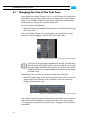
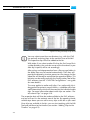
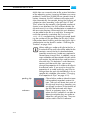
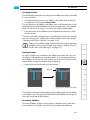
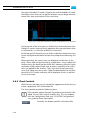
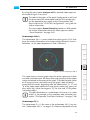
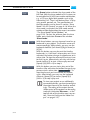
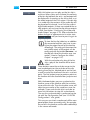
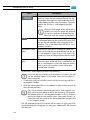
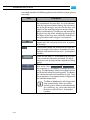
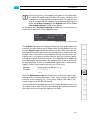
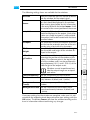
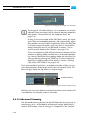
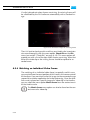
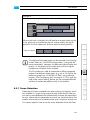
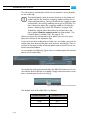
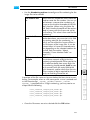
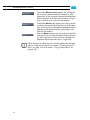
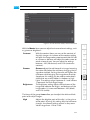
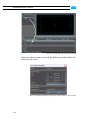
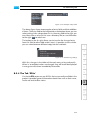
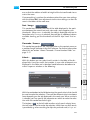
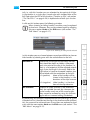
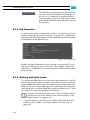
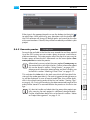
Figure 8-22: Marking and processing of text
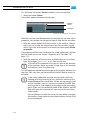
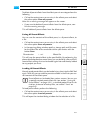
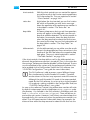
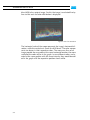
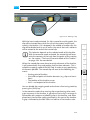
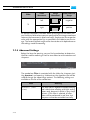
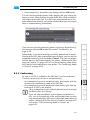
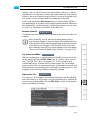
The menu option Select All of the context menu (keyboard shortcut
[Ctrl + A]) marks the complete text of the EDL.
6
7
8
9
A
I
8-39