1
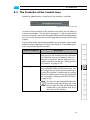
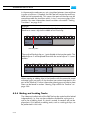
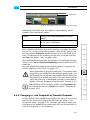
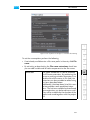
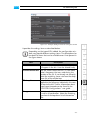
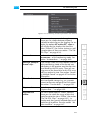
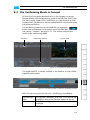
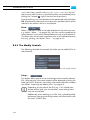
The Control Area
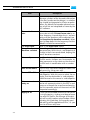
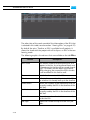
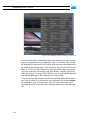
Items
Description
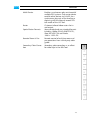
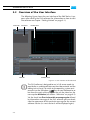
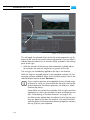
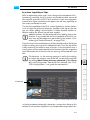
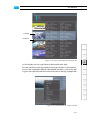
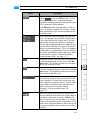
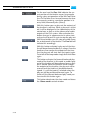
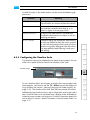
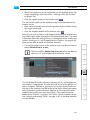
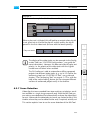
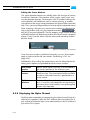
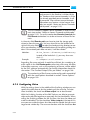
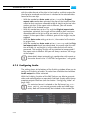
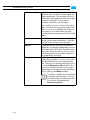
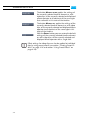
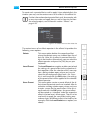
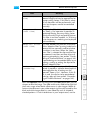
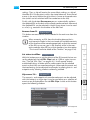
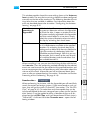
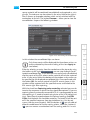
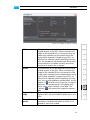
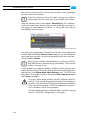
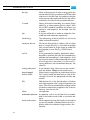
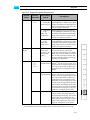
The DELETE button is a toggle button. If it is activated (
), you can delete the in- or outpoint by clicking the in- or outpoint button.
Regardless of the position of the scrub bar cursor
the in-/outpoint will be deleted.
If the DELETE button is deactivated, a click on
the in- or outpoint button will set the in- or outpoint respectively at the current position of the
scrub bar cursor.
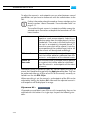
For a frame accurate positioning you may use
the in- and outpoint entry fields. Simply type in
in the entry field to the right of the in- or outpoint button the position of the in-/outpoint
that the clip should provide when added to the
timeline of the Edit Tool. Then press [Enter] to
take on the selected position. The in- or outpoint
handler will be set accordingly. Further information about timecode/frame number entry fields
can be found in section “About Timecode /
Frame Number Fields” on page 2-17.
1
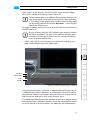
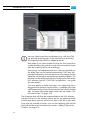
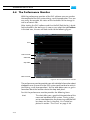
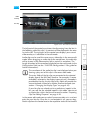
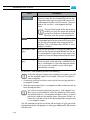
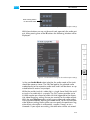
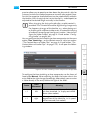
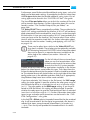
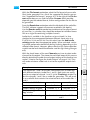
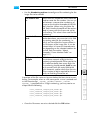
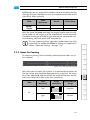
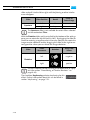
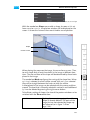
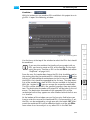
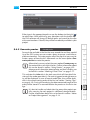
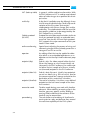
The inpoint button sets or deletes the inpoint of
the bin clip depending on the state of the DELETE button. The inpoint will be set at the position of the scrub bar cursor.
4
The outpoint button sets or deletes the outpoint
of the bin clip depending on the state of the DELETE button. The outpoint will be set at the position of the scrub bar cursor.
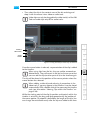
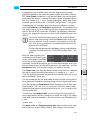
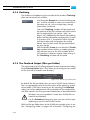
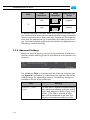
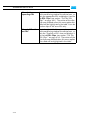
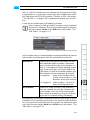
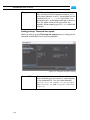
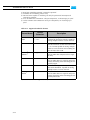
The position field displays the current position of
the scrub bar cursor on the scrub bar of the bin
clip (its timeline). To move the cursor you may
enter a position and press [Enter]. Further information about timecode/frame number entry
fields can be found in section “About
Timecode / Frame Number Fields” on
page 2-17.
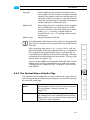
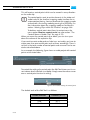
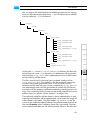
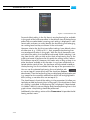
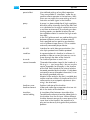
With the scrub bar cursor you can move and
view the contents of the bin clip. Simply select it
and move it along the scrub bar. Additionally,
you can control it via the controls, e.g. the play
button, or the position field. Furthermore, with a
mouse click anywhere below or above the scrub
bar you can position the scrub bar cursor there
instantly.
5-19
2
3
5
6
7
8
9
A
I