1
SilverFast Basic-Mode
Switching between Interfaces
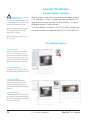
Basic-Mode as Starting Aid
All SilverFast versions from V6.5 and up may now be switched
between Standard- and Basic mode. By this, SilverFast novices will
find the software easier to use.
Supported SilverFast Versions
The Basic-mode is available in all SilverFastSE, -SEPlus, -DCSE
and -DCVLT versions.
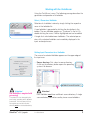
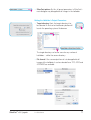
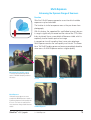
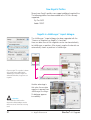
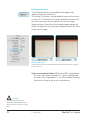
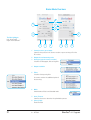
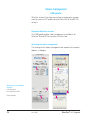
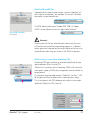
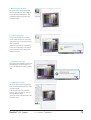
Basic / Standard Selection
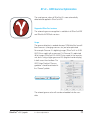
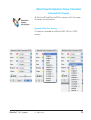
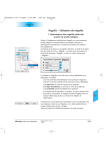
The selector can be found in the main part of the SilverFast dialogue, and displays the current mode: Basic or Standard.
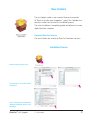
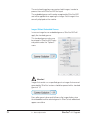
Attention!
When switching from Standard to Basic mode, all parameters will
be lost that are not part of Basic mode.
SilverFast® v.6.6 Upgrade
6 • SF-Basic
29