1
SilverFast Basic-Mode
29
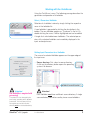
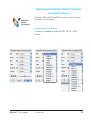
Switching between Interfaces
29
Basic-Mode as Starting Aid
Supported SilverFast Versions
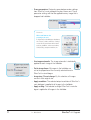
Basic / Standard Selection
29
29
29
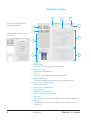
Basic-Mode Overview
30
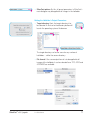
New Installers
31
Supported SilverFast Versions
31
Installation Process
31
SF Ai – HDR Gamma Optimization
33
Supported SilverFast versions
33
Usage33
Images Without Embedded Gamma
34
More Powerful Selective Colour Correction
Extended SCC-Presets
35
Supported SilverFast Versions
35
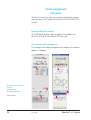
Colour management
36
CMS palette 36
Supported SilverFast versions
Activating the colour management
SilverFast plug-in under Adobe Photoshop CS3
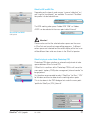
Automatic IT8 calibration
One-click scanner calibration
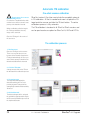
The calibration process
35
36
36
37
38
38
38
Presets40
Dialogues in “Options”
41
“General” palette
“Auto” palette*
41
41
iSRD iSRD for Nikon Filmscanners (Mac only !)
iSRD for Canon Flatbed Scanners
HDRi iSRD scans for SilverFast HDR and DC
42
43
44
44
Scan type „64Bit HDRi Color“
Scan type “32 Bit HDR Grayscale
44
44
Further processing of HDRi scans
45
ICC-Profiles for Kodachrome Slides
4
42
1 • Introduction
46
SilverFast® v.6.6 Upgrade