1
Auto-Frames
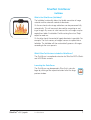
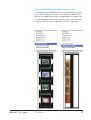
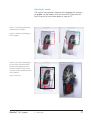
Automatic Detection of Frames
Using this function, image frames may be generated automatically
on the preview / prescan window.
For this it is necessary for the images to have a certain distance
between them and the outer edge. A lack of distance could hinder
a clear detection of frames.
A high contrast background is helpful in reflective scans. For transparencies, using the supplied film- and slide holders is useful, since
they offer an optimal contrast to the background.
Supported SilverFast Versions
This function is available for all SilverFast versions.
Auto-Frame Function
Before this function is activated, a preview / prescan should be
performed.
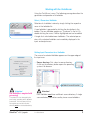
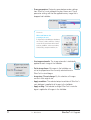
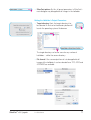
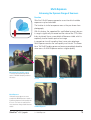
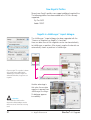
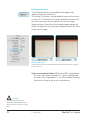
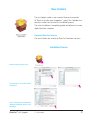
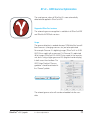
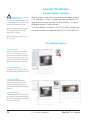
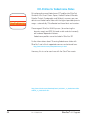
Next, the function can be launched by clicking the relevant
button. The Auto-Frame button is located in the vertical
toolbar, left of the large preview window.
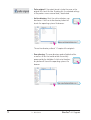
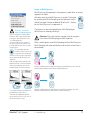
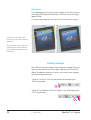
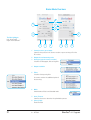
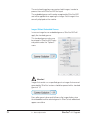
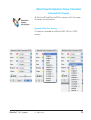
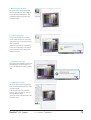
A click on the button opens a menu. Under the “All frames” option,
SilverFast searches for images in the preview window and tries to
define them with a scan frame/image frame.
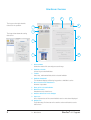
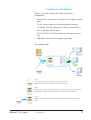
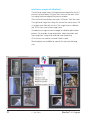
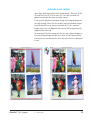
An example is shown on the next page.
SilverFast® v.6.6 Upgrade
5 • Auto Frame
21