1
Defining General Options
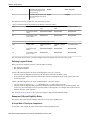
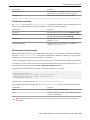
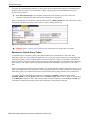
Follow this link to open the data dictionary where you can view the tables that reference CI_TIME_ZONE.
Setting Up Seasonal Time Shift
Note The information in this topic applies only to Customer Care and Billing - Interval Billing applications.
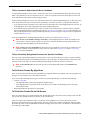
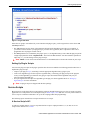
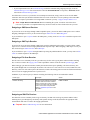
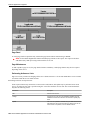
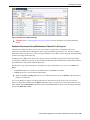
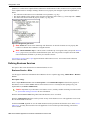
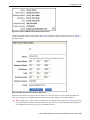
Open Admin Menu > Seasonal Time Shift to define the seasonal time shift schedule.
Description of Page
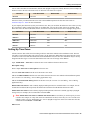
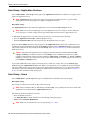
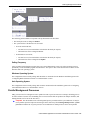
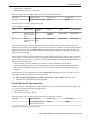
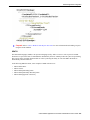
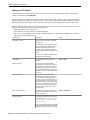
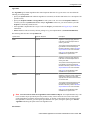
Enter a unique Seasonal Time Shift code and Description for the seasonal time shift.
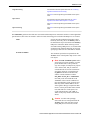
The Collection defines the Effective Date/Time (in standard time) that a time zone may shift in and out of standard
time. If time is changed from standard time on the effective date/time, enter the Shift in Minutes that the time
changes from standard time (usually 60). If the time is changed back to standard time on the effective date/time, enter
a Shift in Minutes of 0.
Where Used
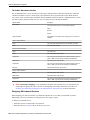
Follow this link to open the data dictionary where you can view the tables that reference CI_SEAS_TM_SHIFT.
Defining Geographic Types
If your company uses geographic coordinates for dispatching or geographic information system integration, you need
to setup a geographic (coordinate) type for each type of geographic coordinate you capture on your premises and/or
service points (geographic coordinates can be defined on both premises and service points).
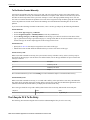
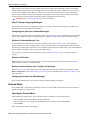
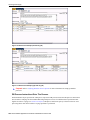
To define geographic types, open Admin Menu > Geographic Type .
Note Find a customer / premise using a geographic coordinate. In Oracle Utilities Customer Care and
Billing there are several queries that allow you to search for customers and premises by geographic type. For
example, Control Central and Meter Search allow you to search using the premise or service point geographic
type. Refer to the product documentation for more information.
Description of Page
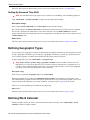
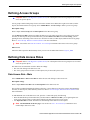
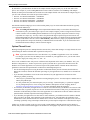
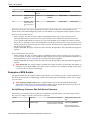
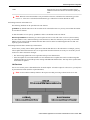
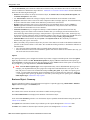
Enter an easily recognizable Geographic Type code and Description.
Define the algorithm used to validate the Validation Format Algorithm. If an algorithm is specified, the system
will validate that the geographic location entered on the premise and/or service point for the geographic type is in the
format as defined in the algorithm. If you require validation, you must set up this algorithm in the system.
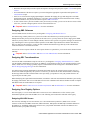
Click here to see the algorithm types available for this plug-in spot.
Where Used
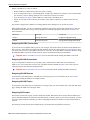
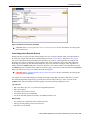
Follow this link to open the data dictionary where you can view the tables that reference CI_GEO_TYPE.
Defining Work Calendar
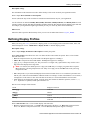
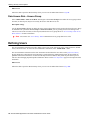
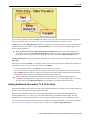
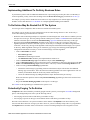
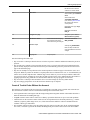
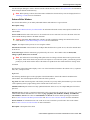
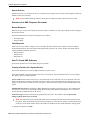
Workday calendars are used to ensure system-calculated dates fall on a workday. Select Admin Menu > Work
Calendar to define a workday calendar.
20 • Oracle Utilities Application Framework Administration User's Guide