1
External Application Integration
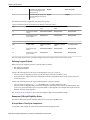
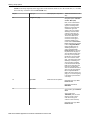
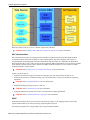
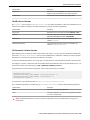
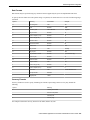
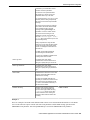
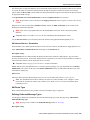
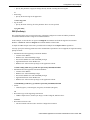
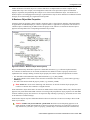
The format of the records in the input file are not in an XML format and do not correspond to an XAI service schema.
As a result, the input record must be transformed into an XML message that conforms to an XAI service request
schema. Enter the Record XSL, which indicates the XSL transformation script used to transform the input record into
the appropriate XML message.
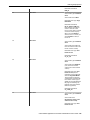
For sequential files and Comma delimited files, indicate the Input File Name to be processed.
Note This parameter can be overridden in the Staging Control table when a request to execute such a service
is made.
When the service takes its input from a Database extract, indicate the JDBC Connection used to connect to the
database that contains the input data.
Note If this value is not populated XAI uses the default JDBC connection, which is the current product
database.
Fastpath Refer to XAI JDBC Connection for more information about defining these values.
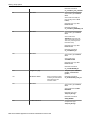
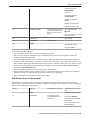
Use the Interface Name to provide a description of the interface being implemented through this service.
XAI Inbound Service - Parameters
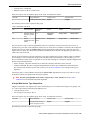
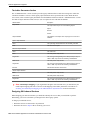
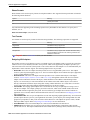
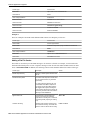
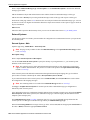
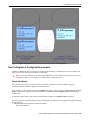
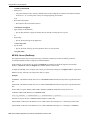
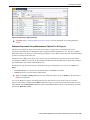
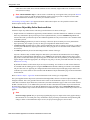
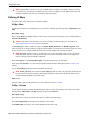
This tab enables you to define parameters that are used as selection criteria by the DB Extract staging upload service.
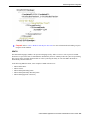
Open Admin Menu, XAI Inbound Service and navigate to the Parameters tab.
Description of Page
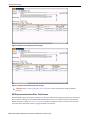
The Parameters that were defined under the Request element in the schema are displayed here. They are used to
drive the extraction process. This tab only displays the list of parameters. The values for these parameters can later be
entered when the control record to invoke this service is created.
Fastpath Refer to Staging Control Parameters for more information.
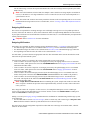
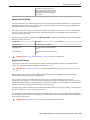
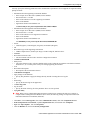
Owner indicates if this XAI inbound service is owned by the base package or by your implementation ( Customer
Modification). The system sets the owner to Customer Modification when you add an XAI inbound service. This
information is display-only.
Where Used
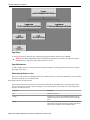
Follow this link to open the data dictionary where you can view the tables that reference CI_XAI_IN_SVC.
Note The information in this table is cached by the XAI server and by the MPL server. Changes to values
in this table do not affect the runtime copy of these servers. Refer to XAI Command for information about
refreshing a service.
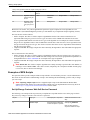
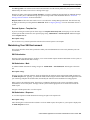
XAI Route Type
Refer to the documentation for your product to find out if XAI Route Type is supported.
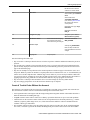
Defining Outbound Message Types
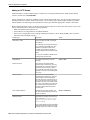
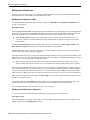
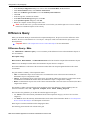
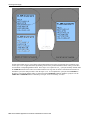
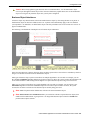
Use this page to define basic information about an outbound message type. Open this page using Admin Menu >
Outbound Message Type.
Note This page is not available if the Outbound Message module is turned off.
Description of Page
Oracle Utilities Application Framework Administration User's Guide • 279