1
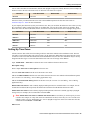
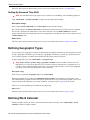
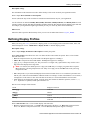
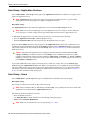
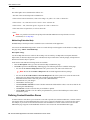
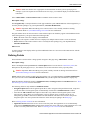
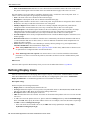
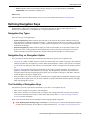
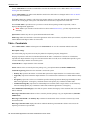
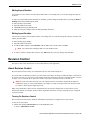
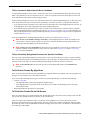
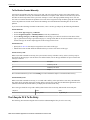
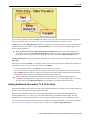
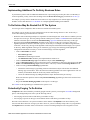
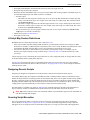
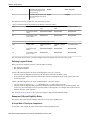
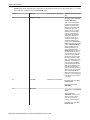
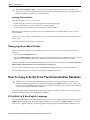
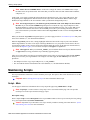
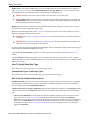
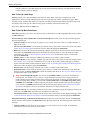
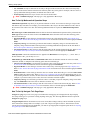
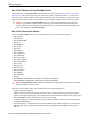
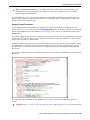
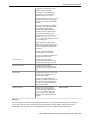
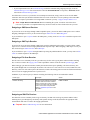
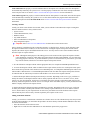
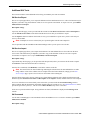
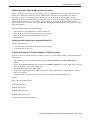
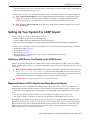
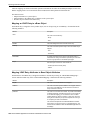
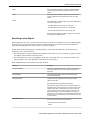
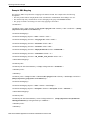
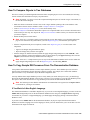
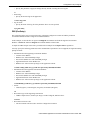
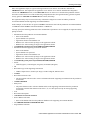
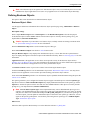
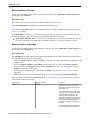
Defining Script Options
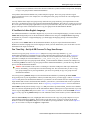
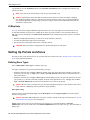
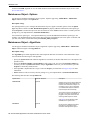
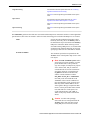
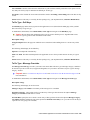
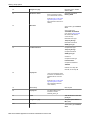
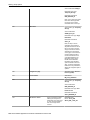
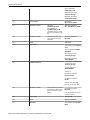
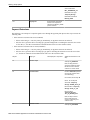
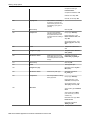
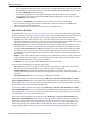
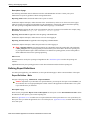
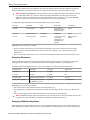
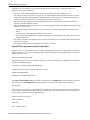
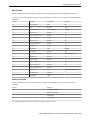
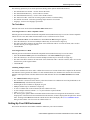
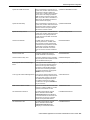
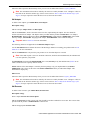
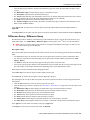
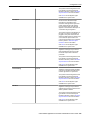
name for any transaction,
display the navigation option in
question.
30
Go to a step
40
Move data
Next step: 50
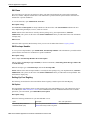
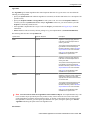
Source Field Type: Predefined
Value
Source Field Value: %BLANK
(note, this is a global variable
that contains the a blank value)
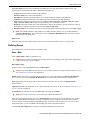
Destination Field Type: Page
Data Model
Destination Field Name:
ACCT_ID
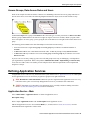
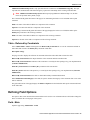
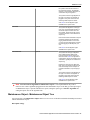
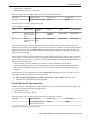
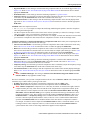
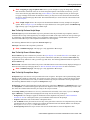
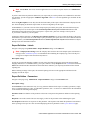
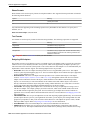
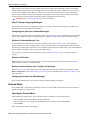
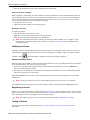
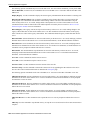
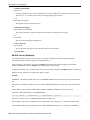
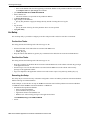
Note, this step is done in
anticipation of the following
step that transfers the user
to the bill page. This step
simply resets the account ID
that will be passed to the bill
search page. The name of the
destination field is important;
it must be the same as one
of the fields defined on the
Navigation Option used to
transfer to the destination
transaction (this navigation
option is defined on the next
step). To find the appropriate
field name for any transaction,
display the navigation option in
question.
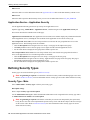
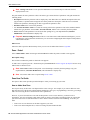
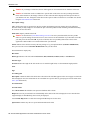
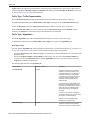
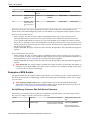
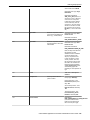
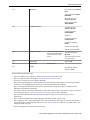
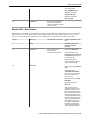
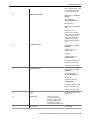
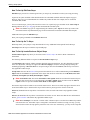
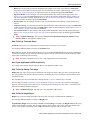
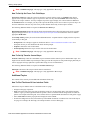
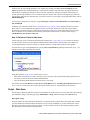
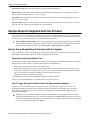
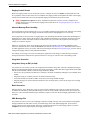
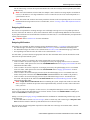
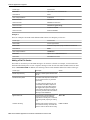
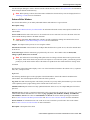
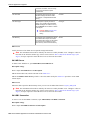
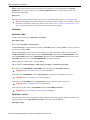
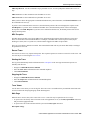
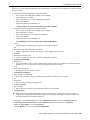
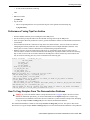
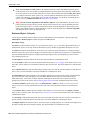
45
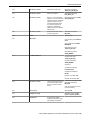
Label
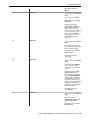
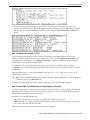
Navigate to Bill Routing page
and select desired bill
50
Navigate to a page
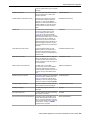
Navigation Option: Bill Routing (update)
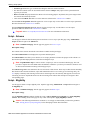
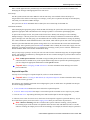
60
Prompt user
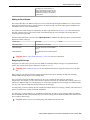
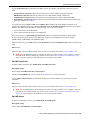
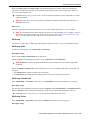
65
Label
70
Move data
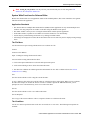
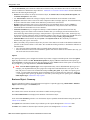
Press <font
color=orange>OK</font> after
a bill has been selected
Prompt Type: Button(s)
First Prompt Value - Text: OK,
Next Step: 70
User should confirm the bill
routing details and Save.
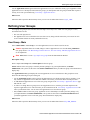
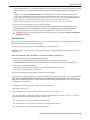
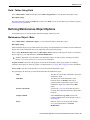
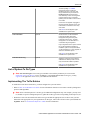
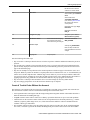
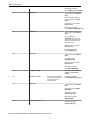
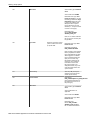
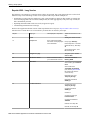
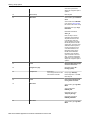
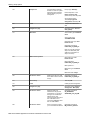
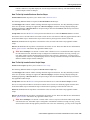
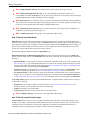
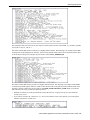
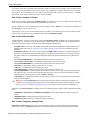
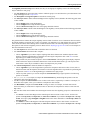
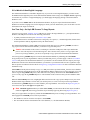
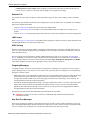
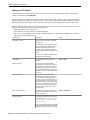
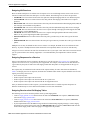
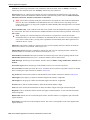
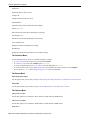
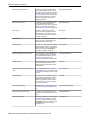
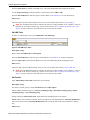
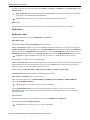
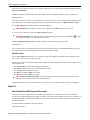
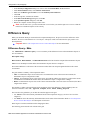
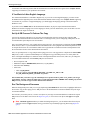
Source Field Type: Page Data
Model
Source Field Name:
ENDING_BAL
Destination Field Type:
Temporary Storage
Destination Field Name:
ENDING_BALANCE
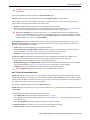
80
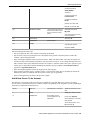
Move data
152 • Oracle Utilities Application Framework Administration User's Guide
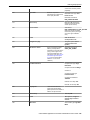
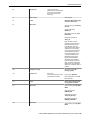
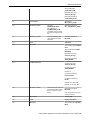
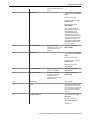
Source Field Type: Page Data
Model