1
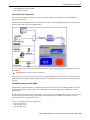
External Application Integration
Note Testing in your product. You may also test your schemas and your services using either XAI
Submission or XAI Dynamic Submission.
System Wide Functions for Schema Editor
Because the schema editor is in an application outside of the standard products, this section introduces some general
functions related to the application.
Application Standards
•
•
•
•
•
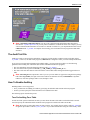
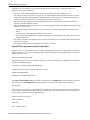
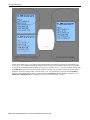
The schema editor is a Multiple Document Interface (MDI) windows application. It may contain multiple active
windows. You may jump from one window to the other using the Window menu option.
The Editor window is always active. Closing the schema editor window quits the application.
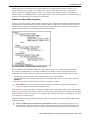
In the Editor window, a splitter bar is available to resize the schema tree view horizontally.
Actions may be performed using menu items or by clicking on toolbar buttons.
All messages are displayed on a status bar at the bottom of the screen. Some may also be displayed using message
boxes.
The File Menu
Use the File menu to open existing schemas and to save a schema to a file.
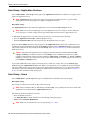
Connect
Connects to the database.
Open - Loading an existing schema into the editor
You can read an existing schema into the editor.
1. Click on the Open toolbar button or select the File/Open menu option.
2. A file selection dialog is shown. Select the schema file name.
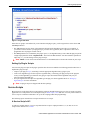
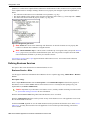
3. The editor first validates the schema against the xml metainfo file. If it fails to validate it shows the Schema
Validation Errors dialog.
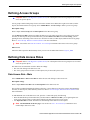
Save
Save the current schema to a file. Using the current file name.
To save a Schema, click on the Save tool bar button, or select the File/Save menu option. When you save a schema,
the editor first attempts to validate the schema. If it fails to validate it against the XML Metainfo file, you are
prompted to save it with inconsistency errors or to return to the editor.
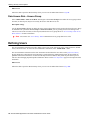
Save As
Save the current schema to a file. Use a different file name.
Save As Response
Save a copy of the current schema to a file as a response schema. Use a different file name.
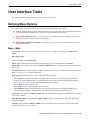
The View Menu
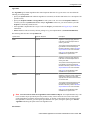
Use the view menu to perform actions on the Tree View nodes or to view errors. The following menu options are
available:
Oracle Utilities Application Framework Administration User's Guide • 261