1
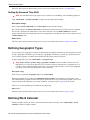
Defining General Options
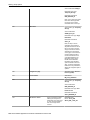
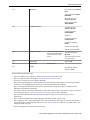
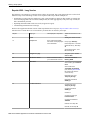
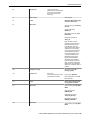
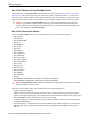
•
•
•
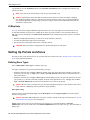
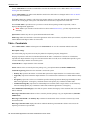
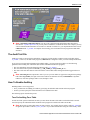
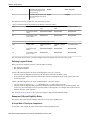
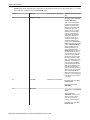
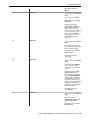
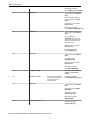
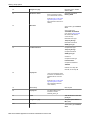
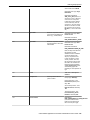
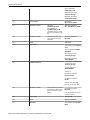
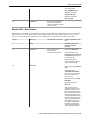
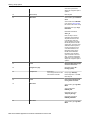
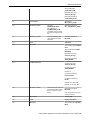
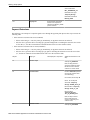
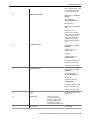
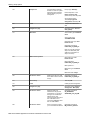
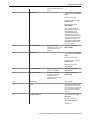
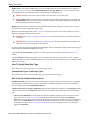
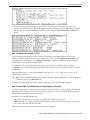
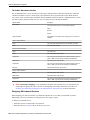
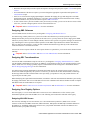
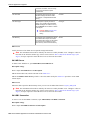
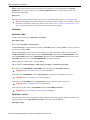
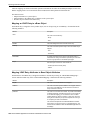
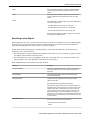
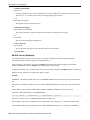
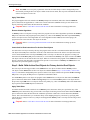
mm or m is interpreted as the minutes. The m option suppresses a leading 0.
ss or s is interpreted as the seconds. The s option suppresses a leading 0.
a is interpreted to mean display am or pm (only needed when the hour is entered in hh, h, KK or K formats). If
an am or pm is not entered, it defaults to am.
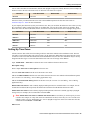
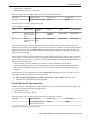
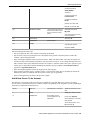
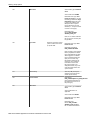
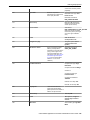
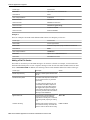
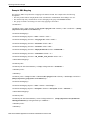
Here are some examples of time formats.
Format
Displayed / entered as
hh:mma
09:34PM (can be entered as 09:34p)
hh:mm:ss
21:34:00
h:m:s
9:34:0
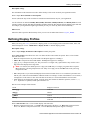
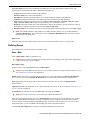
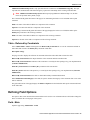
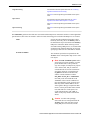
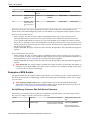
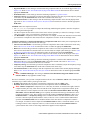
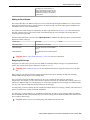
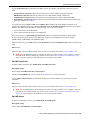
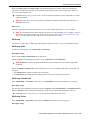
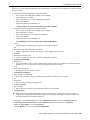
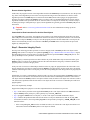
There are several options for displaying Numbers. Select the character you use as the Decimal Symbol (" ." or "
,"), the symbol that separates the integer and decimal parts of a number. Select the character you use as the Group
Symbol (" ,", " .", None or Space), i.e., the symbol used to separate 1000s. Select an option for the Negative Format,
which dictates how negative values are displayed: ‑9.9, (9.9), or 9.9-.
Currency values can have a different Negative Format from other numbers: -s9.9, (s9.9), or s9.9-, where the "s"
represents the currency symbol.
Where Used
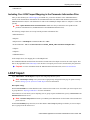
Follow this link to open the data dictionary where you can view the tables that reference CI_DISP_PROF.
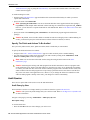
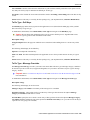
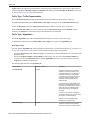
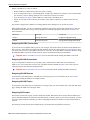
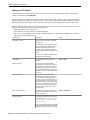
Defining Phone Types
Phone types define the format for entering and displaying phone numbers.
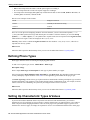
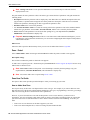
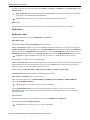
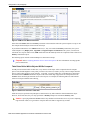
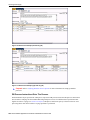
To add or review phone types, choose Admin Menu > Phone Type .
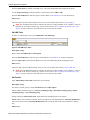
Description of Page
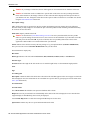
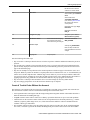
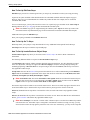
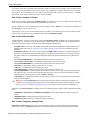
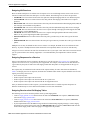
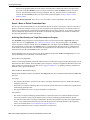
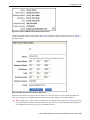
Enter a unique Phone Type and Description for each type of phone number you support.
Select an appropriate Phone Number Format Algorithm for each Phone Type. This algorithm controls the format
for entry and display of phone numbers. Click here to see the algorithm types available for this plug-in spot.
Use Phone Type Flag to define if this type of phone number is a Fax number. Defining which phone type is used for
facsimile transmittal is only pertinent if your product supports routing of information via fax. For example, in Oracle
Utilities Customer Care and Billing, the system may be configured to fax a bill to a customer.
Where Used
Follow this link to open the data dictionary where you can view the tables that reference CI_PHONE_TYPE.
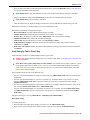
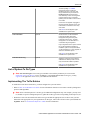
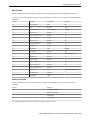
Setting Up Characteristic Types & Values
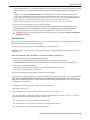
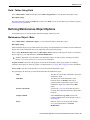
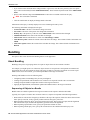
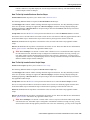
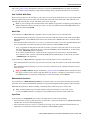
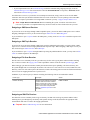
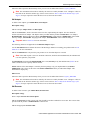
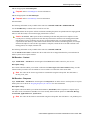
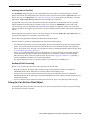
If you need to introduce additional fields to objects that were delivered with minimal fields, you can add a
characteristic type for each field you want to capture. Using the characteristic type approach allows you to add new
fields to objects without changing the database. There are some pages in the system that support a generic list of
characteristics. For those pages, no changes are required for users to view and maintain characteristics. Other pages
22 • Oracle Utilities Application Framework Administration User's Guide