1
CHAPTER 18. PRIMERS
18.3
323
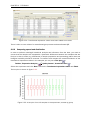
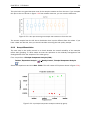
Graphical display of primer information
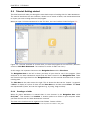
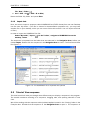
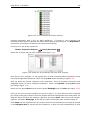
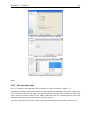
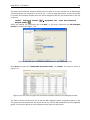
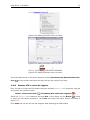
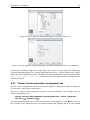
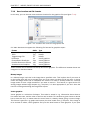
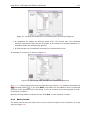
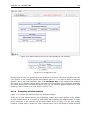
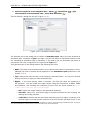
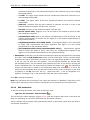
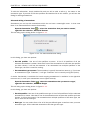
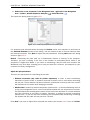
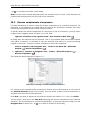
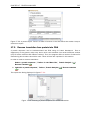
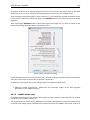
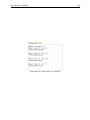
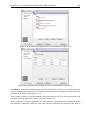
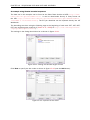
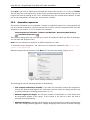
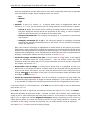
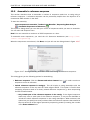
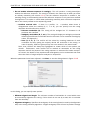
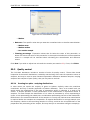
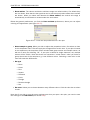
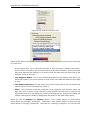
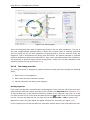
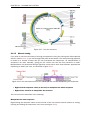
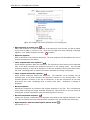
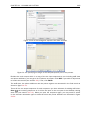
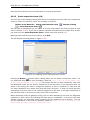
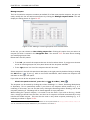
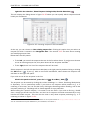
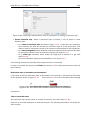
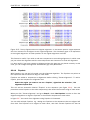
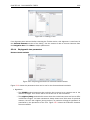
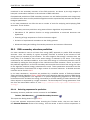
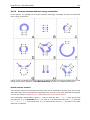
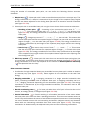
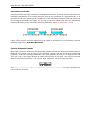
The primer information settings are found in the Primer information preference group in the Side
Panel to the right of the view (see figure 18.3).
There are two different ways to display the information relating to a single primer, the detailed
and the compact view. Both are shown below the primer regions selected on the sequence.
18.3.1
Compact information mode
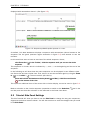
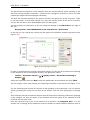
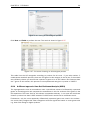
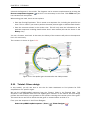
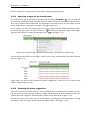
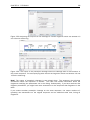
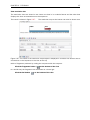
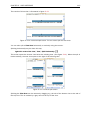
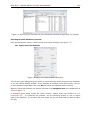
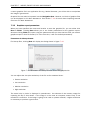
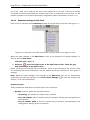
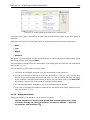
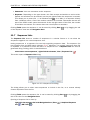
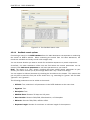
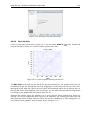
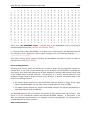
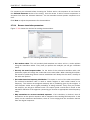
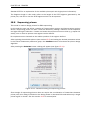
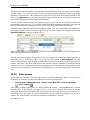
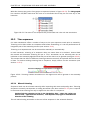
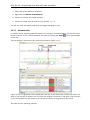
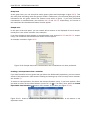
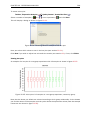
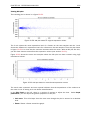
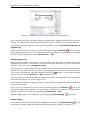
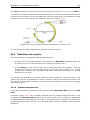
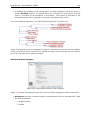
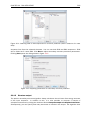
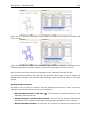
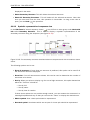
This mode offers a condensed overview of all the primers that are available in the selected region.
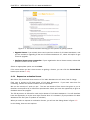
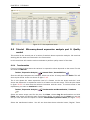
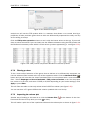
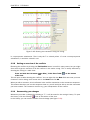
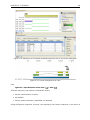
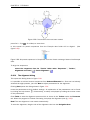
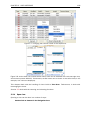
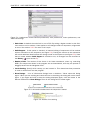
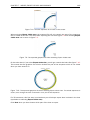
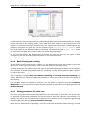
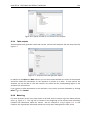
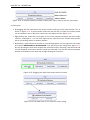
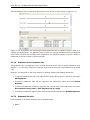
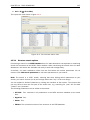
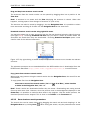
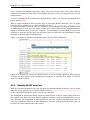
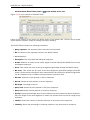
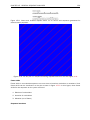
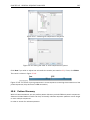
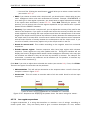
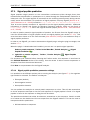
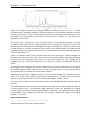
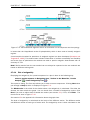
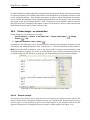
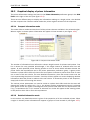
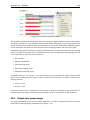
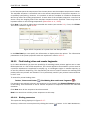
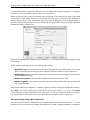
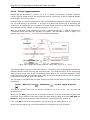
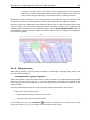
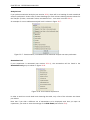
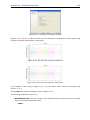
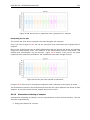
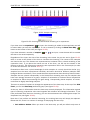
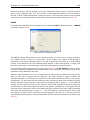
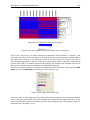
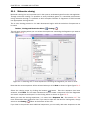
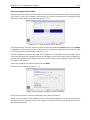
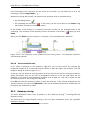
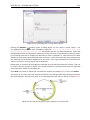
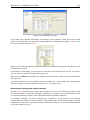
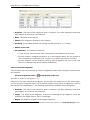
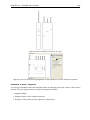
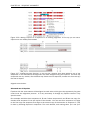
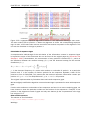
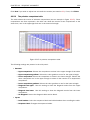
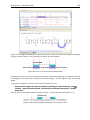
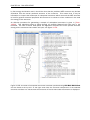
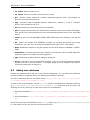
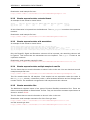
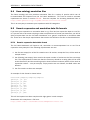
When a region is chosen primer information will appear in lines beneath it (see figure 18.4).
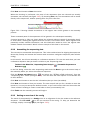
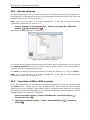
Figure 18.4: Compact information mode
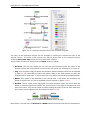
The number of information lines reflects the chosen length interval for primers and probes. One
line is shown for every possible primer-length, if the length interval is widened more lines will
appear. At each potential primer starting position a circle is shown which indicates whether the
primer fulfills the requirements set in the primer parameters preference group. A green primer
indicates a primer which fulfils all criteria and a red primer indicates a primer which fails to meet
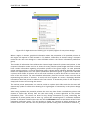
one or more of the set criteria. For more detailed information, place the mouse cursor over the
circle representing the primer of interest. A tool-tip will then appear on screen displaying detailed
information about the primer in relation to the set criteria. To locate the primer on the sequence,
simply left-click the circle using the mouse.
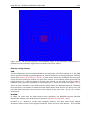
The various primer parameters can now be varied to explore their effect and the view area will
dynamically update to reflect this. If e.g. the allowed melting temperature interval is widened
more green circles will appear indicating that more primers now fulfill the set requirements and
if e.g. a requirement for 3' G/C content is selected, rec circles will appear at the starting points
of the primers which fail to meet this requirement.
18.3.2
Detailed information mode
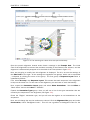
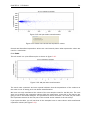
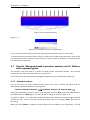
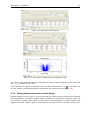
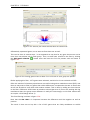
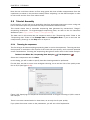
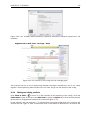
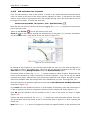
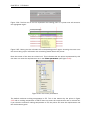
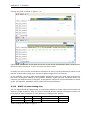
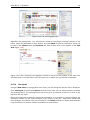
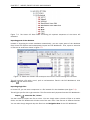
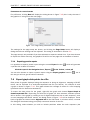
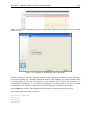
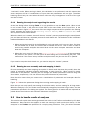
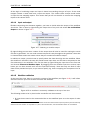
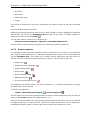
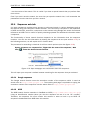
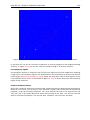
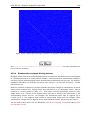
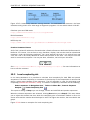
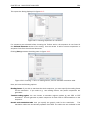
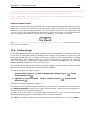
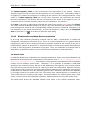
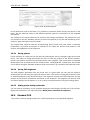
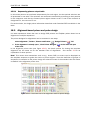
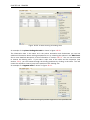
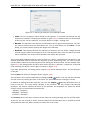
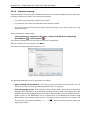
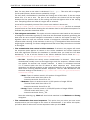
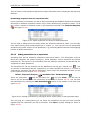
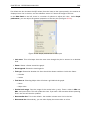
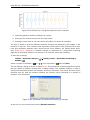
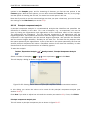
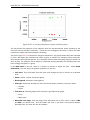
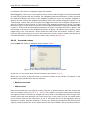
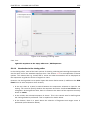
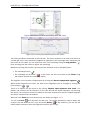
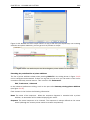
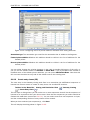
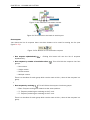
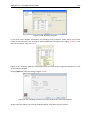
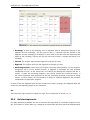
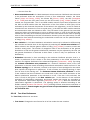
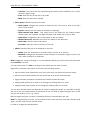
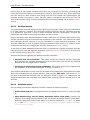
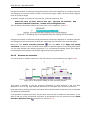
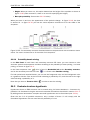
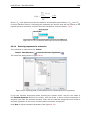
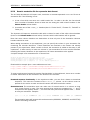
In this mode a very detailed account is given of the properties of all the available primers. When
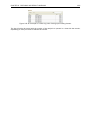
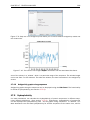
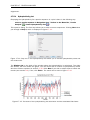
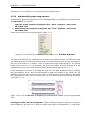
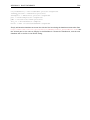
a region is chosen primer information will appear in groups of lines beneath it (see figure 18.5).