1
CHAPTER 21. CLONING AND CUTTING
443
Insert one sequence into another
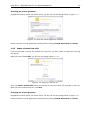
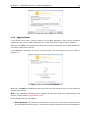
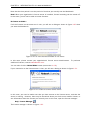
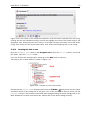
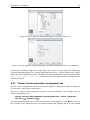
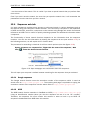
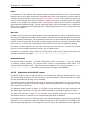
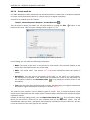
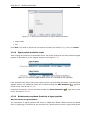
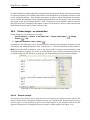
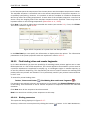
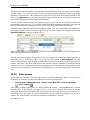
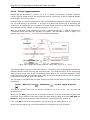
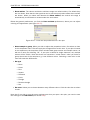
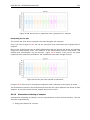
Sequences can be inserted into each other in several ways as described in the lists above. When
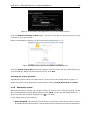
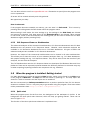
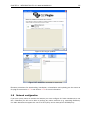
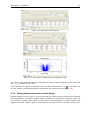
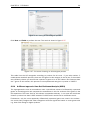
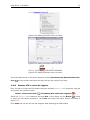
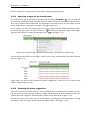
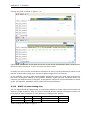
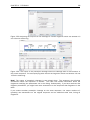
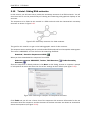
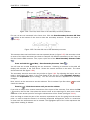
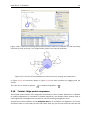
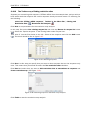
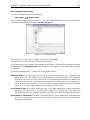
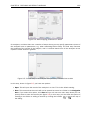
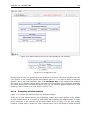
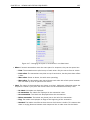
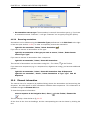
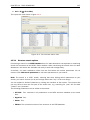
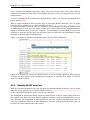
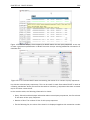
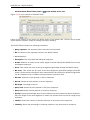
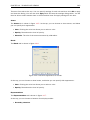
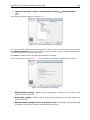
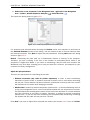
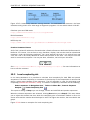
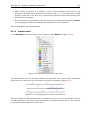
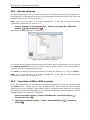
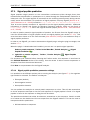
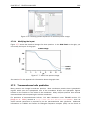
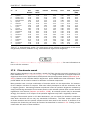
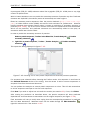
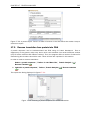
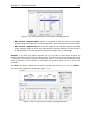
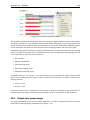
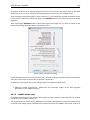
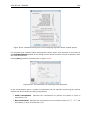
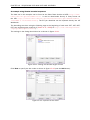
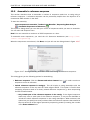
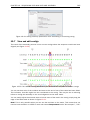
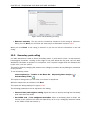
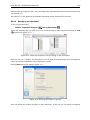
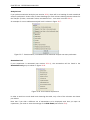
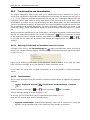
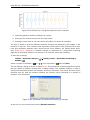
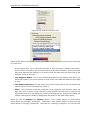
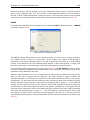
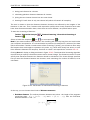
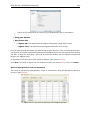
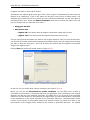
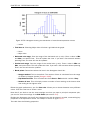
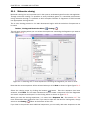
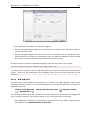
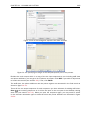
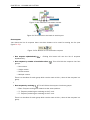
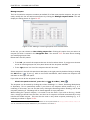
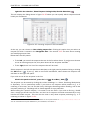
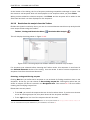
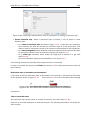
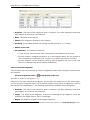
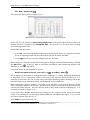
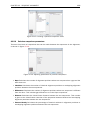
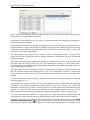
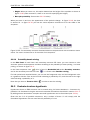
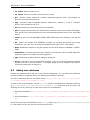
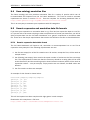
you chose to insert one sequence into another you will be presented with a dialog where all
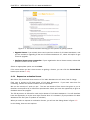
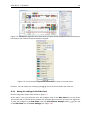
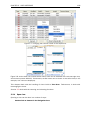
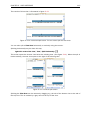
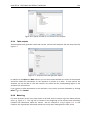
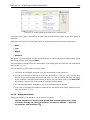
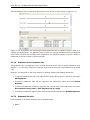
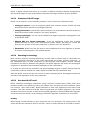
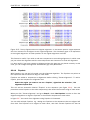
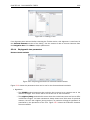
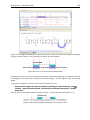
sequences in the view are present (see figure 21.11).
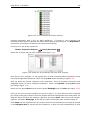
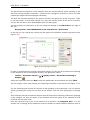
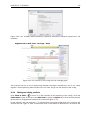
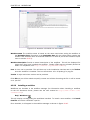
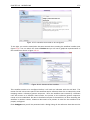
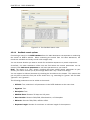
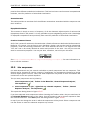
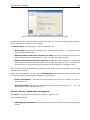
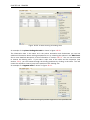
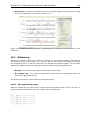
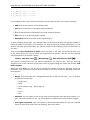
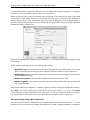
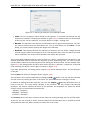
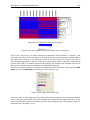
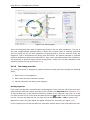
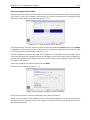
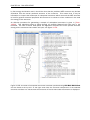
Figure 21.11: Select a sequence for insertion.
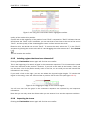
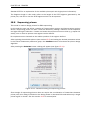
The sequence that you have chosen to insert into will be marked with bold and the text [vector]
is appended to the sequence name. Note that this is completely unrelated to the vector concept
in the cloning work flow described in section 21.1.2.
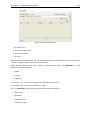
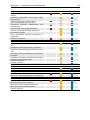
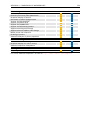
The list furthermore includes the length of the fragment, an indication of the overhangs, and a
list of enzymes that are compatible with this overhang (for the left and right ends, respectively).
If not all the enzymes can be shown, place your mouse cursor on the enzymes, and a full list will
be shown in the tool tip.
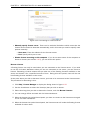
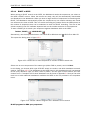
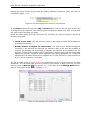
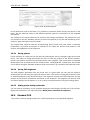
Select the sequence you wish to insert and click Next.
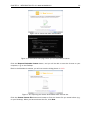
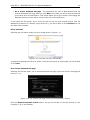
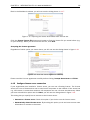
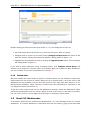
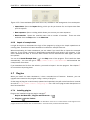
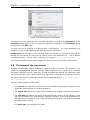
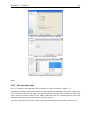
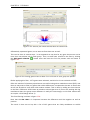
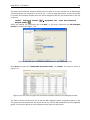
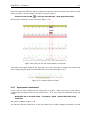
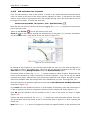
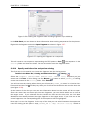
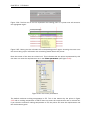
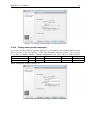
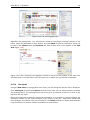
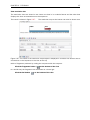
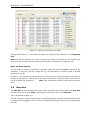
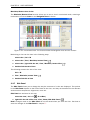
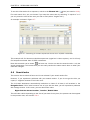
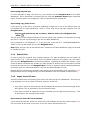
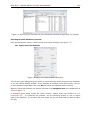
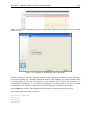
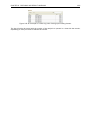
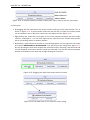
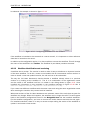
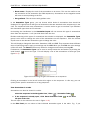
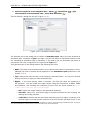
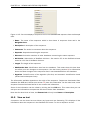
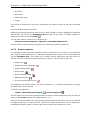
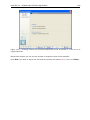
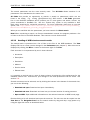
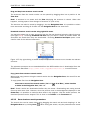
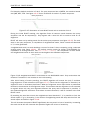
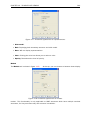
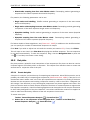
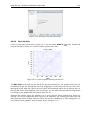
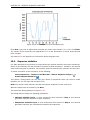
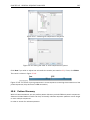
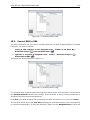
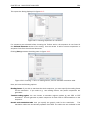
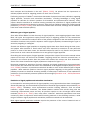
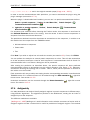
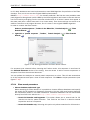
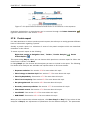
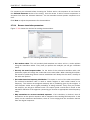
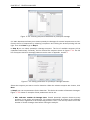
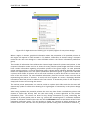
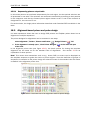
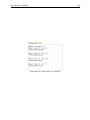
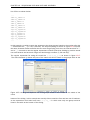
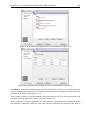
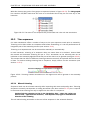
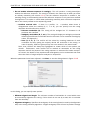
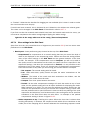
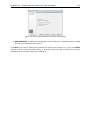
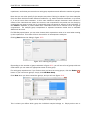
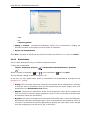
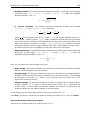
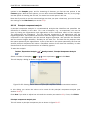
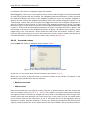
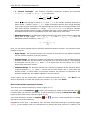
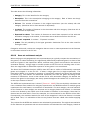
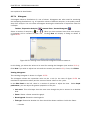
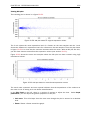
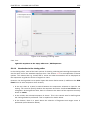
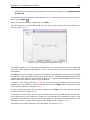
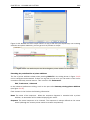
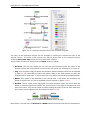
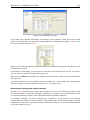
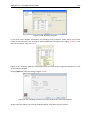
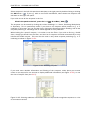
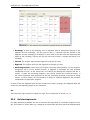
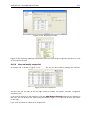
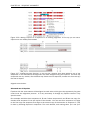
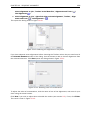
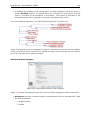
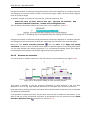
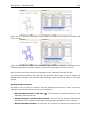
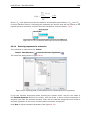
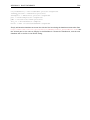
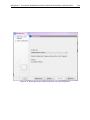
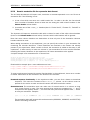
This will show the dialog in figure 21.12).
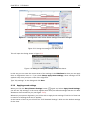
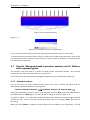
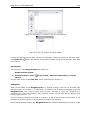
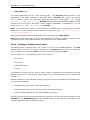
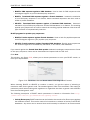
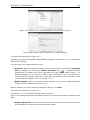
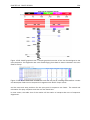
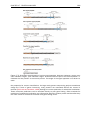
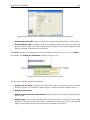
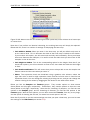
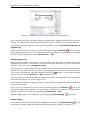
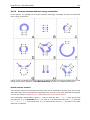
Figure 21.12: Drag the handles to adjust overhangs.
At the top is a button to reverse complement the inserted sequence.
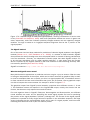
Below is a visualization of the insertion details. The inserted sequence is at the middle shown in
red, and the vector has been split at the insertion point and the ends are shown at each side of
the inserted sequence.