1
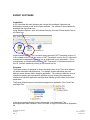
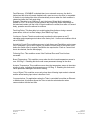
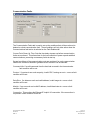
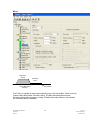
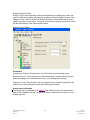
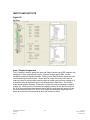
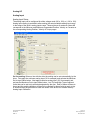
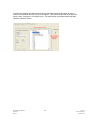
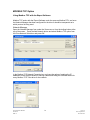
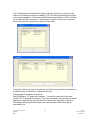
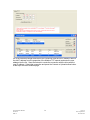
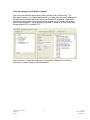
Fault Enables
CAUTION
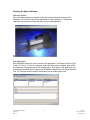
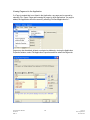
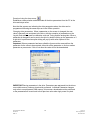
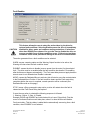
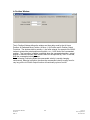
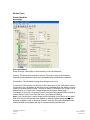
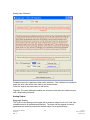
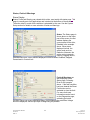
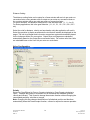
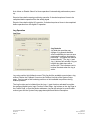
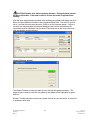
This feature allows the user to select the action taken by the drive for
various fault conditions. Selecting Disable means the drive is immediately
disabled for drive, motor and customer tooling protections. If selections
other than DISABLE are chosen it is up to the user to disable the drive as
soon as possible if any of these conditions occur. Failure to act on these
conditions could cause permanent damage to the drive or motor/actuator.
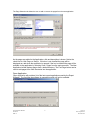
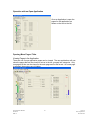
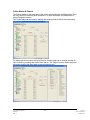
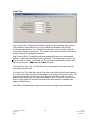
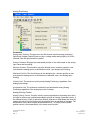
The action generated from a fault condition can be selected.
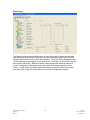
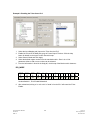
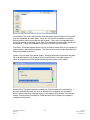
WARN- causes a warning status and the Warning Output function to be active, the
Warning will clear when the fault condition clears.
DISABLE- causes the drive to disable (remove power from the motor) for the selected
fault. The drive must be re-enabled after the fault condition has cleared. Re-enabling
after fault does not happen automatically. The Fault reset delay does not apply because
an auto-reset is not allowed when Disable is selected.
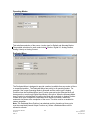
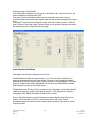
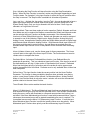
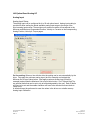
MOVE- causes the Dedicated Move to activate, this will start to move the motor/actuator
to the Dedicated Move Position. If the fault condition clears and the Fault reset delay
completes before the move is complete, normal operation will be continued.(See
Dedicated Move tab on this page)
STOP- Issues a Stop command to stop motion, motion will restart when the fault is
cleared and the Fault Reset Delay has expired.
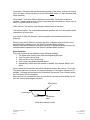
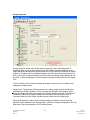
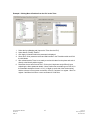
If more the one action is selected the following sequence is followed.
1. Warning, 2.Move, 3. Stop, 4. Disable
Example: MOVE and DISABLE are both checked for a Loss of Signal fault. First the
move to Dedicated Position would take place, when it is done the drive will disable.
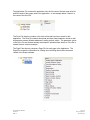
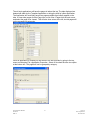
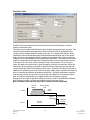
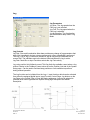
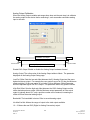
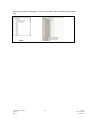
Fault reset delay- This time delay is added before automatically recovering from a fault
condition, when DISABLE is not selected.
Expert Software Manual
PN 47703
REV A
21
12/17/10
Exlar Corporation
952-368-3434