1
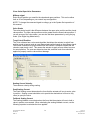
Key Application Pages
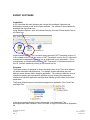
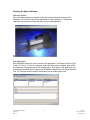
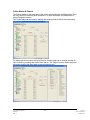
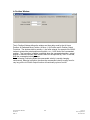
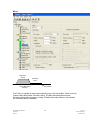
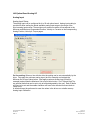
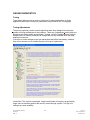
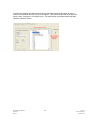
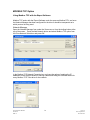
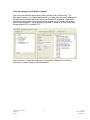
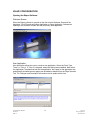
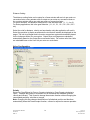
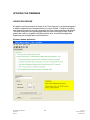
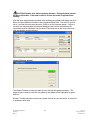
With an open application the key pages or tabs that should be addressed for a specific
application are:
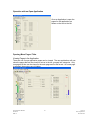
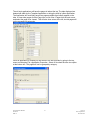
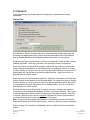
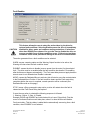
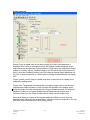
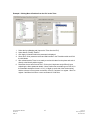
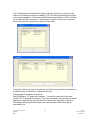
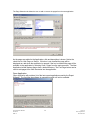
1. System Setup page, for startup options, limits, fault enables, operating
modes, Dedicated move and In Position Window. See System Setup section
for details.
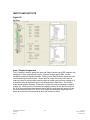
2. I/O page, for setup of digital I/O assignments. See Digital Input and Output
section for detail and descriptions of I/O functions.
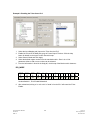
3. Home page for set of the Home cycle. See Home Description Section for
details.
4. Move page for setup of motion controlled by digital I/O see Move Description
Section for Details.
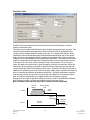
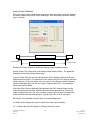
5. Jog page for set of Jog mode, even if the Jog function is not used in the final
application it can be handy to test initial motion. See Jog section for details.
6. If Analog Position, Velocity or Torque Modes are used open the appropriate
page and see Analog Input section for parameter details.
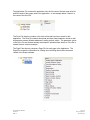
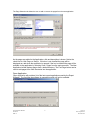
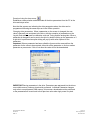
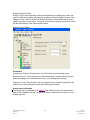
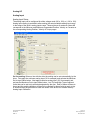
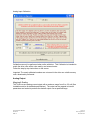
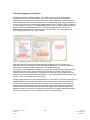
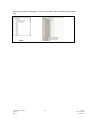
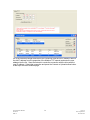
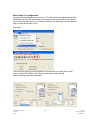
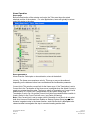
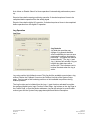
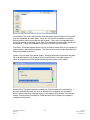
As parameters are changed the text will turn RED, this indicates the parameter
has been changed but the drive file with change has not been saved, this
indication is also shown when Online operation is active, so if a file is uploaded,
any parameters that are different than the open file will show as red.
Expert Software Manual
PN 47703
REV A
14
12/17/10
Exlar Corporation
952-368-3434