1
Communication between PC and Tritex
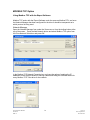
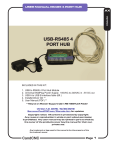
The Actuator uses an RS 485 hardware connection with a Modbus RTU protocol,
therefore an adapter will be required to interface from the PC RS232 or USB port to the
RS485 port. See Installation section for Details on the RS485 port.
If the PC has an RS-232 port, skip the device driver section below.
Device Drivers
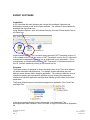
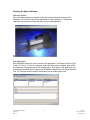
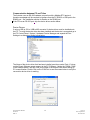
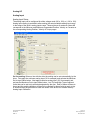
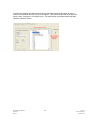
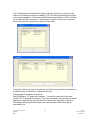
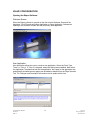
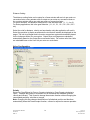
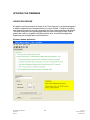
If using a USB to 232 or USB to 485 converter it’s device driver must be installed onto
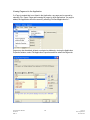
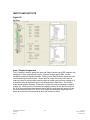
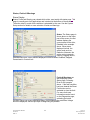
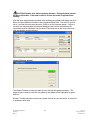
the PC. To verify the device driver has been installed and the device is recognized go to
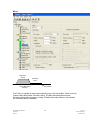
the PC Control Panel / System / Hardware/ Device Manager and expand the Port
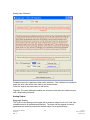
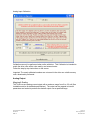
Settings to a dialog box similar to that below.
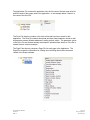
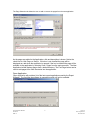
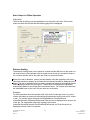
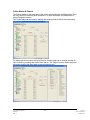
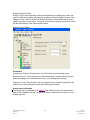
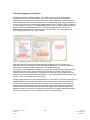
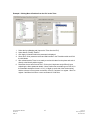
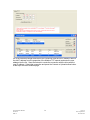
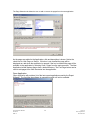
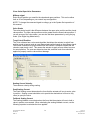
The Name of the device driver that has been installed must show under Ports, if it does
not the Expert Software cannot connect to the PC COM port. Notice the COM#, COM5
in the example above; use this COM port number in the Expert Softer when setting up
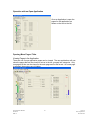
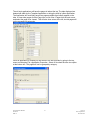
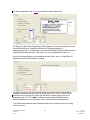
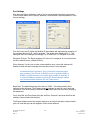
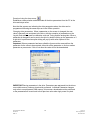
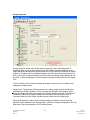
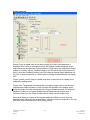
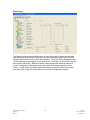
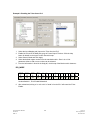
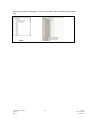
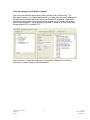
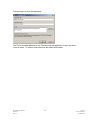
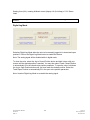
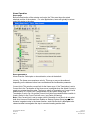
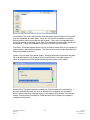
PC communication. Double Click on the COM Port to see the screen below to verify the
converter’s device driver is working.
Expert Software Manual
PN 47703
REV A
15
12/17/10
Exlar Corporation
952-368-3434