1
EXPERT SOFTWARE
Installation
A CD is provided with each Actuator and contains the Installation Operation and
Maintenance manual as well as the Expert software. The software is also available for
download from www.Exlar.com
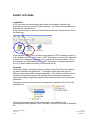
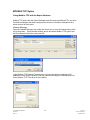
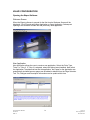
Using Windows Explorer, open the Software Directory from the CD and double Click on
the Setup Icon.
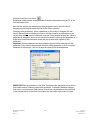
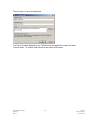
Expert software version 1.4.2.0 and later require Microsoft .NET Framework version 2.0
to be installed on the PC. If this version of .NET Framework is not on the PC a Microsoft
message will be displayed suggesting you go to Microsoft.com to download it. This is
not necessary as a distributable version of .NET Framework 2.0 has been included on
the CD, it can be installed by clicking on the donetfx.exe file.
Overview
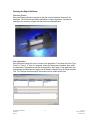
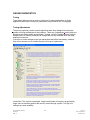
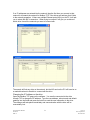
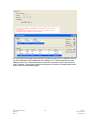
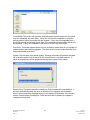
The Expert software is designed to allow customized views of the Tritex drive features
for various industries and applications. For example a valve application may use
different motion features than a clamping application. The concept of different views is
intended to simplify and customize the operation by only showing the parameters
needed for the specific application and also allow industry specific names for the drive
parameters.
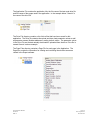
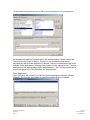
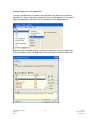
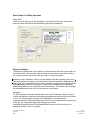
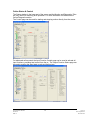
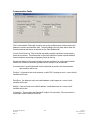
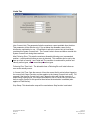
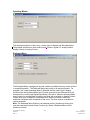
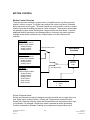
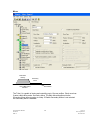
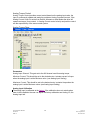
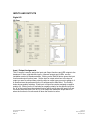
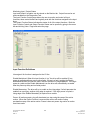
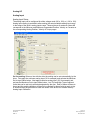
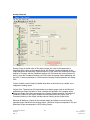
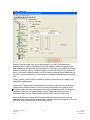
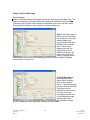
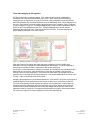
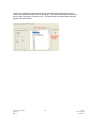
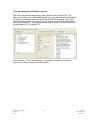
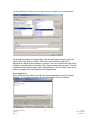
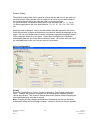
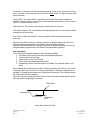
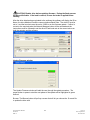
The Expert Software uses a hierarchical arrangement of Application Files, Drive Files
and Page Files.
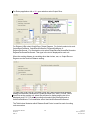
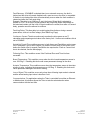
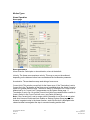
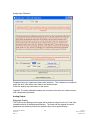
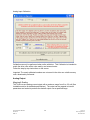
In the above example Analog Position and app test 1 are Application Files.
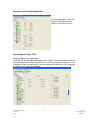
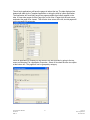
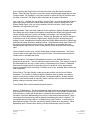
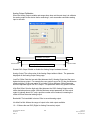
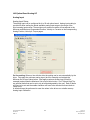
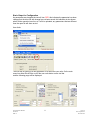
Each Application folder contains a Drive File folder, a Page File folder and an Application
file.
Expert Software Manual
PN 47703
REV A
4
12/17/10
Exlar Corporation
952-368-3434