1
Utilities
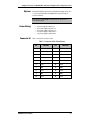
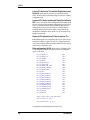
Read config(uration) DWORD. Allows read from configuration
space. Has options for single read, loop read with display, and loop read
without display.
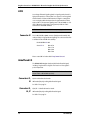
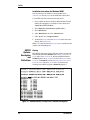
Configure BARs from File. Reloads the PCI configuration of the
“active” device from a file. It writes 0x001F to the command register, and
writes the 6 bars with the values from the file. This is useful for hot-swapping devices (power switch still required on extender), or reinitializing a
device when its configuration has been altered.
WARNING: Because the PCI BIOS is not assigning the BARs for this device,
you may induce a memory conflict by using this option. This option is for
advanced users only!
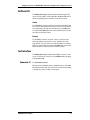
Save Bar Configuration to File. Writes PCI Device ID, Vendor ID and
the BARs into a file (from the “active” device). This option is for advanced
users only!
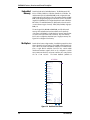
Memory Menu
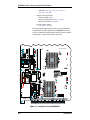
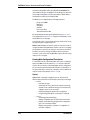
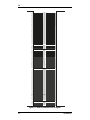
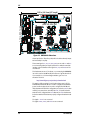
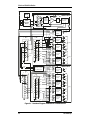
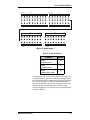
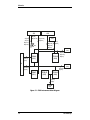
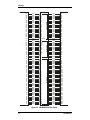
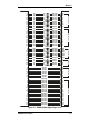
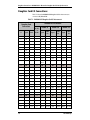
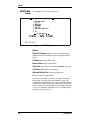
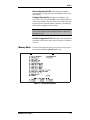
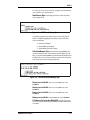
The memory menu (Figure 9-5) allows you to perform a variety of tests of
PCI memory along with some DN5000k10 specific tasks.
Figure 9-5 AETEST Memory Menu
DN5000k10 User’s Manual
9-9