1
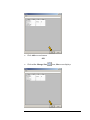
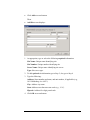
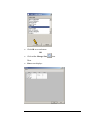
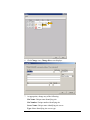
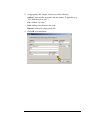
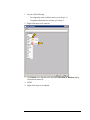
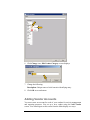
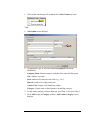
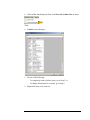
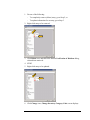
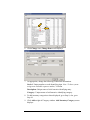
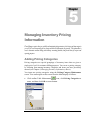
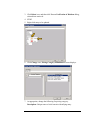
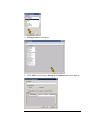
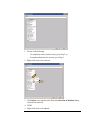
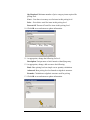
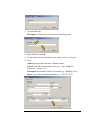
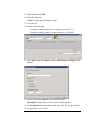
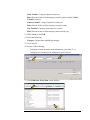
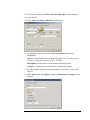
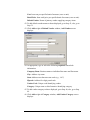
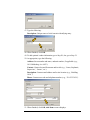
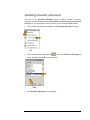
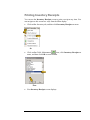
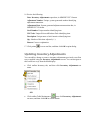
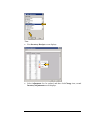
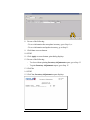
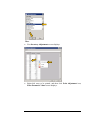
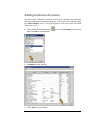
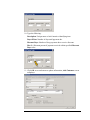
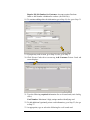
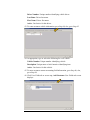
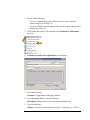
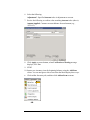
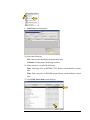
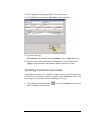
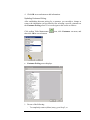
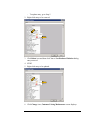
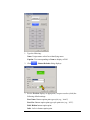
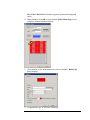
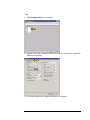
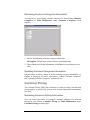
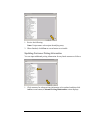
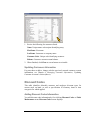
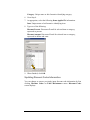
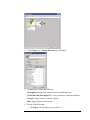
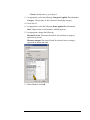
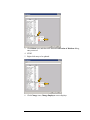
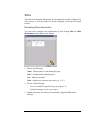
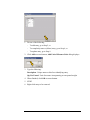
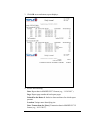
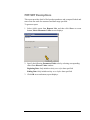
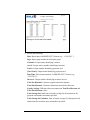
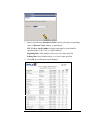
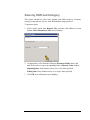
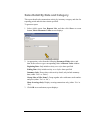
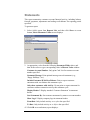
5 Chapter Managing Inventory Pricing Information DataManager requires that you establish and maintain pricing structures for the items and item categories you sell. You can subsequently add to, change and delete the information you provide. This information is used to determine customer billing and inventory accounting methods, and provide data for export and reporting purposes. Adding Pricing Categories Pricing categories are special groupings of inventory items that are given a single price level for customer billing purposes. You create a pricing category by selecting from among inventory categories and items you have previously entered (see Chapter 4, Managing Inventory Information, above). You input new pricing categories using the Pricing Category Maintenance screen. You can navigate to this screen from the Main display as follows: Click toolbar Table Maintenance icon; click Pricing Categories on menu, and then click OK at screen bottom. 61