1
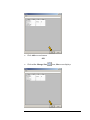
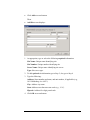
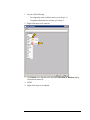
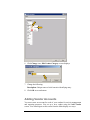
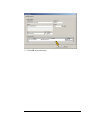
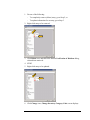
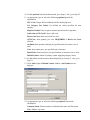
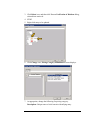
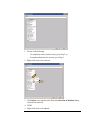
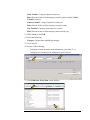
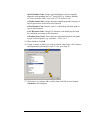
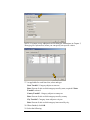
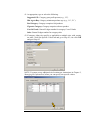
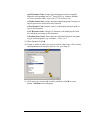
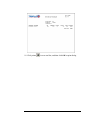
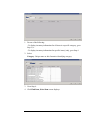
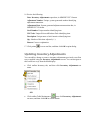
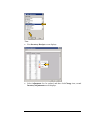
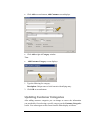
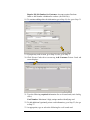
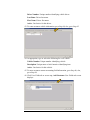
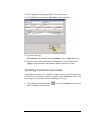
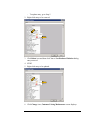
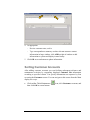
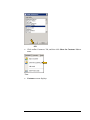
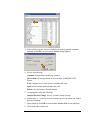
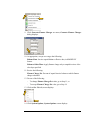
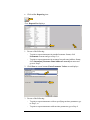
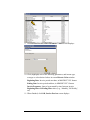
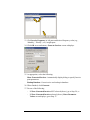
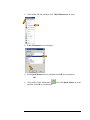
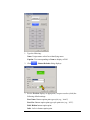
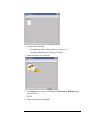
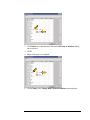
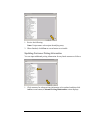
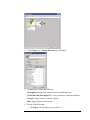
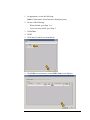
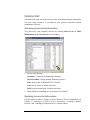
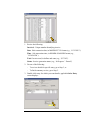
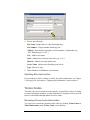
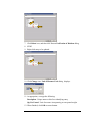
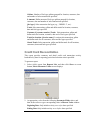
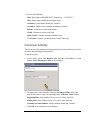
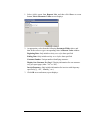
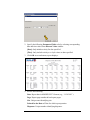
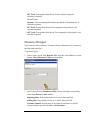
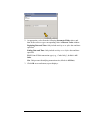
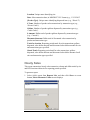
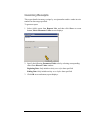
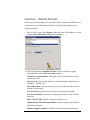
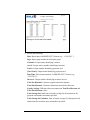
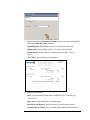
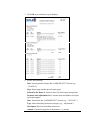
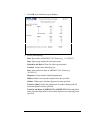
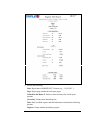
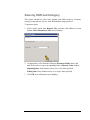
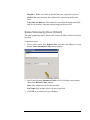
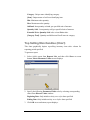
1. Select (click) report from Reports List, and then click Show at screen
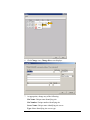
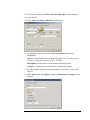
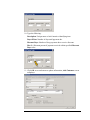
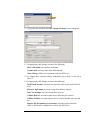
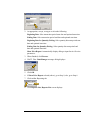
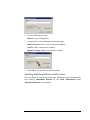
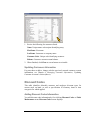
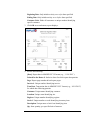
bottom; Enter Parameter Values screen displays:
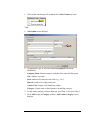
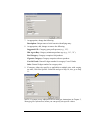
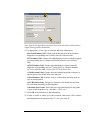
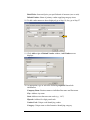
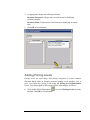
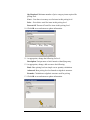
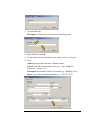
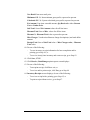
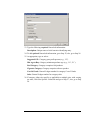
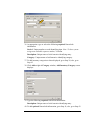
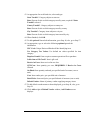
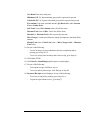
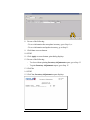
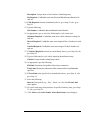
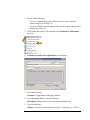
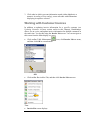
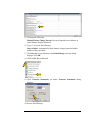
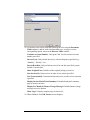
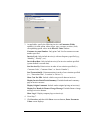
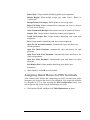
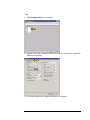
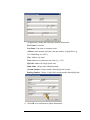
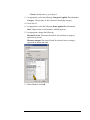
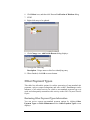
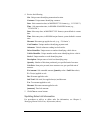
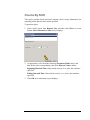
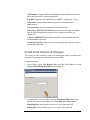
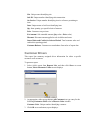
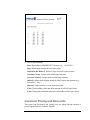
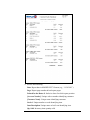
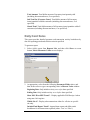
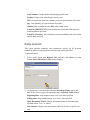
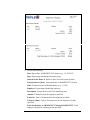
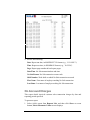
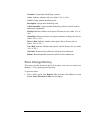
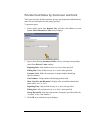
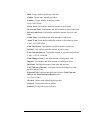
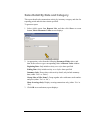
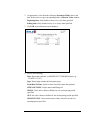
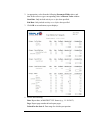
2. As appropriate, select from the following Parameter Fields values, and
then in turn select or type corresponding value in Discrete Value window:
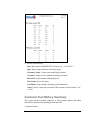
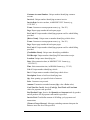
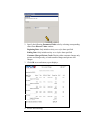
Beginning Date: Only include activity on or after date specified.
Ending Date: Only include activity on or before date specified.
CustomerNumber: Unique number identifying customer.
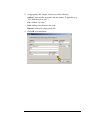
Display One Customer Per Page?: Display information for one customer
only per report page (either ‘Yes’ or ‘No’).
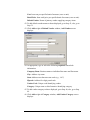
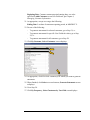
InvoiceFrequency: Only include information for invoices with frequency
specified (e.g., ‘All’, ‘Monthly’, etc.).
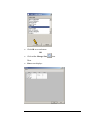
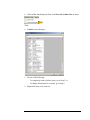
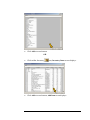
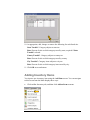
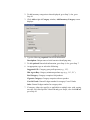
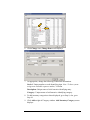
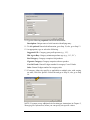
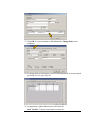
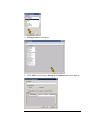
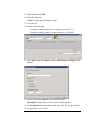
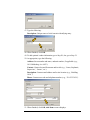
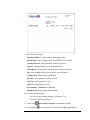
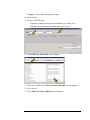
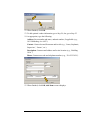
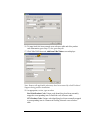
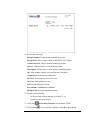
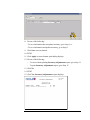
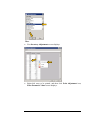
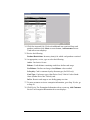
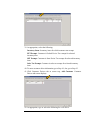
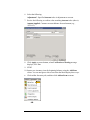
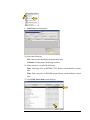
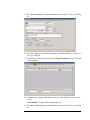
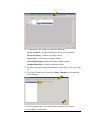
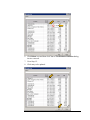
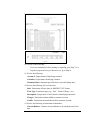
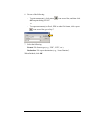
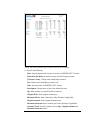
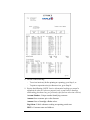
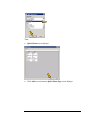
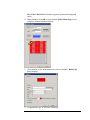
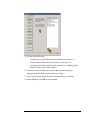
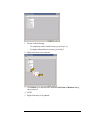
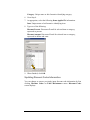
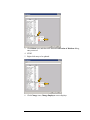
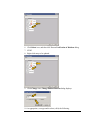
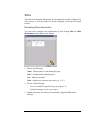
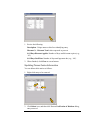
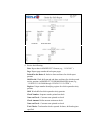
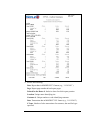
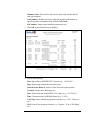
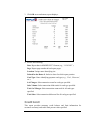
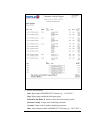
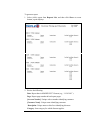
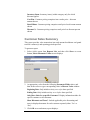
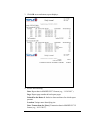
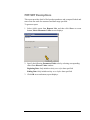
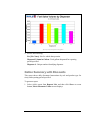
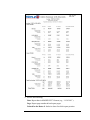
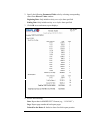
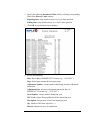
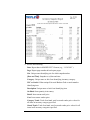
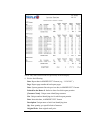
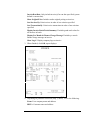
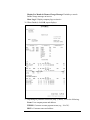
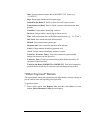
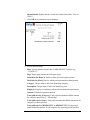
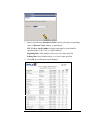
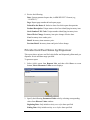
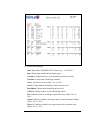
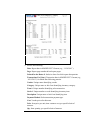
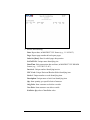
3. Click OK at screen bottom; report displays:
303