1
1D Display
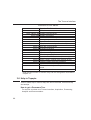
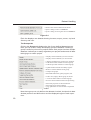
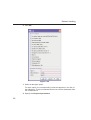
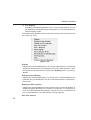
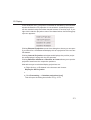
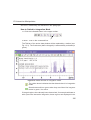
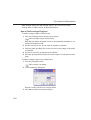
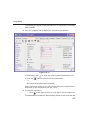
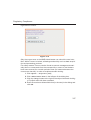
changing to different dataset [.keep]. Effects all data windows.
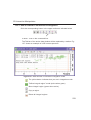
Alternatively, you can enter the corresponding commands as specified beINDEX
tween square brackets [].
DONE
INDEX
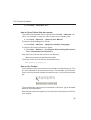
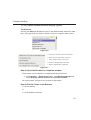
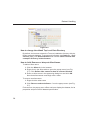
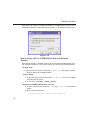
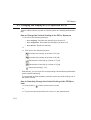
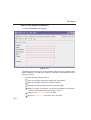
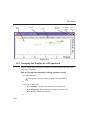
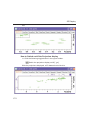
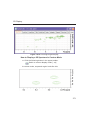
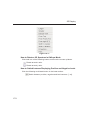
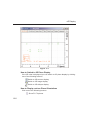
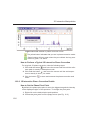
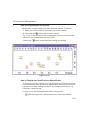
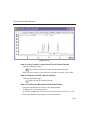
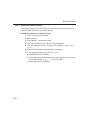
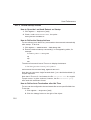
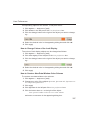
How to Shift a Spectral Region to the Left or to the Right
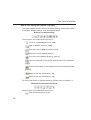
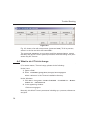
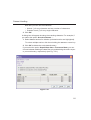
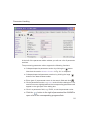
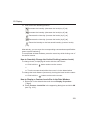
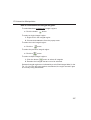
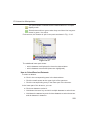
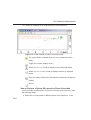
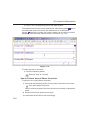
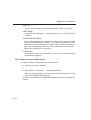
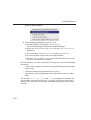
Click-hold the following button and move the mouse:
Smoothly shift to left or right.
or
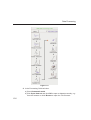
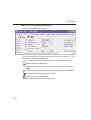
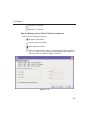
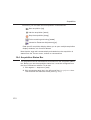
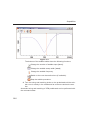
Click one of the following buttons:
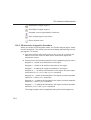
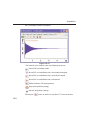
Shift to the left, half of the displayed region [.sl].
Shift to the right, half of the displayed region [.sr].
Shift to the extreme left edge of the spectrum [.sl0].
Shift to the extreme right edge of the spectrum [.sr0].
Alternatively, you can enter the corresponding commands as specified between square brackets [].
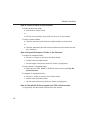
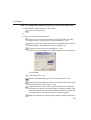
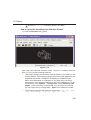
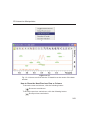
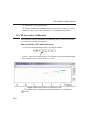
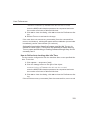
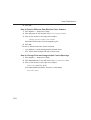
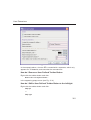
How to Shift the Spectrum Up or Down
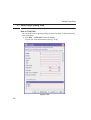
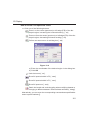
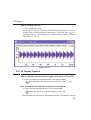
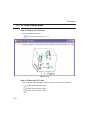
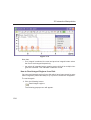
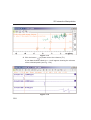
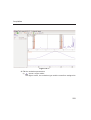
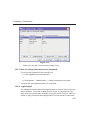
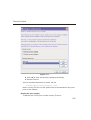
To shift the FID or spectrum display up or down:
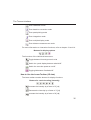
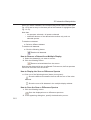
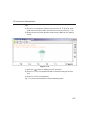
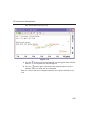
Click-hold the button and move the mouse:
Smoothly shift the spectrum baseline up/down.
or
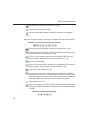
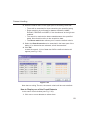
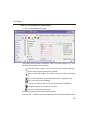
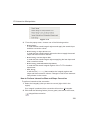
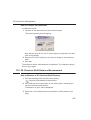
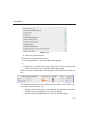
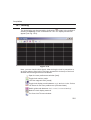
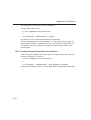
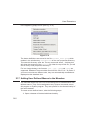
Click one of the following buttons:
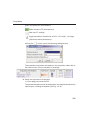
Shift the spectrum baseline to the middle of the data field [.su].
Shift the spectrum baseline to the bottom of the data field [.sd].
Alternatively, you can enter the corresponding commands as specified between square brackets [].
120