1
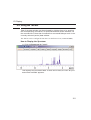
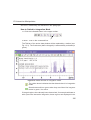
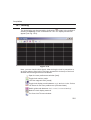
1D Display
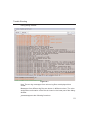
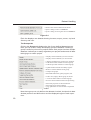
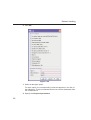
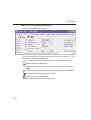
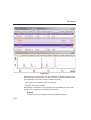
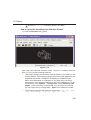
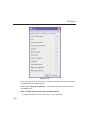
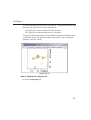
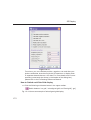
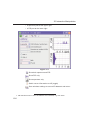
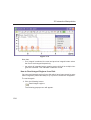
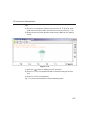
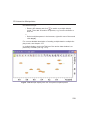
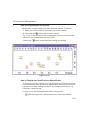
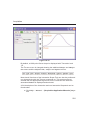
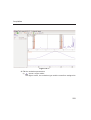
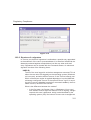
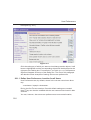
• Secondary structure elements of proteins (backbone, cartoons, ribbons, ...) can be displayed in selectable sizes and colors.
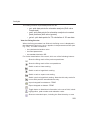
• Mouse button effects:
INDEX
Rotate a molecule aroundDONE
the x- and y-axis
by pressing the left mouse
INDEX
button, and moving the mouse left/right or up/down, respectively.
Rotate a molecule around the z-axis by pressing the middle mouse
button and moving the mouse left/right.
Zoom in or out a molecule by pressing the middle mouse button, and
moving the mouse up or down.
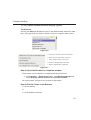
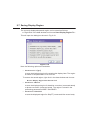
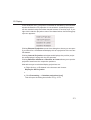
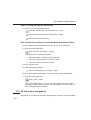
• RASmol command scripts are supported. To send a RASmol com-
mand to the currently displayed molecule enter:
jmol <RASmol command>
Here are some example:
jmol zoom 400
jmol ribbon 200
jmol color ribbon yellow
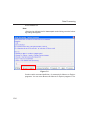
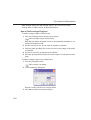
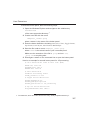
You may create TOPSPIN macros containing RASmol commands. Just
enter edmac on the TOPSPIN command line and insert the RASmol
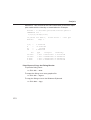
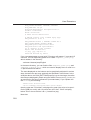
commands in the appearing editor. Here is an example:
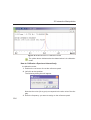
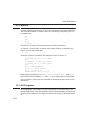
jmol load /mystructures/alphahelix.pdb # load a structure
jmol backbone 0.7 # display its backbone with 0.7 Angstrom size
jmol color backbone yellow # change backbone color
jmol background green # change background color
jmol zoom 200 # zoom structure
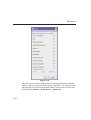
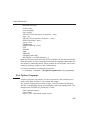
The available RASmol commands are described in the Jmol Help
menu.
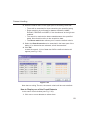
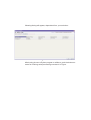
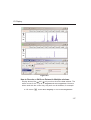
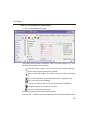
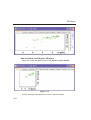
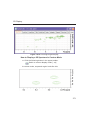
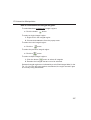
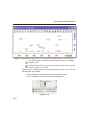
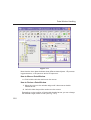
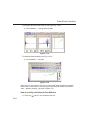
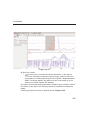
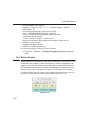
• Multiple molecules (or multiple aspects of one molecule) can be displayed simultaneously. To do that just open multiple data sets or open
the same dataset in multiple data windows and click on the Structure
Tab in each window.
144