1
Acquisition
16.7 Locking
INDEX
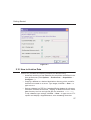
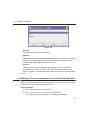
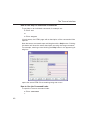
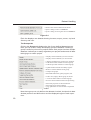
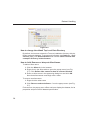
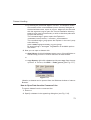
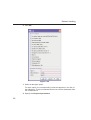
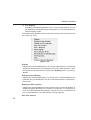
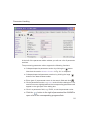
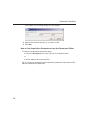
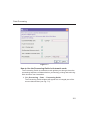
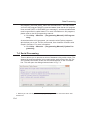
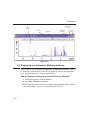
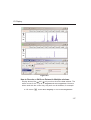
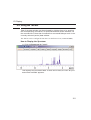
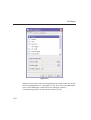
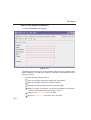
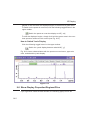
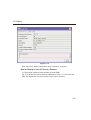
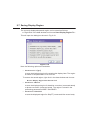
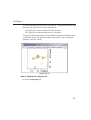
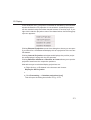
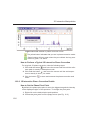
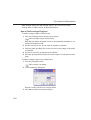
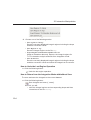
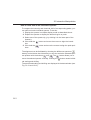
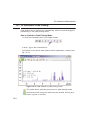
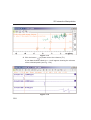
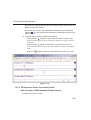
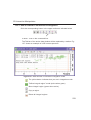
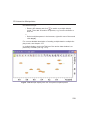
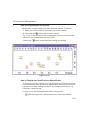
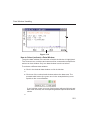
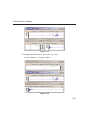
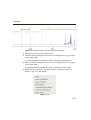
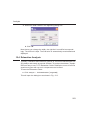
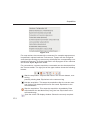
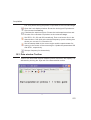
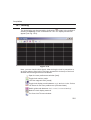
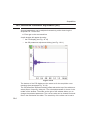
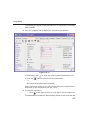
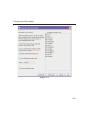
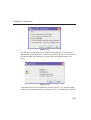
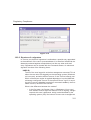
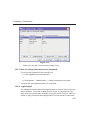
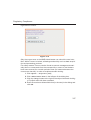
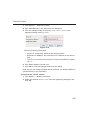
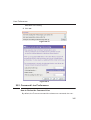
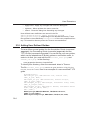
The lock display
can be opened by clicking the
button in the toolbar or
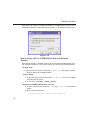
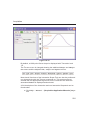
entering lockdisp on the command line. The lock display window will
INDEX
DONE
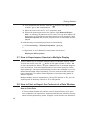
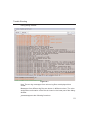
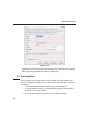
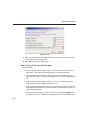
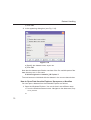
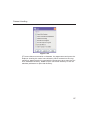
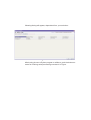
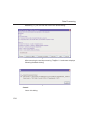
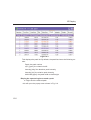
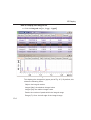
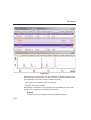
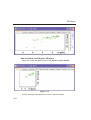
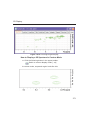
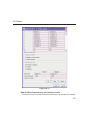
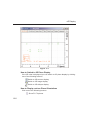
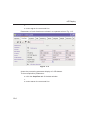
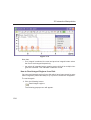
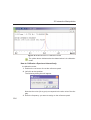
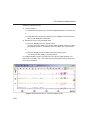
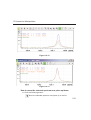
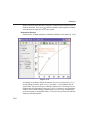
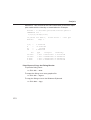
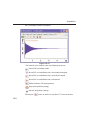
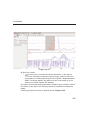
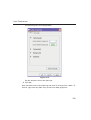
appear (see Fig. 16.8).
:
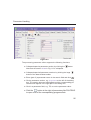
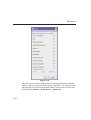
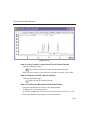
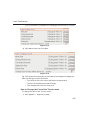
Figure 16.8
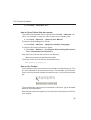
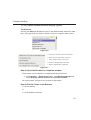
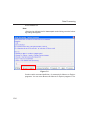
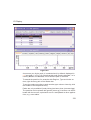
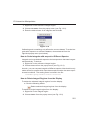
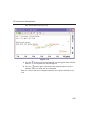
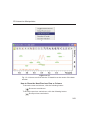
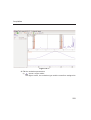
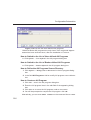
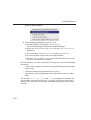
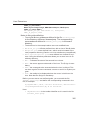
Here, you can view the lock signal, either during the lock-in procedure or,
as shown above, after lock-in has been successful. At the top of the lock
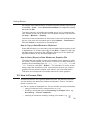
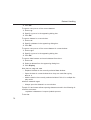
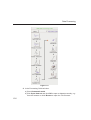
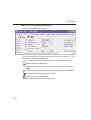
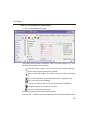
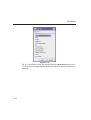
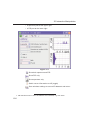
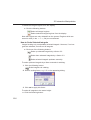
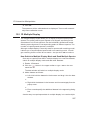
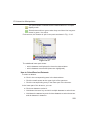
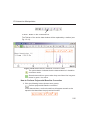
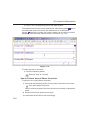
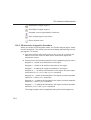
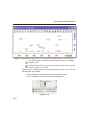
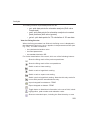
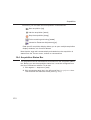
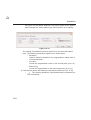
window the following buttons are available:
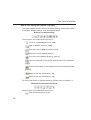
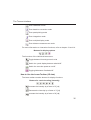
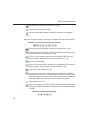
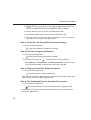
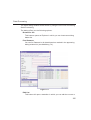
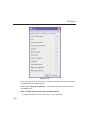
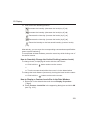
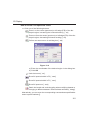
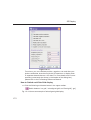
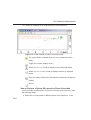
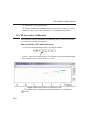
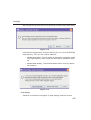
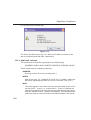
Open the user preferences window [set].
Toggle lock monitor mode.
Lock the magnetic field [lock].
Toggle lock display mode between single and dual color. Colors
can be set in the User preferences (command set).
Switch grid mode between both, vertical, horizontal and off.
Make the lock display external.
Put focus into TOPSPIN window.
281