1
2D Display
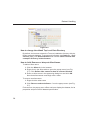
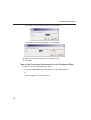
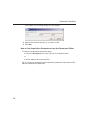
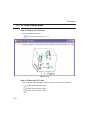
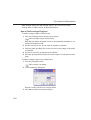
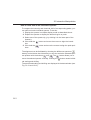
How to Display the FID
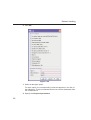
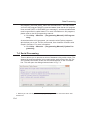
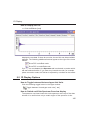
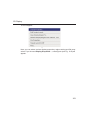
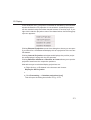
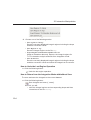
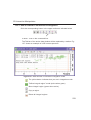
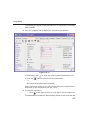
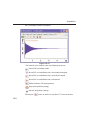
Click the Fid tab [fid]
INDEX
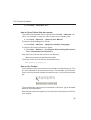
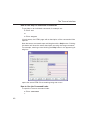
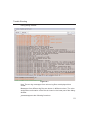
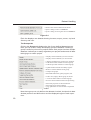
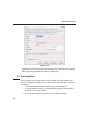
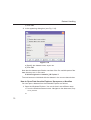
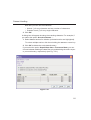
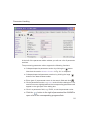
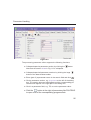
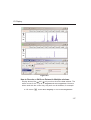
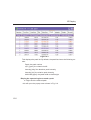
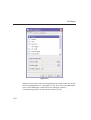
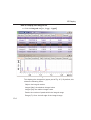
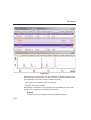
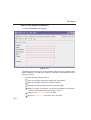
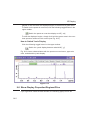
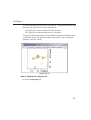
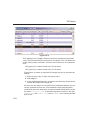
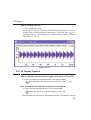
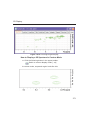
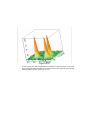
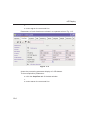
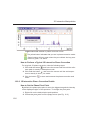
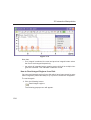
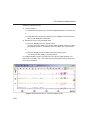
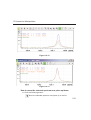
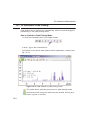
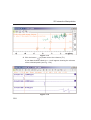
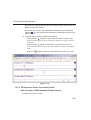
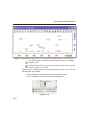
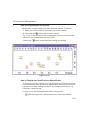
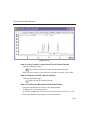
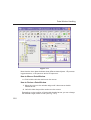
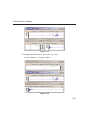
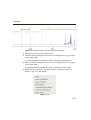
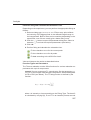
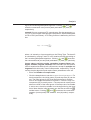
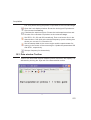
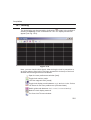
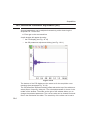
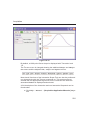
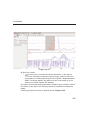
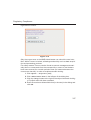
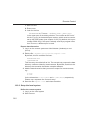
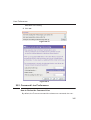
2D raw data consist of a series of FIDs which are displayed in a row. InINDEX
DONE
dividual FIDs
can be displayed
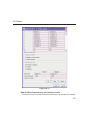
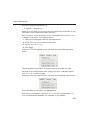
by zooming in. To do that, click
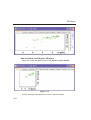
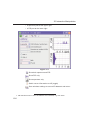
repeatedly. Now you can shift and zoom in/out the data to display different
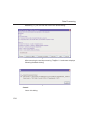
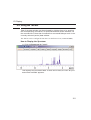
FIDs (see Fig. 10.12)
.
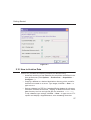
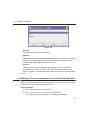
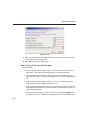
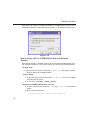
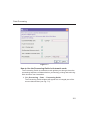
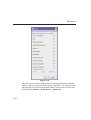
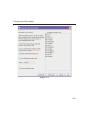
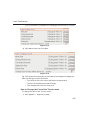
Figure 10.12
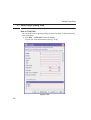
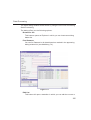
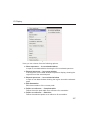
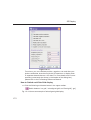
10.5 2D Display Options
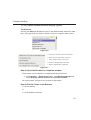
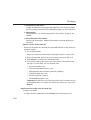
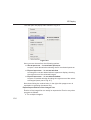
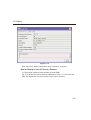
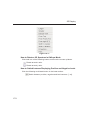
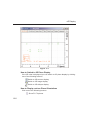
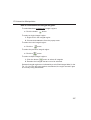
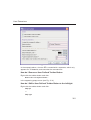
How to Switch between Hertz and ppm Axis Units in F2 and F1
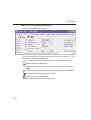
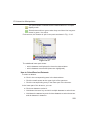
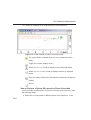
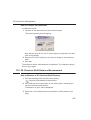
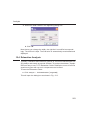
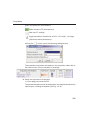
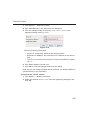
Click the following multi-state button in the upper toolbar:
Switch between Hz and ppm axis units in F2 and F1 [.hz]
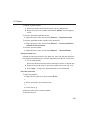
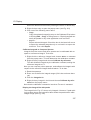
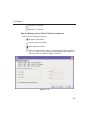
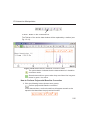
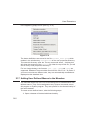
How to Switch on/off the Spectrum Overview display
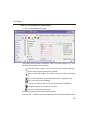
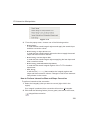
Click the following toggle button in the upper toolbar:
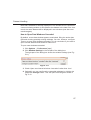
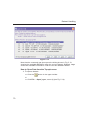
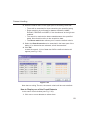
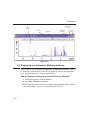
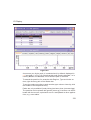
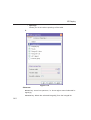
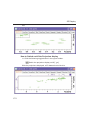
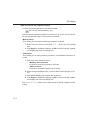
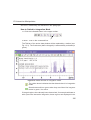
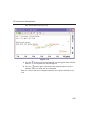
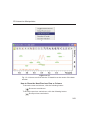
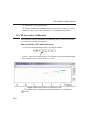
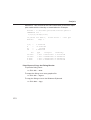
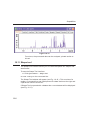
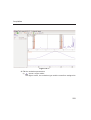
Switch the spectrum overview display on/off [.ov]
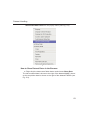
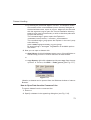
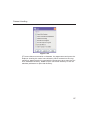
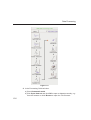
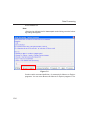
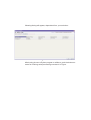
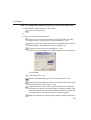
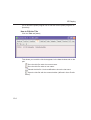
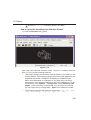
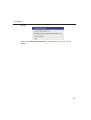
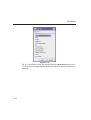
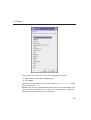
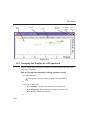
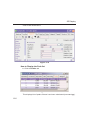
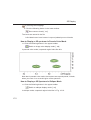
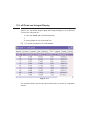
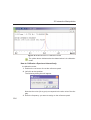
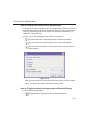
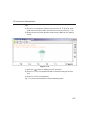
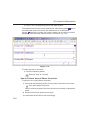
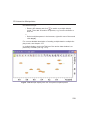
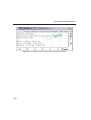
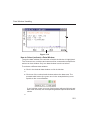
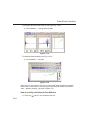
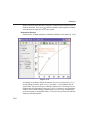
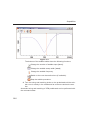
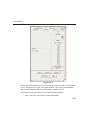
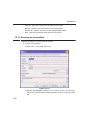
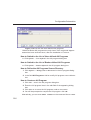
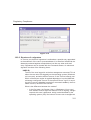
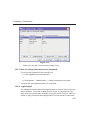
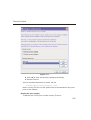
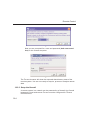
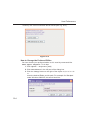
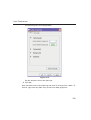
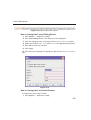
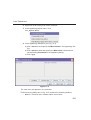
With the spectrum overview on, the data window will, for example, look like
169