1
Chapter 2
Getting Started
2.1 Startup TOPSPIN
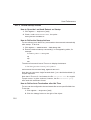
Under Windows
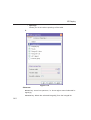
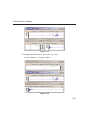
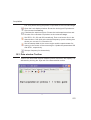
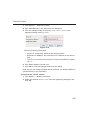
Click the TOPSPIN icon on the desktop
or
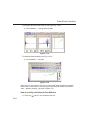
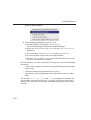
Start TOPSPIN from a Command Prompt as follows:
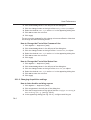
1. Click Start
Run, enter cmd and click OK
2. In the Command Prompt:
a) Enter cd <tshome>
b) Enter topspin
where <tshome> is the directory where TOPSPIN is installed.
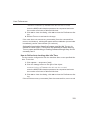
Under Linux
1. Open a Linux Shell or Terminal Window
2. In the Shell/Terminal:
a) Enter cd <tshome>
b) Enter ./topspin