1
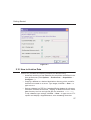
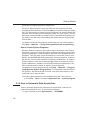
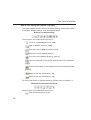
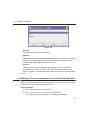
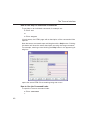
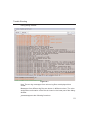
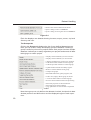
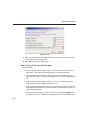
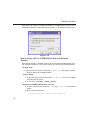
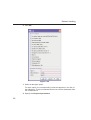
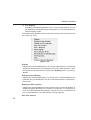
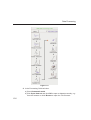
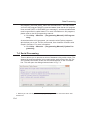
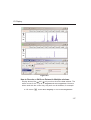
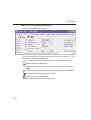
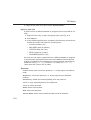
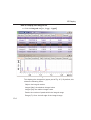
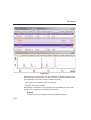
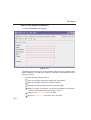
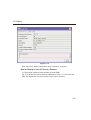
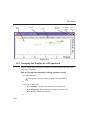
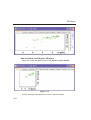
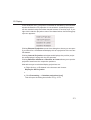
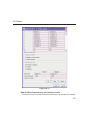
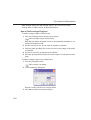
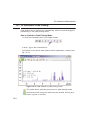
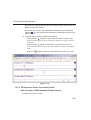
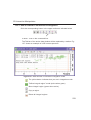
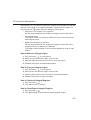
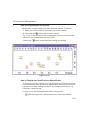
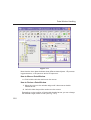
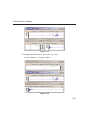
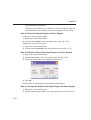
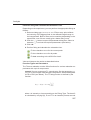
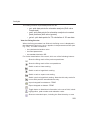
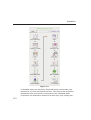
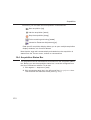
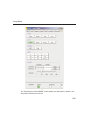
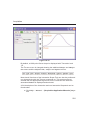
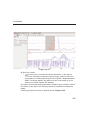
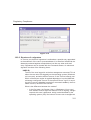
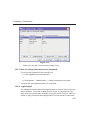
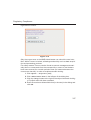
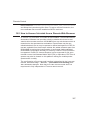
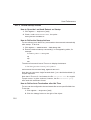
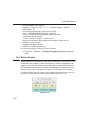
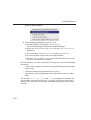
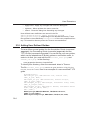
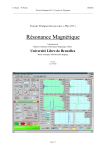
2D Interactive Manipulation
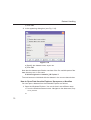
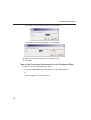
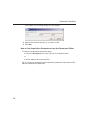
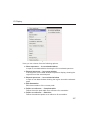
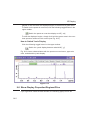
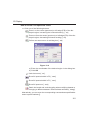
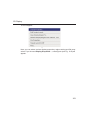
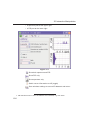
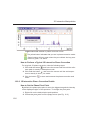
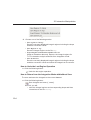
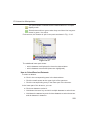
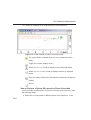
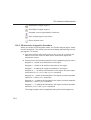
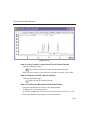
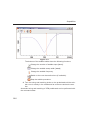
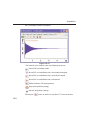
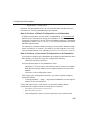
Read/import integral regions.
Save/Export integral regions.
INDEX
DONE
INDEX
Integrate current regions/define
reference.
Save integral regions and return.
Return without save.
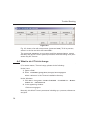
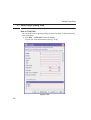
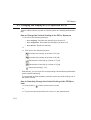
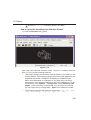
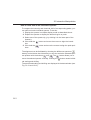
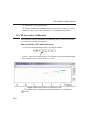
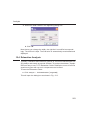
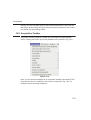
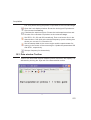
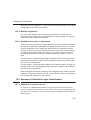
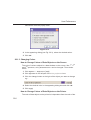
13.2.2 2D Interactive Integration Procedure
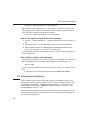
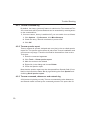
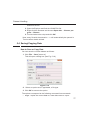
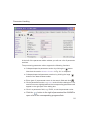
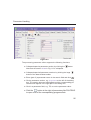
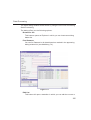
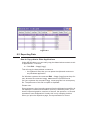
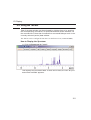
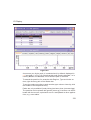
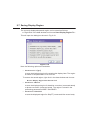
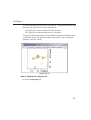
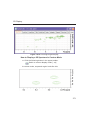
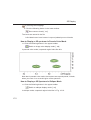
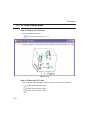
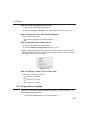
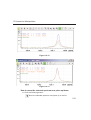
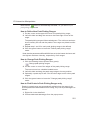
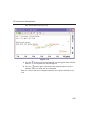
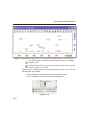
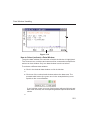
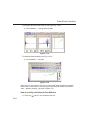
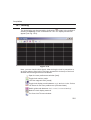
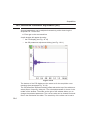
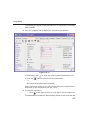
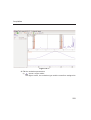
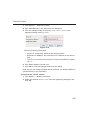
When you switch to 2D integration mode, the "Define integral region" mode
is active by default. This means you can immediately start defining the integral regions. To do that:
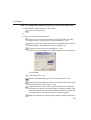
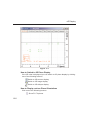
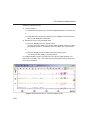
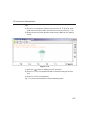
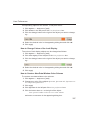
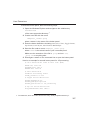
1. Click and hold the left mouse button at any corner of a region to be
defined, move the mouse to draw a box around that region and
release the mouse.
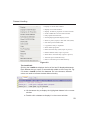
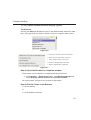
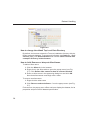
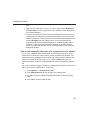
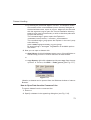
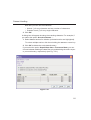
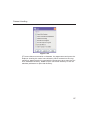
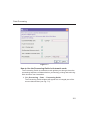
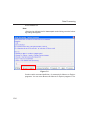
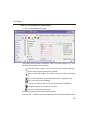
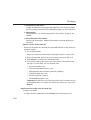
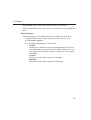
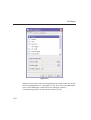
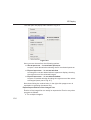
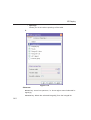
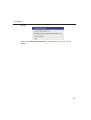
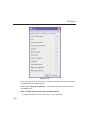
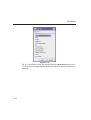
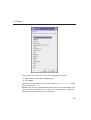
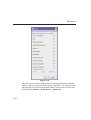
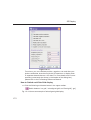
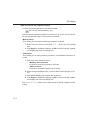
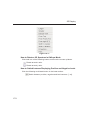
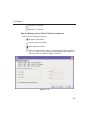
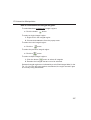
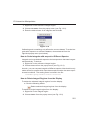
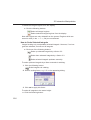
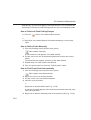
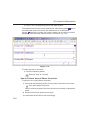
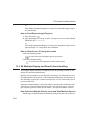
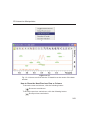
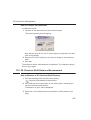
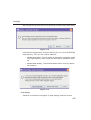
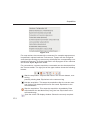
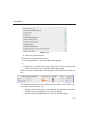
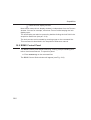
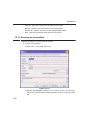
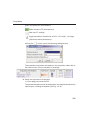
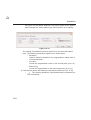
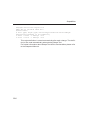
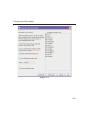
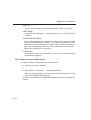
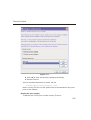
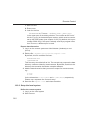
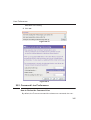
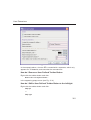
2. Choose one of the following options from the appearing popup menu:
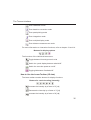
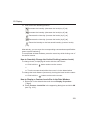
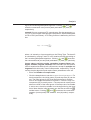
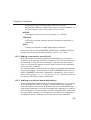
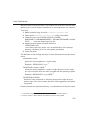
Integrate: a : to add up all intensities in the region
Integrate: + : to add up all positive intensities in the region
Integrate: - : to add up all negative intensities in the region
Integrate: a + - : to add up all intensities in the region and store separate entries for all, positive and negative intensities.
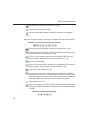
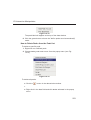
Integrate: a + : to add up all intensities in the region and store separate
entries for all and positive intensities.
Integrate: a - : to add up all intensities in the region and store separate
entries for all and negative intensities
Integrate: + - : to add up all intensities in the region and store separate
entries for positive and negative intensities.
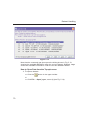
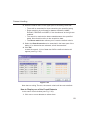
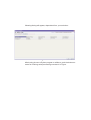
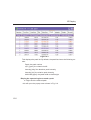
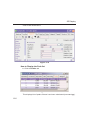
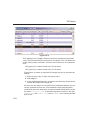
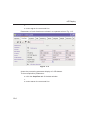
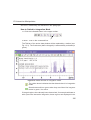
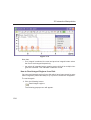
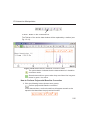
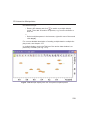
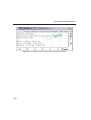
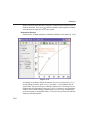
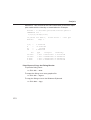
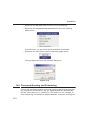
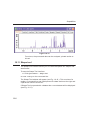
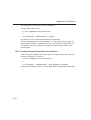
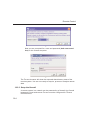
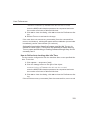
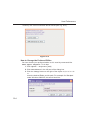
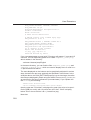
The integral regions will be displayed along with their storage num-
234