1
Regulatory Compliance
INDEX
INDEX
DONE
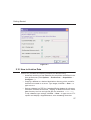
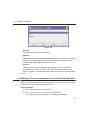
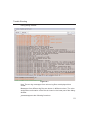
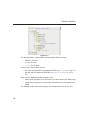
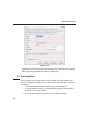
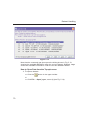
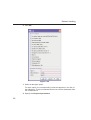
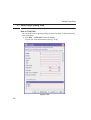
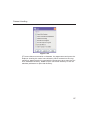
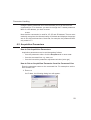
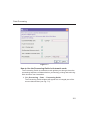
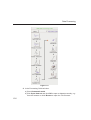
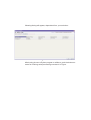
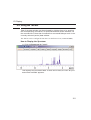
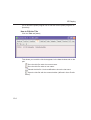
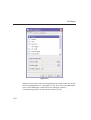
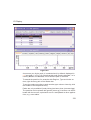
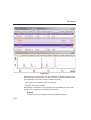
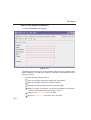
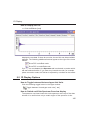
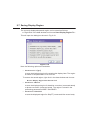
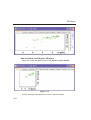
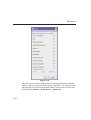
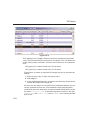
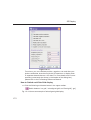
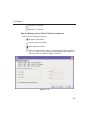
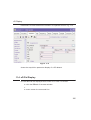
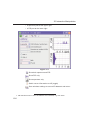
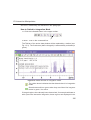
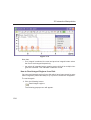
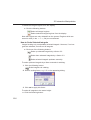
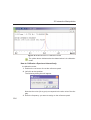
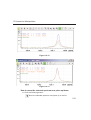
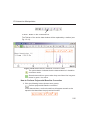
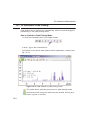
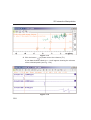
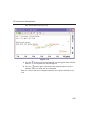
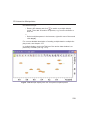
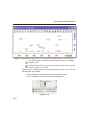
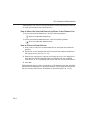
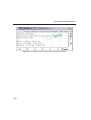
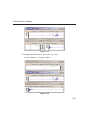
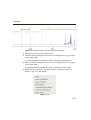
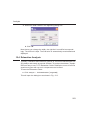
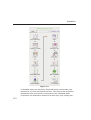
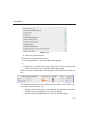
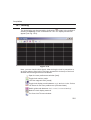
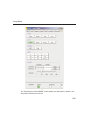
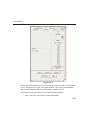
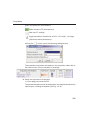
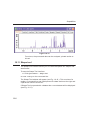
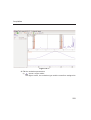
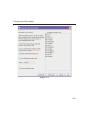
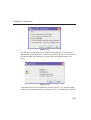
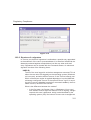
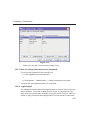
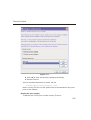
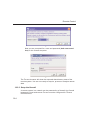
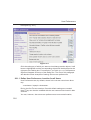
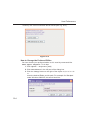
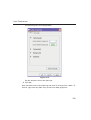
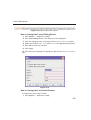
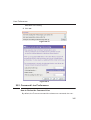
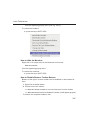
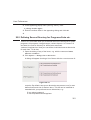
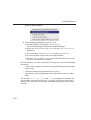
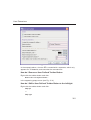
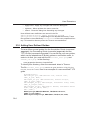
Figure 18.4
18.2.2 Structure of a signature
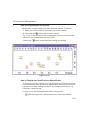
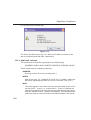
In TOPSPIN, an electronic signature is realized as a special entry appended
to the audit trail of the raw or processed data. It is therefore linked with the
data and protected against manipulations just like any other audit trail
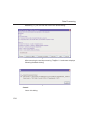
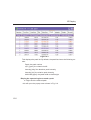
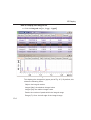
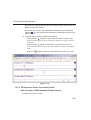
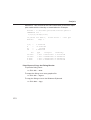
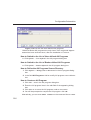
entry. Signatures can be viewed with the command audit. An electronic
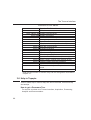
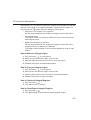
signature consists of the following items:
USER ID
The ID of the user logged in at the time esign was executed. This is
either the user who was logged into the operating system (Windows
or Linux user), and who started TOPSPIN, or the TOPSPIN internal user.
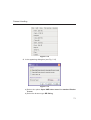
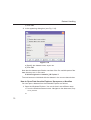
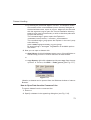
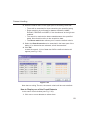
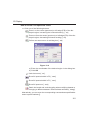
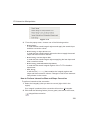
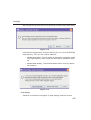
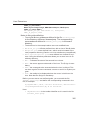
Which of these two modes is applied depends on how the NMR administrator configured TOPSPIN: If the option Enforce "login" for working with TOPSPIN is disabled (see below, command uadmin), the first
mode is active, otherwise the second.
What is the difference between the modes?
• In the first case, the System User (= Windows or Linux user)
who started TOPSPIN signs the data set. Prior to signing, esign
requests this user's password, which is administrated by the
operating system (OS). No internal TOPSPIN user management
311