1
5 Module D-Flow 1D: Simulation and model output
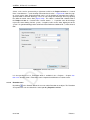
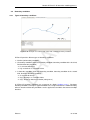
When the schematization is complete, the model is ready for a simulation. A simulation is
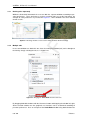
run by right-mouse clicking the flow model in the Project window and selecting run model.
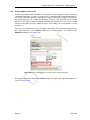
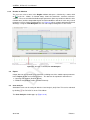
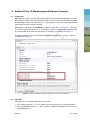
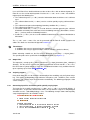
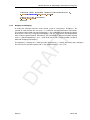
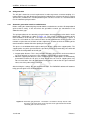
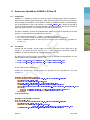
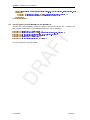
Alternatively, by clicking one of the buttons in the Home ribbon:
DR
AF
T
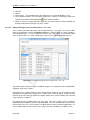
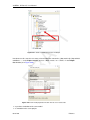
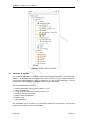
During the simulation a progress bar appears and simulation messages are shown in the
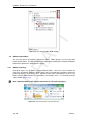
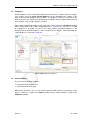
Messages window. A logfile (Run report) is added to the model output in the Project window,
which can also be exported. In this report all the schematization and simulation messages are
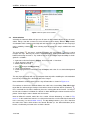
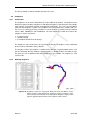
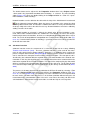
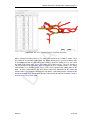
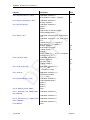
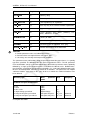
logged. During the simulation, output is generated by the model. Besides physical quantities
related to flow, such as velocity or water level, also simulation information is provided which
contains information on the accuracy and numerical behaviour of the simulation. The output
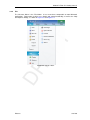
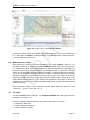
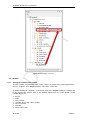
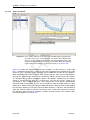
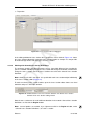
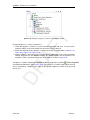
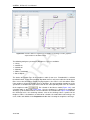
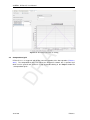
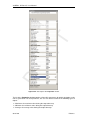
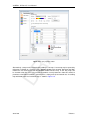
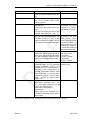
is stored in coverages, which are added to the model output in the Project window, see also
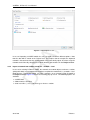
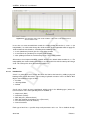
Figure 5.1.
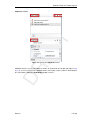
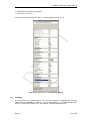
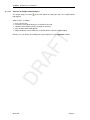
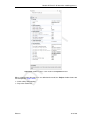
In addition, States are stored for later use as Restart. Of course, the user has to request to
Write restart in the Properties window before running the model.
If the network, computational grid or model parameters change, the output is no longer valid
and is deleted. Output in a model is therefore always consistent with the model.
Deltares
91 of 160