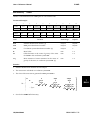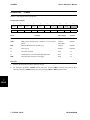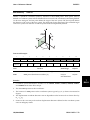
1
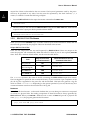
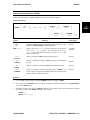
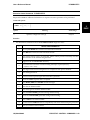
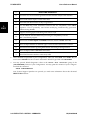
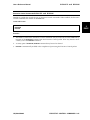
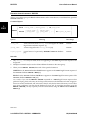
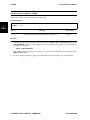
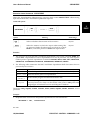
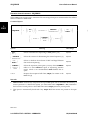
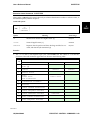
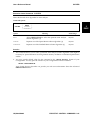
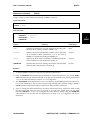
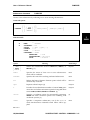
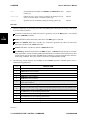
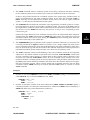
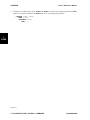
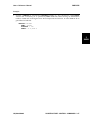
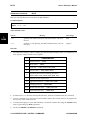
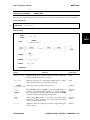
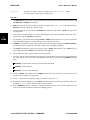
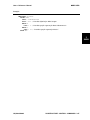
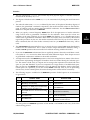
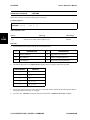
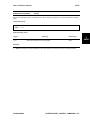
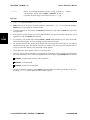
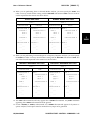
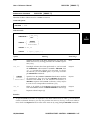
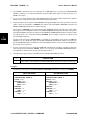
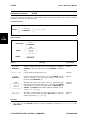
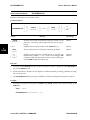
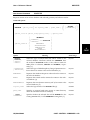
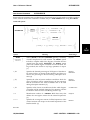
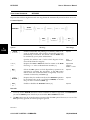
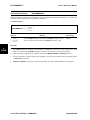
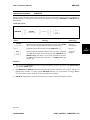
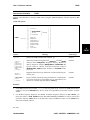
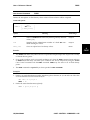
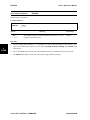
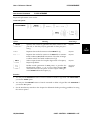
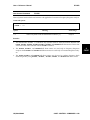
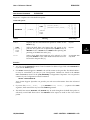
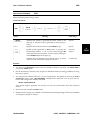
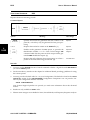
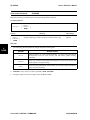
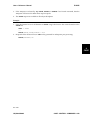
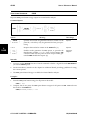
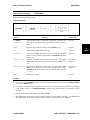
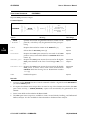
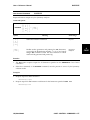
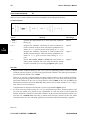
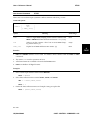
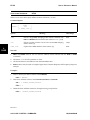
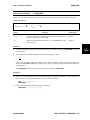
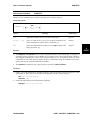
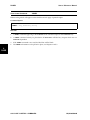
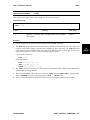
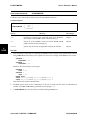
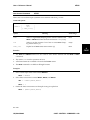
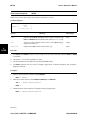
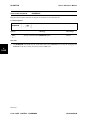
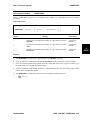
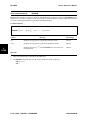
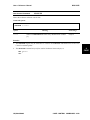
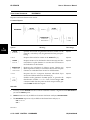
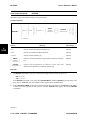
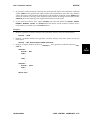
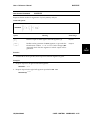
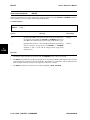
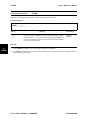
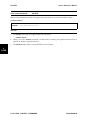
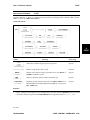
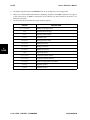
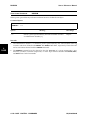
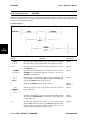
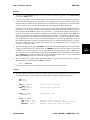
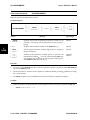
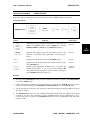
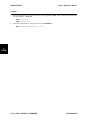
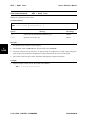
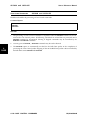
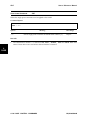
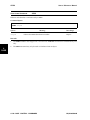
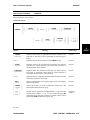
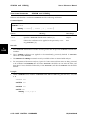
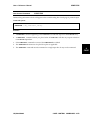
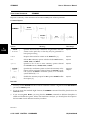
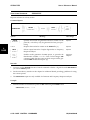
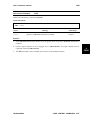
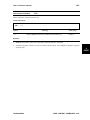
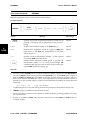
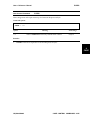
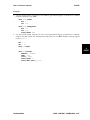
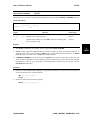
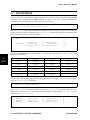
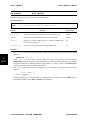
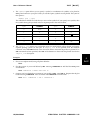
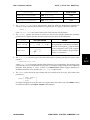
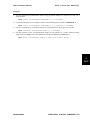
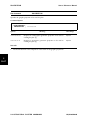
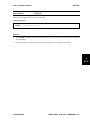
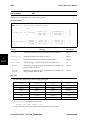
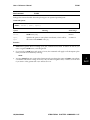
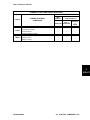
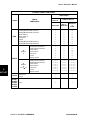
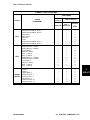
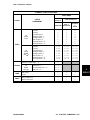
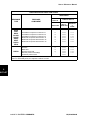
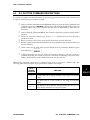
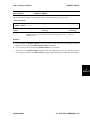
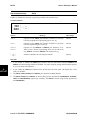
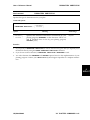
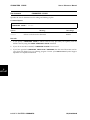
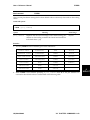
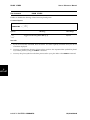
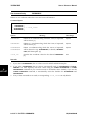
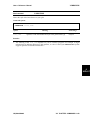
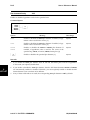
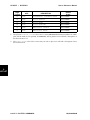
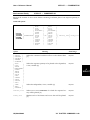
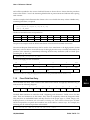
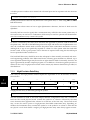
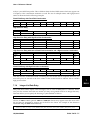
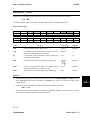
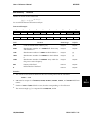
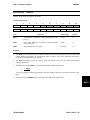
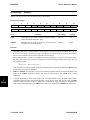
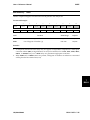
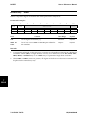
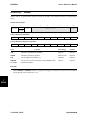
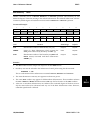
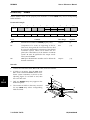
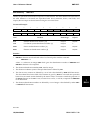
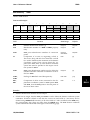
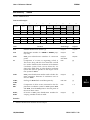
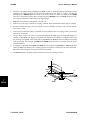
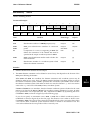
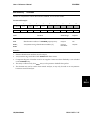
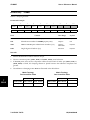
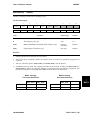
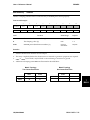
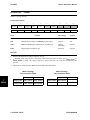
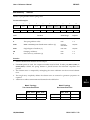
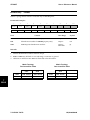
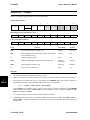
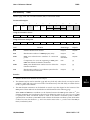
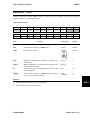
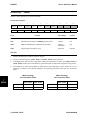
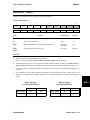
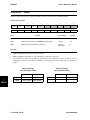
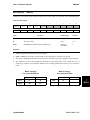
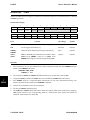
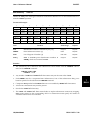
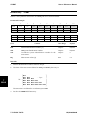
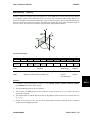
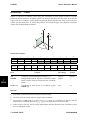
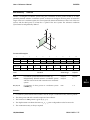
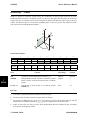
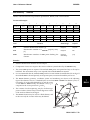
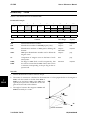
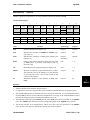
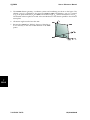
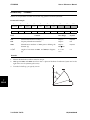
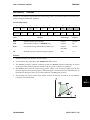
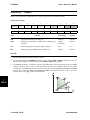
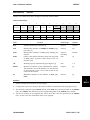
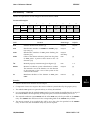
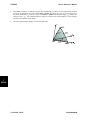
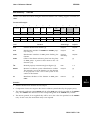
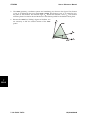
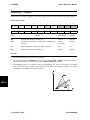
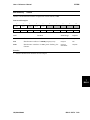
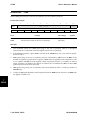
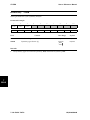
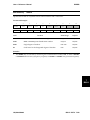
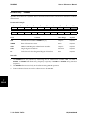
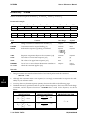
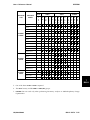
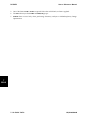
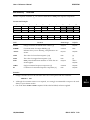
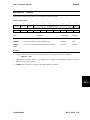
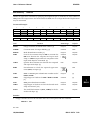
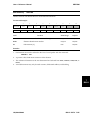
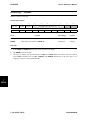
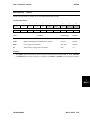
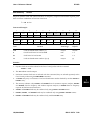
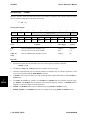
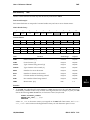
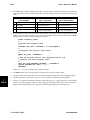
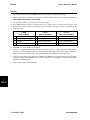
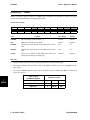
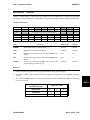
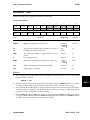
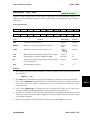
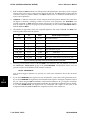
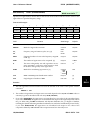
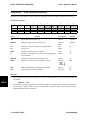
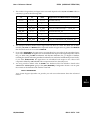
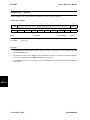
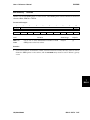
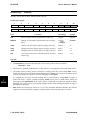
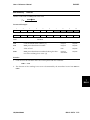
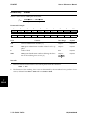
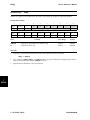
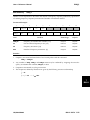
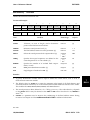
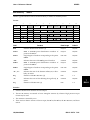
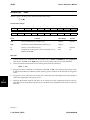
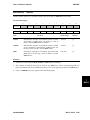
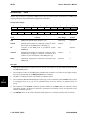
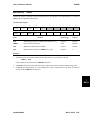
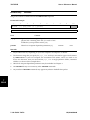
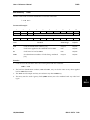
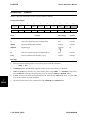
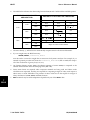
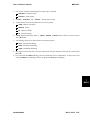
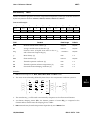
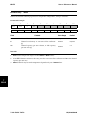
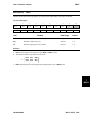
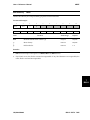
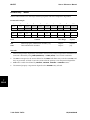
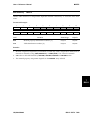
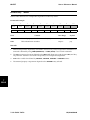
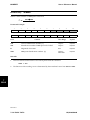
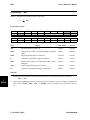
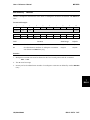
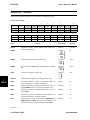
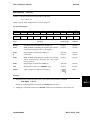
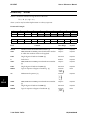
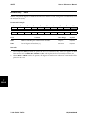
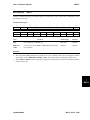
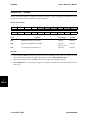
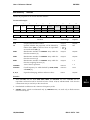
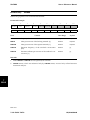
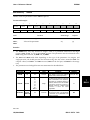
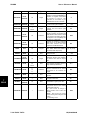
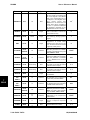
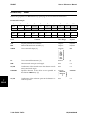
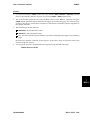
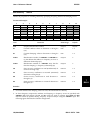
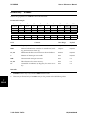
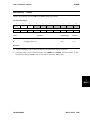
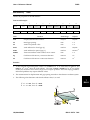
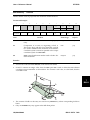
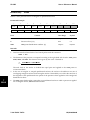
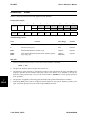
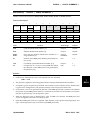
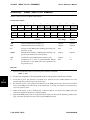
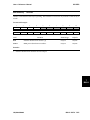
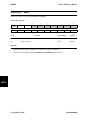
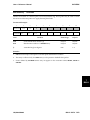
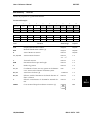
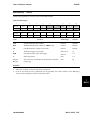
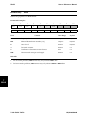
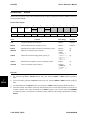
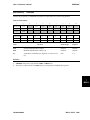
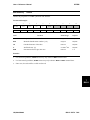
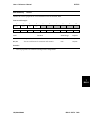
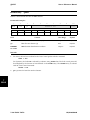
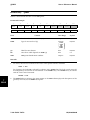
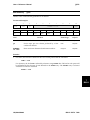
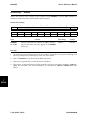
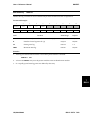
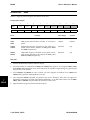
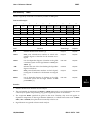
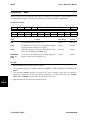
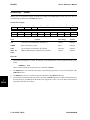
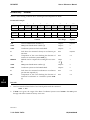
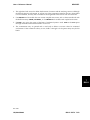
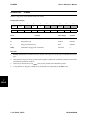
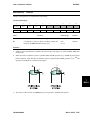
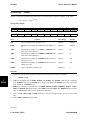
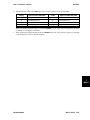
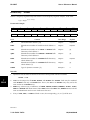
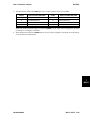
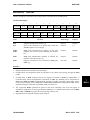
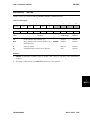
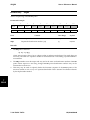
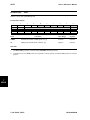
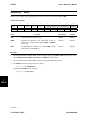
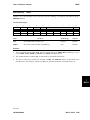
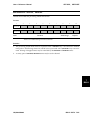
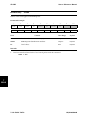
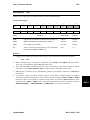
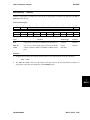
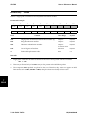
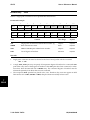
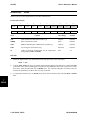
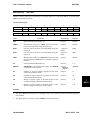
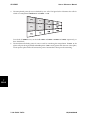
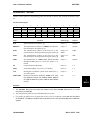
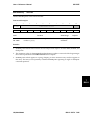
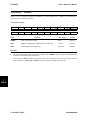
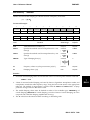
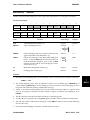
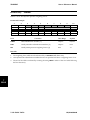
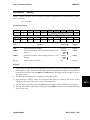
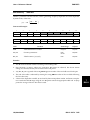
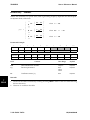
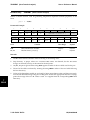
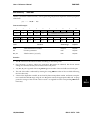
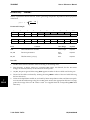
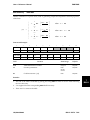
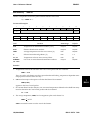
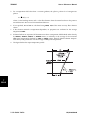
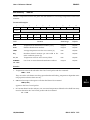
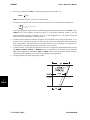
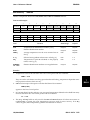
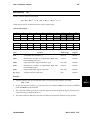
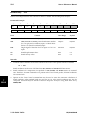
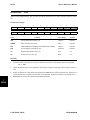
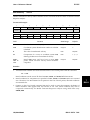
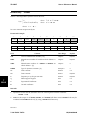
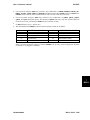
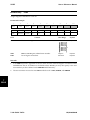
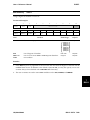
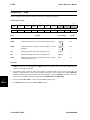
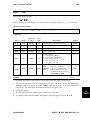
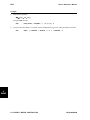
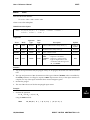
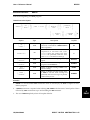
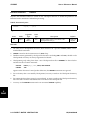
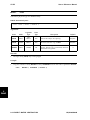
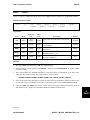
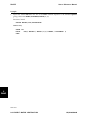
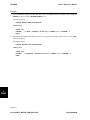
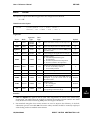
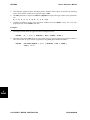
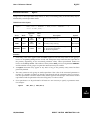
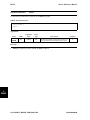
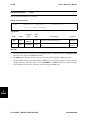
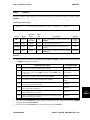
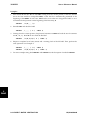
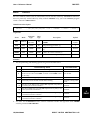
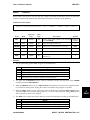
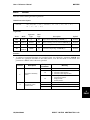
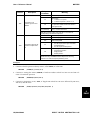
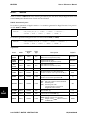
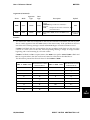
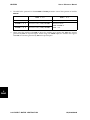
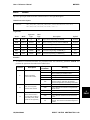
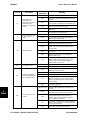
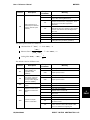
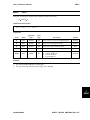
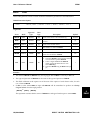
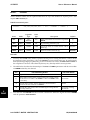
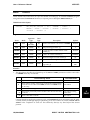
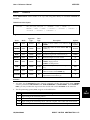
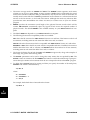
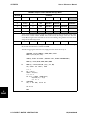
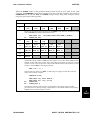
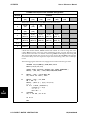
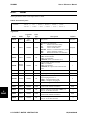
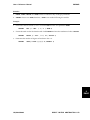
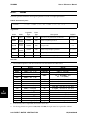
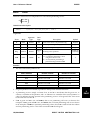
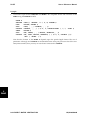
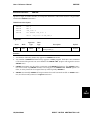
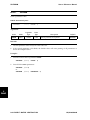
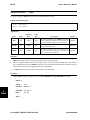
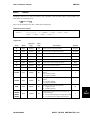
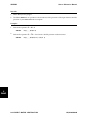
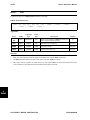
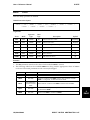
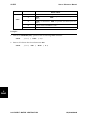
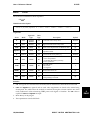
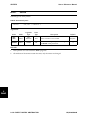
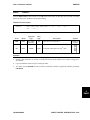
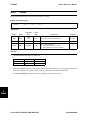
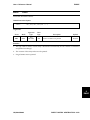
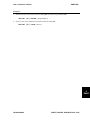
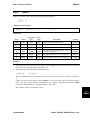
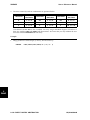
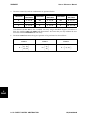
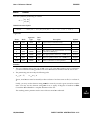
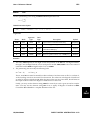
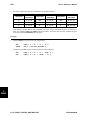
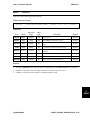
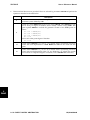
PSOLID User’s Reference Manual Bulk Data Entry PSOLID Defines the properties of the solid hexahedral element, HEXA, pentahedral element, PENTA, and tetrahedral element, TETRA. Format and Example: 1 2 3 4 5 6 PSOLID PID MATID MCSID MCTYPE INTOP SCSID SCTYPE PSOLID 101 1 Field 901 7 8 9 10 54 Contents Data Range Default PID Property identification number. Integer>0 Required MATID Material identification number. [1,2,3] Integer>0 Required MCSID Identification number of material coordinate system. Integer≥0 [4] MCTYPE Material coordinate system selector. Character BASIC [4] ELEMENT BUBBLE or 0 REDUCE or 1 TWO or 2 THREE or 3 INTOP Selects the numerical integration option. [5] SCSID Identification number of stress coordinate system. Integer≥0 [7] SCTYPE Stress coordinate system selector. Character MATERIAL ELEMENT BASIC [7] [6] Remarks: 7 BULK 1. For structural problems, PSOLID entries may only reference MAT1 or MAT9 material property data. 2. For heat transfer problems, PSOLID entries may only reference MAT4 or MAT5 material property data. 3. For fluid elements, the PSOLID entry must reference a MATF material property Bulk Data Entry. 4. If Field 4 is blank, the default value from the Preference File is used. If the Preference File does not contain a default value, then the default is the BASIC system. You may also select the ELEMENT coordinate system or an arbitrary coordinate system defined by the integer identification number, MCSID. 7-286 BULK DATA UAI/NASTRAN