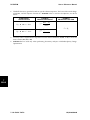
1
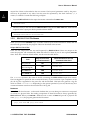
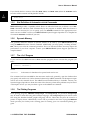
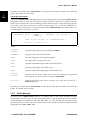
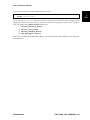
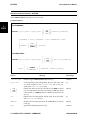
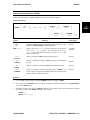
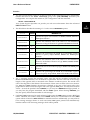
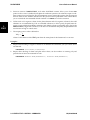
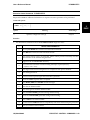
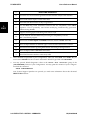
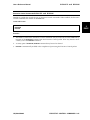
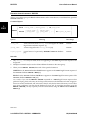
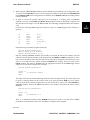
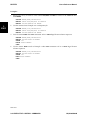
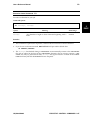
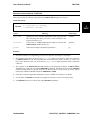
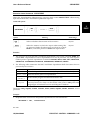
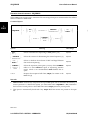
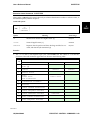
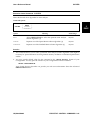
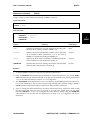
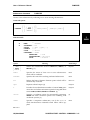
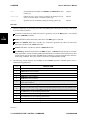
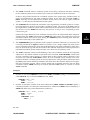
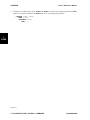
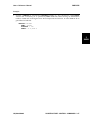
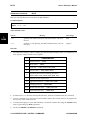
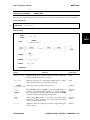
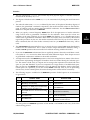
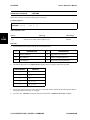
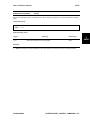
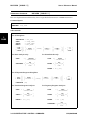
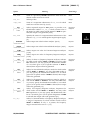
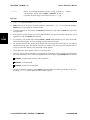
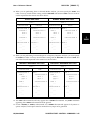
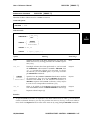
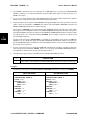
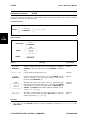
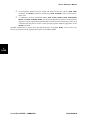
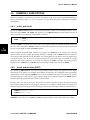
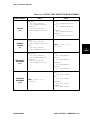
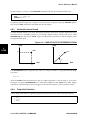
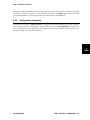
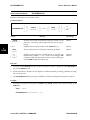
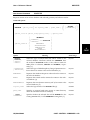
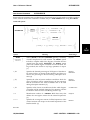
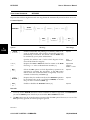
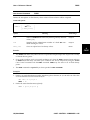
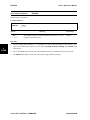
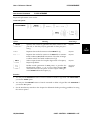
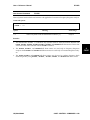
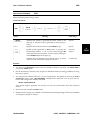
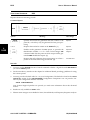
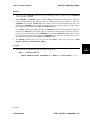
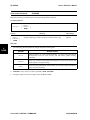
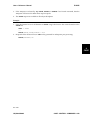
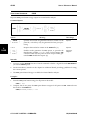
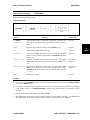
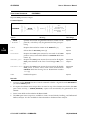
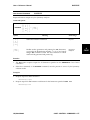
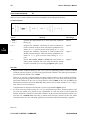
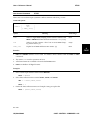
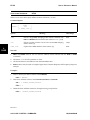
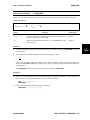
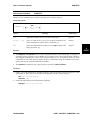
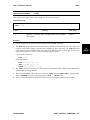
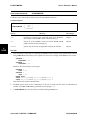
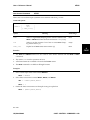
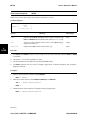
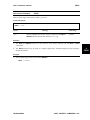
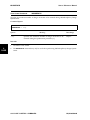
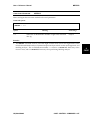
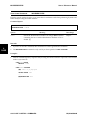
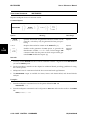
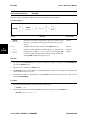
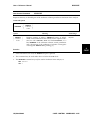
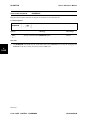
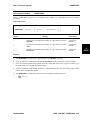
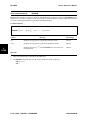
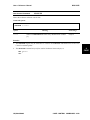
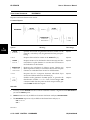
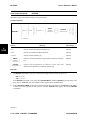
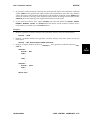
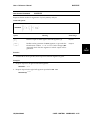
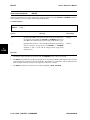
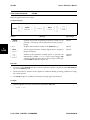
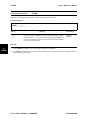
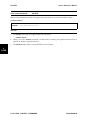
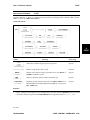
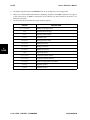
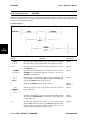
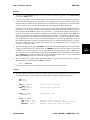
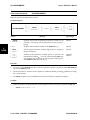
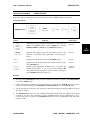
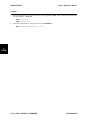
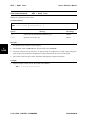
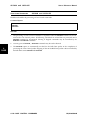
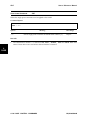
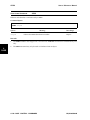
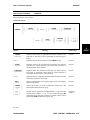
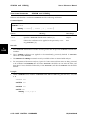
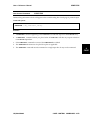
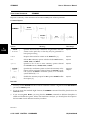
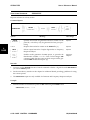
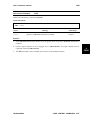
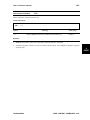
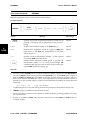
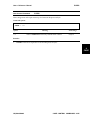
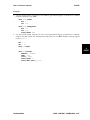
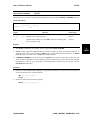
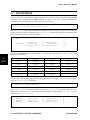
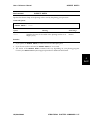
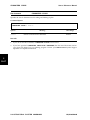
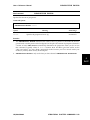
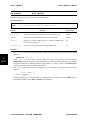
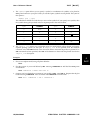
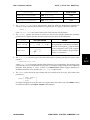
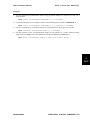
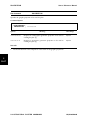
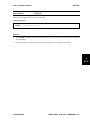
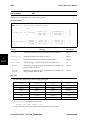
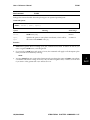
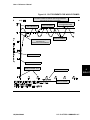
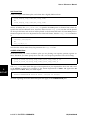
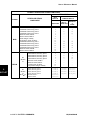
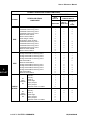
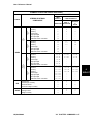
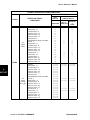
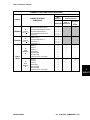
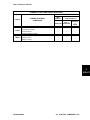
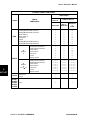
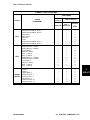
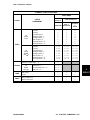
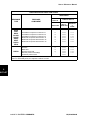
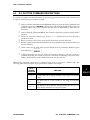
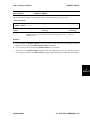
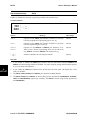
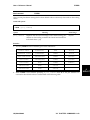
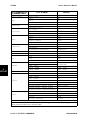
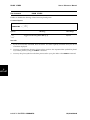
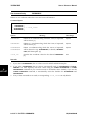
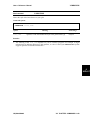
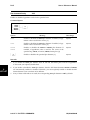
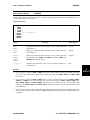
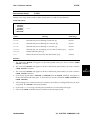
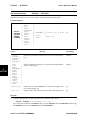
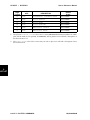
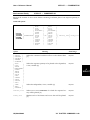
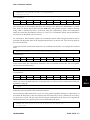
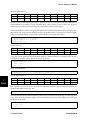
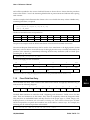
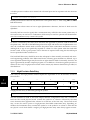
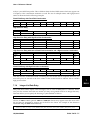
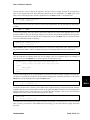
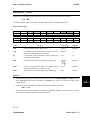
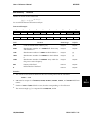
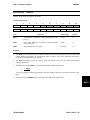
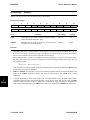
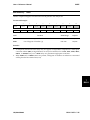
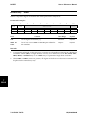
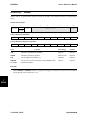
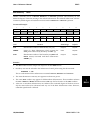
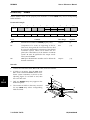
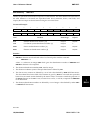
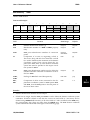
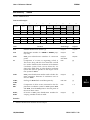
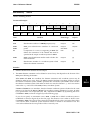
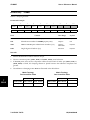
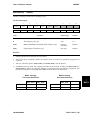
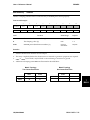
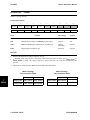
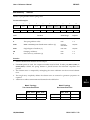
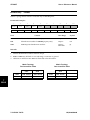
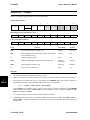
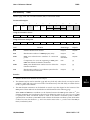
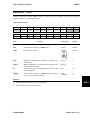
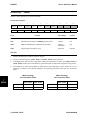
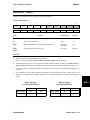
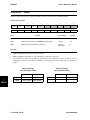
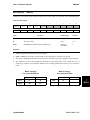
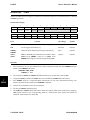
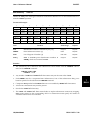
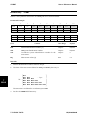
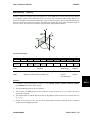
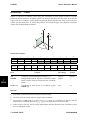
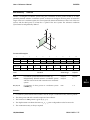
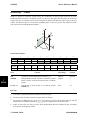
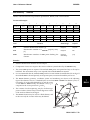
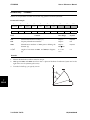
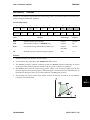
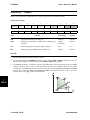
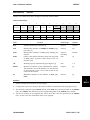
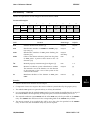
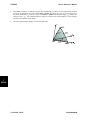
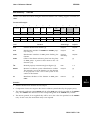
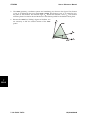
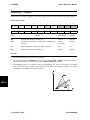
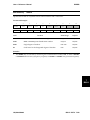
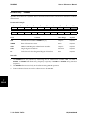
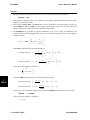
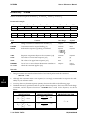
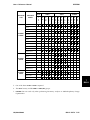
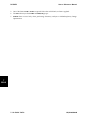
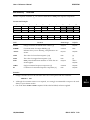
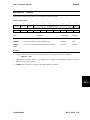
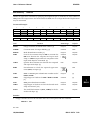
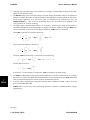
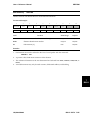
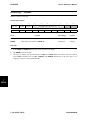
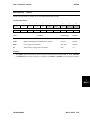
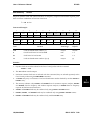
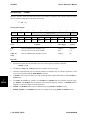
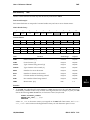
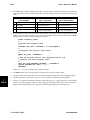
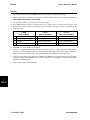
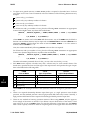
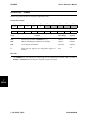
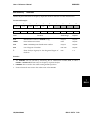
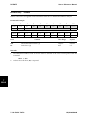
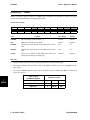
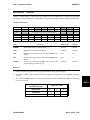
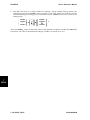
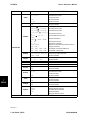
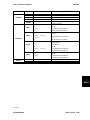
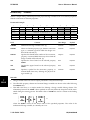
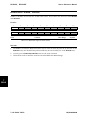
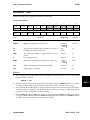
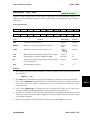
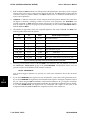
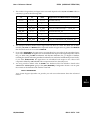
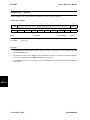
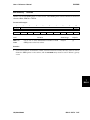
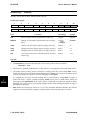
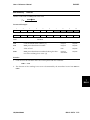
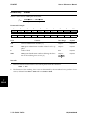
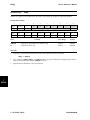
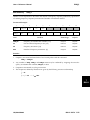
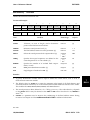
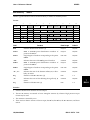
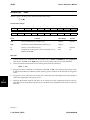
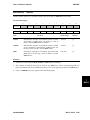
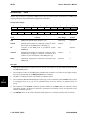
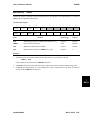
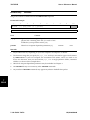
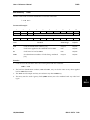
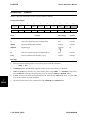
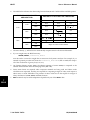
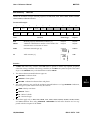
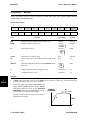
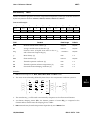
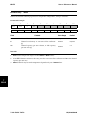
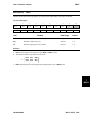
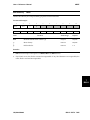
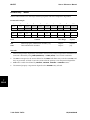
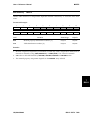
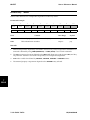
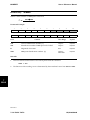
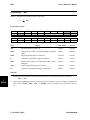
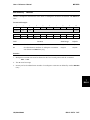
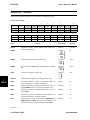
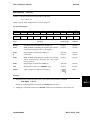
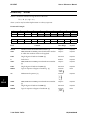
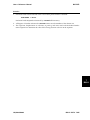
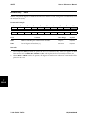
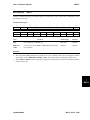
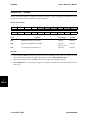
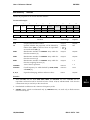
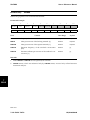
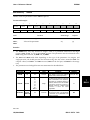
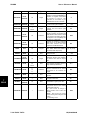
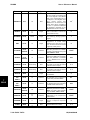
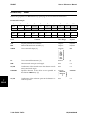
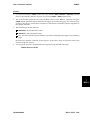
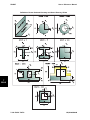
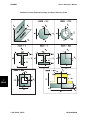
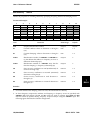
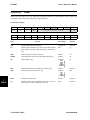
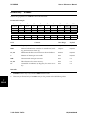
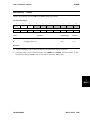
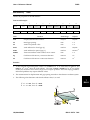
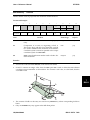
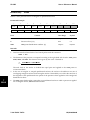
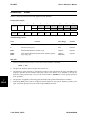
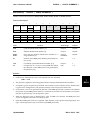
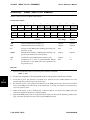
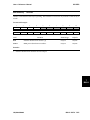
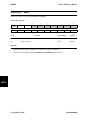
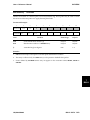
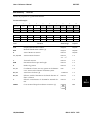
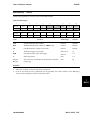
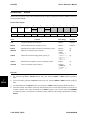
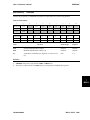
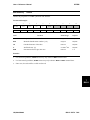
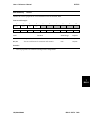
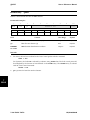
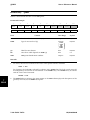
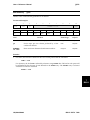
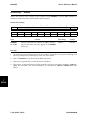
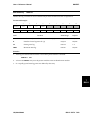
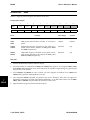
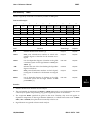
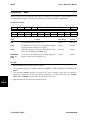
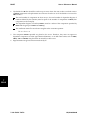
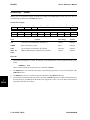
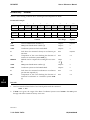
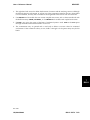
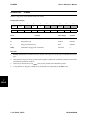
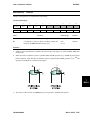
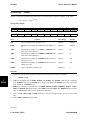
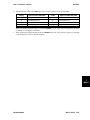
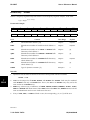
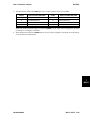
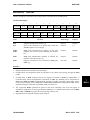
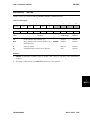
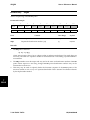
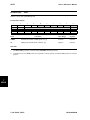
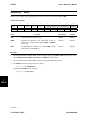
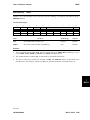
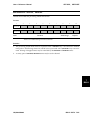
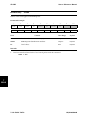
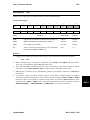
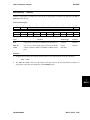
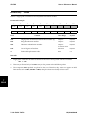
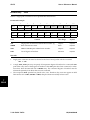
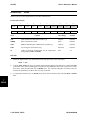
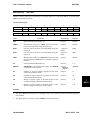
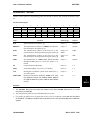
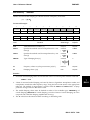
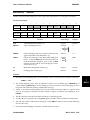
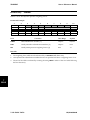
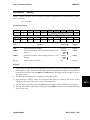
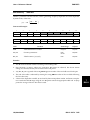
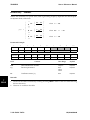
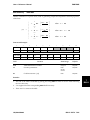
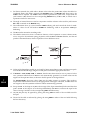
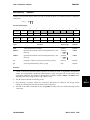
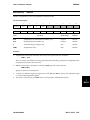
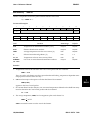
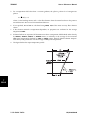
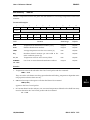
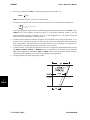
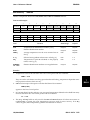
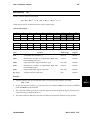
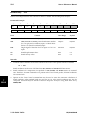
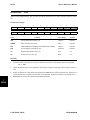
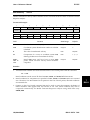
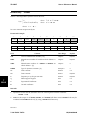
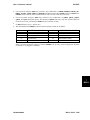
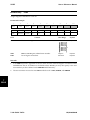
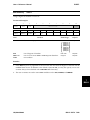
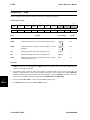
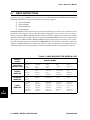
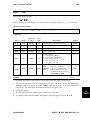
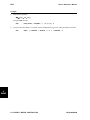
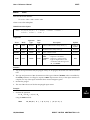
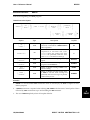
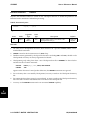
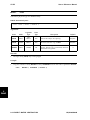
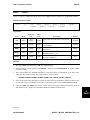
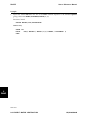
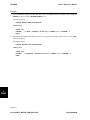
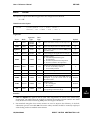
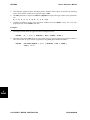
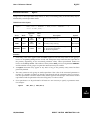
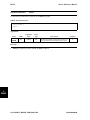
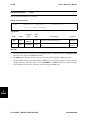
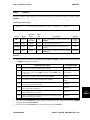
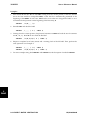
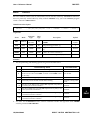
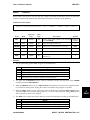
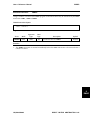
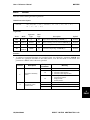
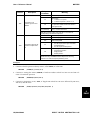
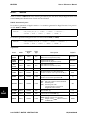
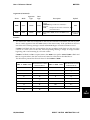
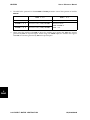
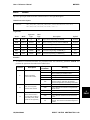
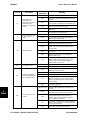
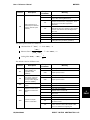
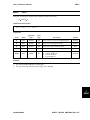
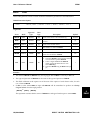
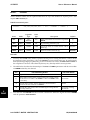
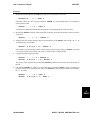
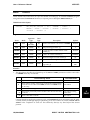
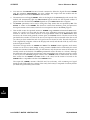
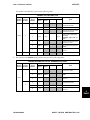
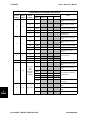
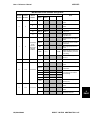
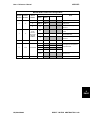
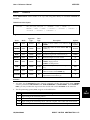
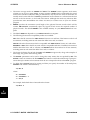
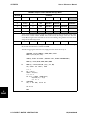
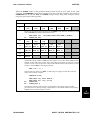
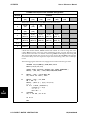
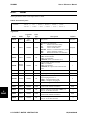
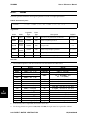
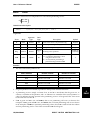
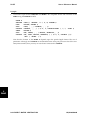
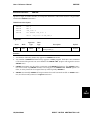
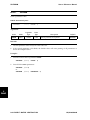
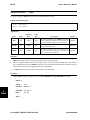
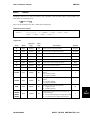
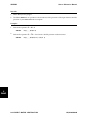
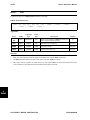
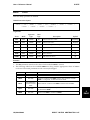
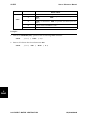
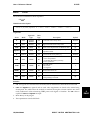
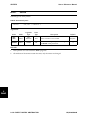
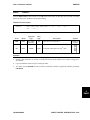
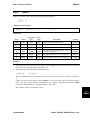
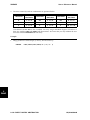
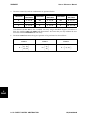
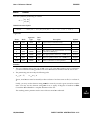
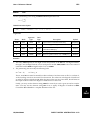
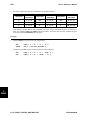
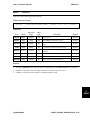
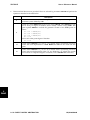
DVPROPS User’s Reference Manual Bulk Data Entry DVPROPS Defines a simple linking relationship between physical design variables such as an element properties, element connections or material properties. Format and Example: 1 2 3 4 DVPROPS -cont-cont- DVNAME PTYPE1 PRPID1 PTYPE2 PRPID2 DVPROPS +A TAPER 5 6 LB1 LB2 UB1 UB2 7 8 PSYM1 PSYM2 Field 0.1 0.1 0.2 0.2 T Contents 10 -cont-cont-cont- CONTINUES IN GROUPS OF 5 PSHELL 99 PSHELL 100 9 +A Data Range Default DVNAME Mathematical design variable name. [1] Character Required PTYPEi Selects an element property type, element connection type, or a material type from which the design variable will be selected. [2] Character Required PRPIDi Specifies the identification number of the connection, property, or material Bulk Data entry from which the design variable will be selected. [2] Integer>0 Required LBi Specifies the lower bound on the selected property PSYMi. Real Required UBi Specifies the upper bound on the selected property PSYMi. Real Required PSYMi Specifies a symbol for the connection, property, or material Bulk Data entry defining the physical design variable. [3] Character Required Remarks: 7 BULK 1. Design variable names are used in output presentation. They must be unique. 2. The allowable property, element and material design variables are shown in the table following the DVPROP entry. 3. This Bulk Data entry is a simple method for defining a design variable linking scheme. The relationship between the PSYMi values specified on this entry define the shape that will be maintained during the resizing process. The initial values of PSYMi are used as a column in the linking matrix: v where the PSYMio values are the initial values of the specified properties. The value of the mathematical design variable, v, is initially set to 1.0. PSYM1 0 PSYM2 0 = … … PSYMn 0 7-150 BULK DATA + PSYM1o PSYM2o … PSYMno UAI/NASTRAN