1
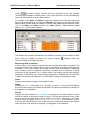
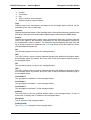
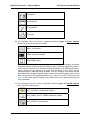
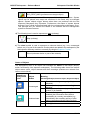
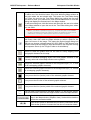
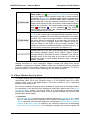
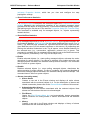
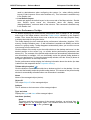
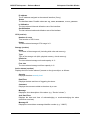
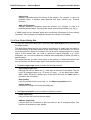
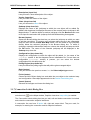
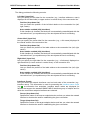
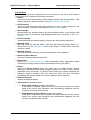
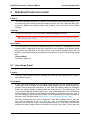
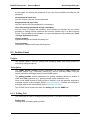
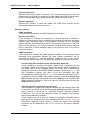
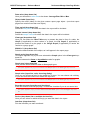
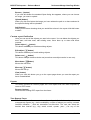
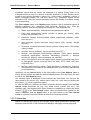
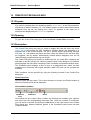
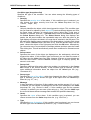
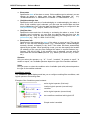
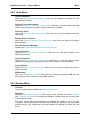
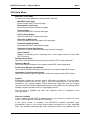
MG-SOFT Net Inspector — Reference Manual Server Settings Dialog Box 8.2 Users Panel Purpose The Users Panel is used for creating and managing user accounts for Net Inspector users. Description The Users Panel provides a graphical user interface for managing Net Inspector user accounts, i.e., creating, editing and deleting user accounts and their properties (usernames, passwords, access rights, user groups, descriptions). Once you create a new user account, you need to assign one or more user views to it in the User Views Panel This panel provides the following controls: User Accounts List Displays the list of existing Net Inspector user accounts. It contains the following columns: User Displays the username of the user account. Access Displays the user account access rights (i.e., administrator, operator or guest). Group Displays the name of the user group the user account is a member of. Description Displays a short description of the user account. Buttons Add User Opens the New User dialog box, which lets you create a new user account. Remove User Deletes the selected user account. Edit User Opens the Edit User dialog box, which lets you edit the attributes of the selected user account. Change Password Opens the Change Password dialog box that lets you change the password for the selected user account. 105