1
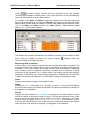
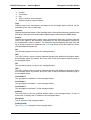
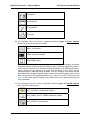
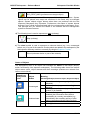
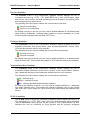
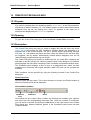
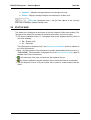
MG-SOFT Net Inspector — Reference Manual Graphics – displays managed objects and submaps as icons, Details – displays managed objects and submaps in a table view. Status Bar Filter Bar (drop-down menu) - lets you filter objects in the currently active tab of the Maps window (Details view). 28 STATUS BAR The status bar is displayed at the bottom of the Net Inspector Client main window. The right part of the status bar provides the following information (from left to right): The server localization code (i.e., code page used by Net Inspector Server), which is one of the following: EN – English (US) SL – Slovenian This information is displayed only if the Show server localization option is enabled in the Client Preferences. Mem: - the Net Inspector Client used memory and the total available memory size (e.g., 73MB/254MB). This information is displayed only if the Show memory usage option is enabled in the Client Preferences. - the username of the user connected to Net Inspector Server. -the name or address of the Net Inspector Server, which the Client is connected to. The Net Inspector Server TCP port number that is used for communication with the Client. 238