1
Training Manual
COPYRIGHT © 2013 IGE+XAO. All rights reserved
KK
TERMINAL ROW PICTURE PLAN
(Advanced)
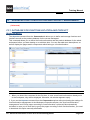
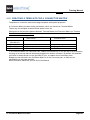
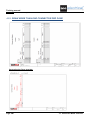
KK.1.GENERATING A TERMINAL ROW PICTURE PLAN
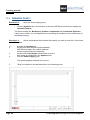
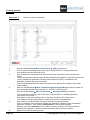
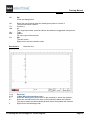
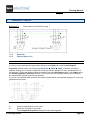
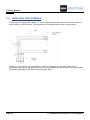
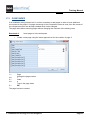
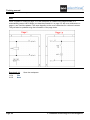
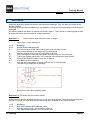
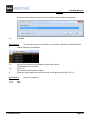
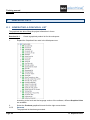
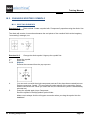
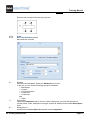
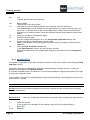
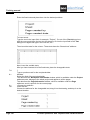
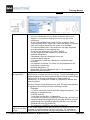
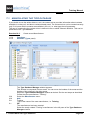
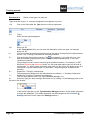
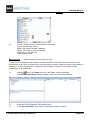
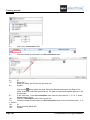
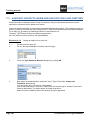
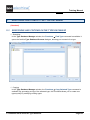
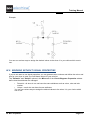
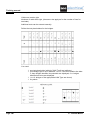
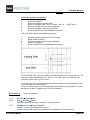
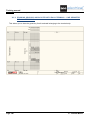
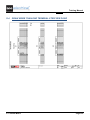
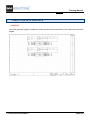
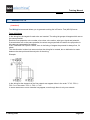
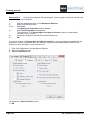
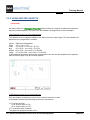
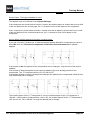
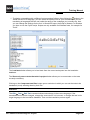
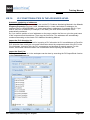
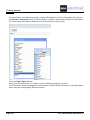
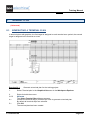
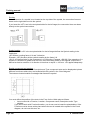
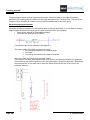
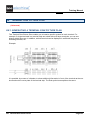
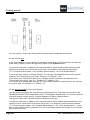
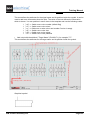
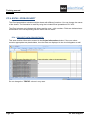
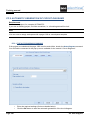
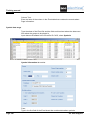
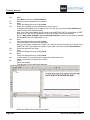
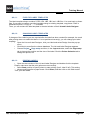
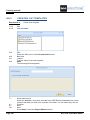
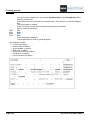
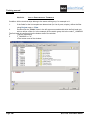
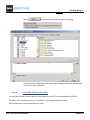
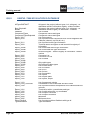
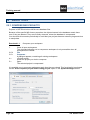
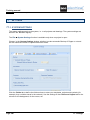
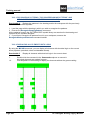
The Terminal Row Picture Plan enables you to insert a specific symbol for each terminal. For
example, if single terminals in a terminal strip are mixed with multi-layer terminals, you can see
directly which these are. In addition, a diode terminal can be displayed in a different way than a
Switching terminal, etc.
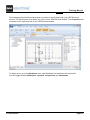
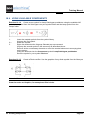
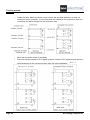
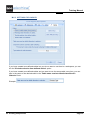
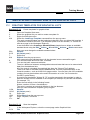
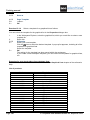
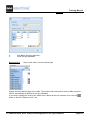
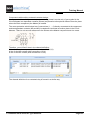
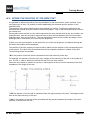
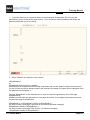
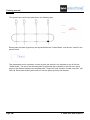
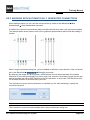
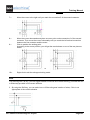
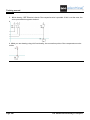
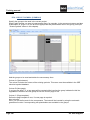
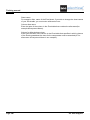
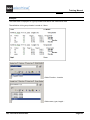
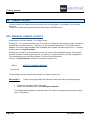
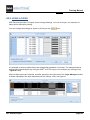
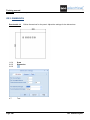
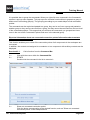
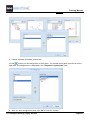
Example:
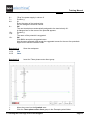
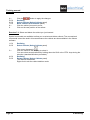
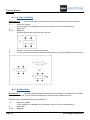
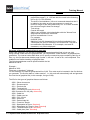
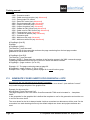
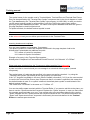
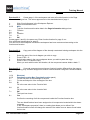
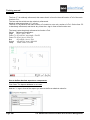
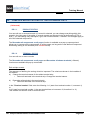
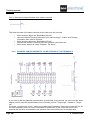
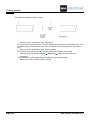
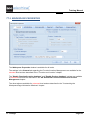
It is possible, by means of a Header, to show additional information in front of the terminal as the one
shown above the cover plate of the terminal strip. The End symbol accomplishes the same.
KK. Terminal Row Picture Plan
Page 291