1
Training manual
COPYRIGHT © 2013 IGE+XAO. All rights reserved
EE.6.3.COPY MULTIPLE PAGES BETWEEN DIFFERENT WORKSPACES
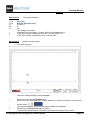
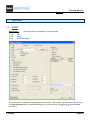
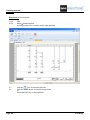
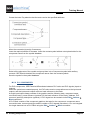
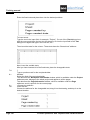
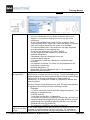
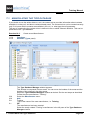
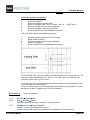
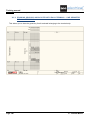
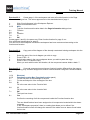
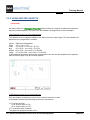
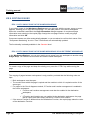
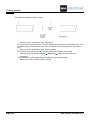
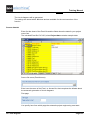
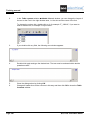
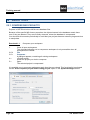
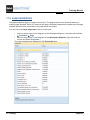
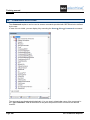
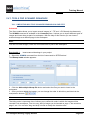
In the Commands explorer, the CopyP command allows you to copy pages from one workspace to
another.
The target workspace has to be closed before executing the command.
1.
2.
3.
4.
5.
Page 248
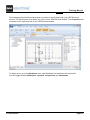
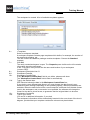
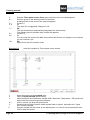
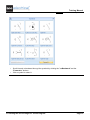
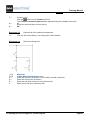
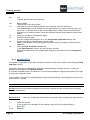
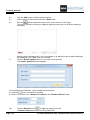
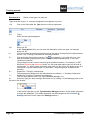
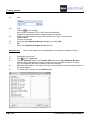
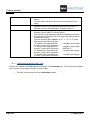
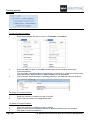
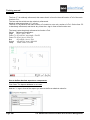
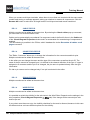
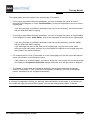
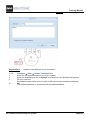
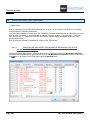
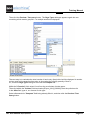
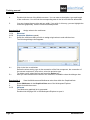
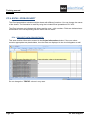
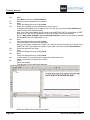
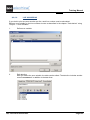
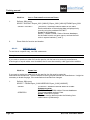
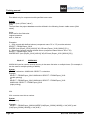
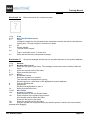
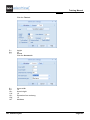
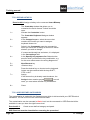
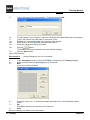
Execute the command.
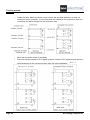
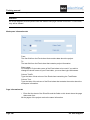
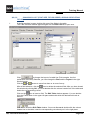
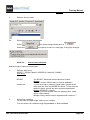
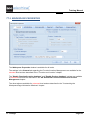
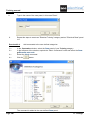
Define the source workspace.
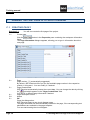
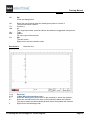
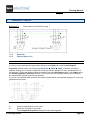
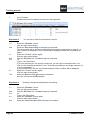
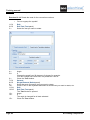
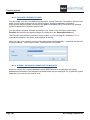
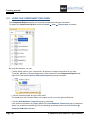
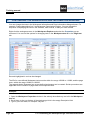
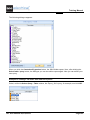
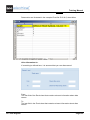
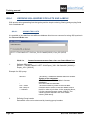
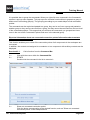
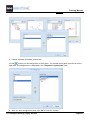
Define the target workspace. The pages that exist in the target workspace are marked
with a lock
.
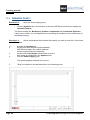
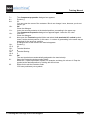
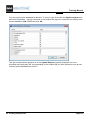
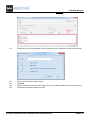
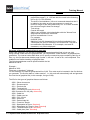
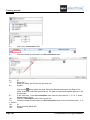
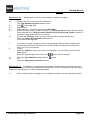
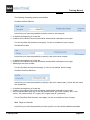
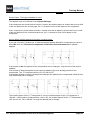
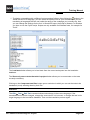
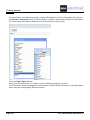
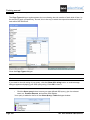
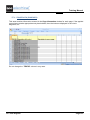
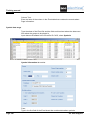
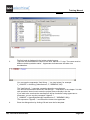
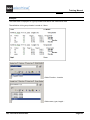
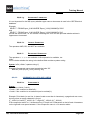
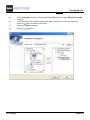
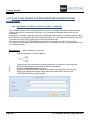
Insert a value in the "Start Page" field and, if necessary, information in the "New
Function (=)" and "New Location (+)" fields.
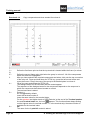
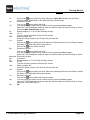
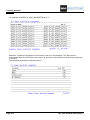
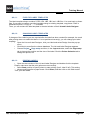
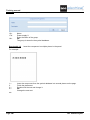
You have to make sure that the pages you want to copy do not exist in the target
workspace. In this case, an error message appears.
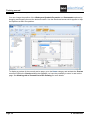
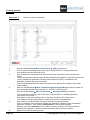
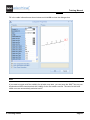
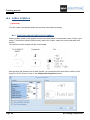
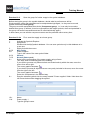
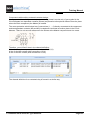
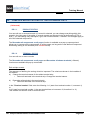
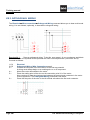
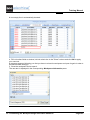
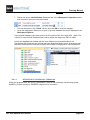
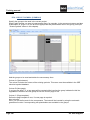
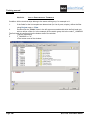
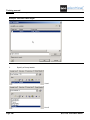
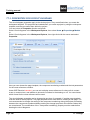
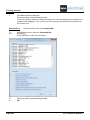
The selected pages will be inserted in a temporary target workspace, the number of the
first new page will be the one you defined, the numbers of the other new pages will be
consecutive to the one you defined for the first one.
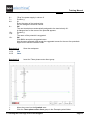
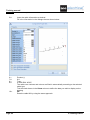
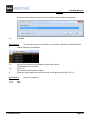
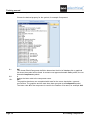
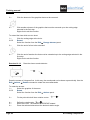
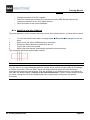
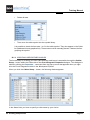
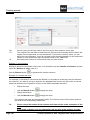
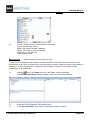
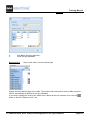
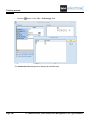
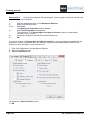
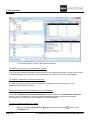
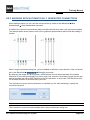
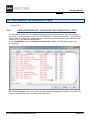
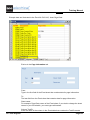
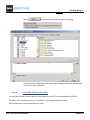
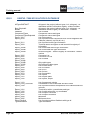
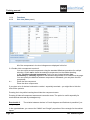
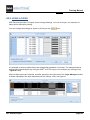
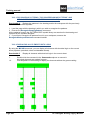
Open the list of pages in the source workspace and mark the pages you want to copy.
EE. Advanced Processing of a Project