1
Training Manual
COPYRIGHT © 2013 IGE+XAO. All rights reserved
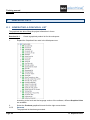
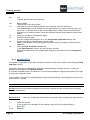
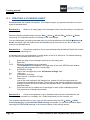
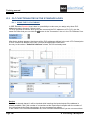
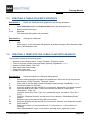
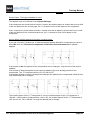
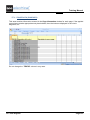
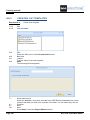
14.>
15.#
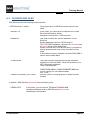
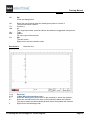
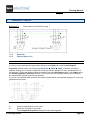
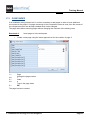
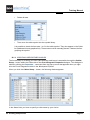
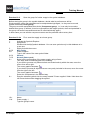
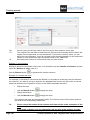
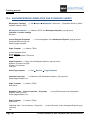
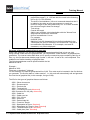
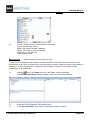
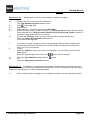
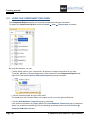
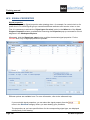
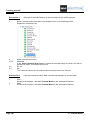
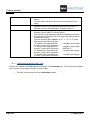
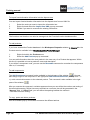
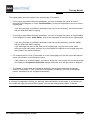
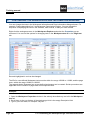
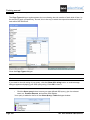
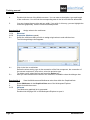
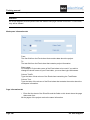
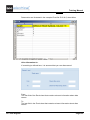
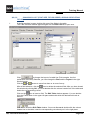
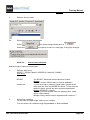
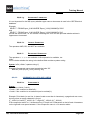
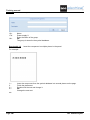
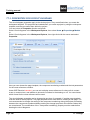
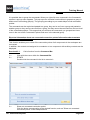
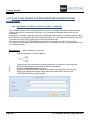
Name
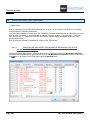
Power supply 2
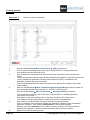
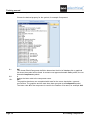
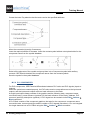
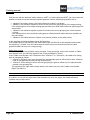
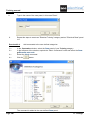
Type in the group's name.
OK
The group has been stored in the symbol database.
16.>
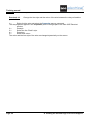
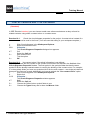
Exercise 13-3:
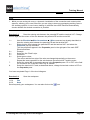
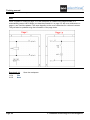
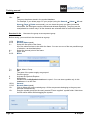
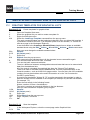
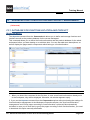
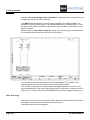
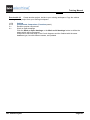
Ungroup the Power supply 2 group again.
Delete page 3 again (using the General ➤ Select ➤ All and Home ➤ Page ➤ Delete commands).
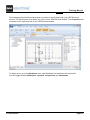
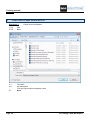
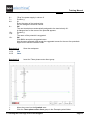
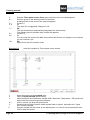
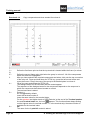
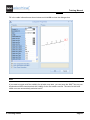
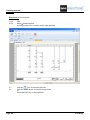
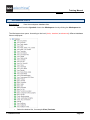
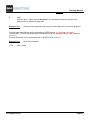
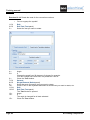
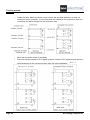
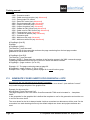
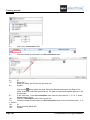
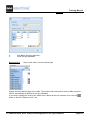
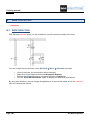
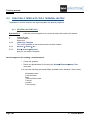
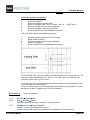
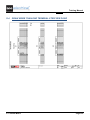
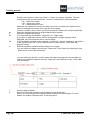
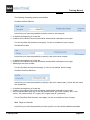
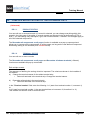
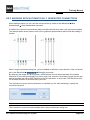
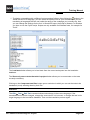
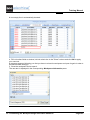
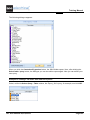
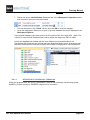
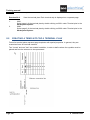
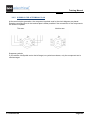
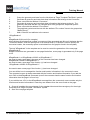
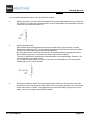
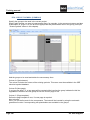
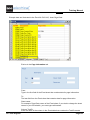
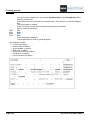
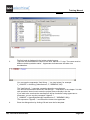
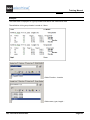
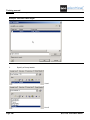
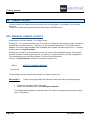
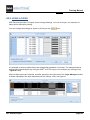
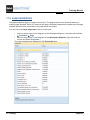
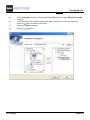
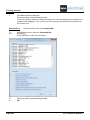
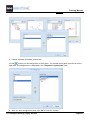
Insert the Power supply 2 group. Select the power supply. All of the elements can be selected only
together. If you wish to select a single component, the group must be ungrouped first.
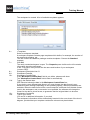
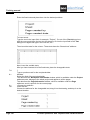
1.CA
2.CO
3.+
4.CA.
5.CO
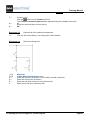
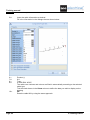
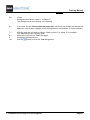
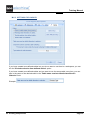
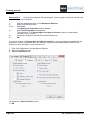
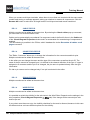
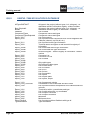
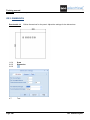
General
Normal (Select panel)
Select the group
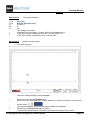
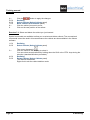
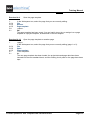
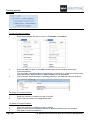
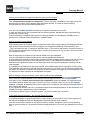
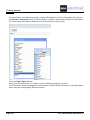
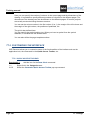
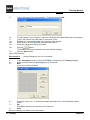
Edit
Explode (Actions panel)
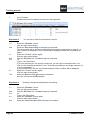
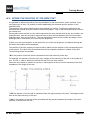
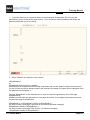
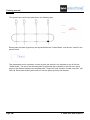
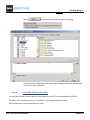
The single elements are accessible again (symbols, potentials and wires).
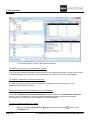
Select the switchgear again. It is accessible now.
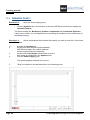
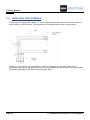
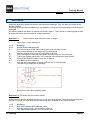
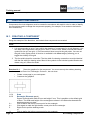
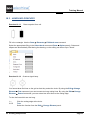
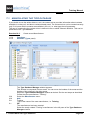
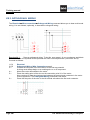
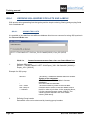
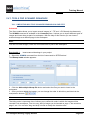
N.2. UNGROUPING SELECTED ELEMENTS
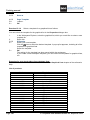
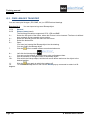
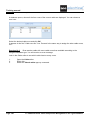
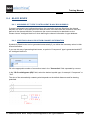
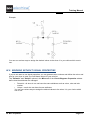
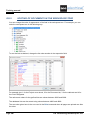
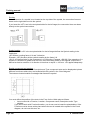
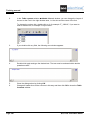
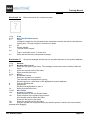
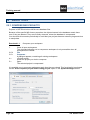
If a single symbol (such as a wire, potential) must be moved or deleted after inserting the group, the
group has to be ungrouped. (This does not apply to loose groups.)
▪
▪
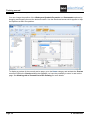
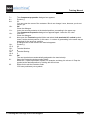
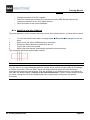
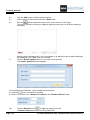
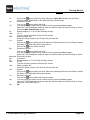
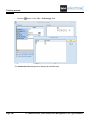
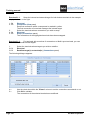
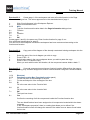
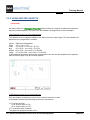
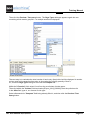
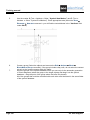
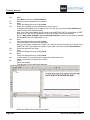
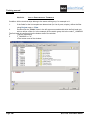
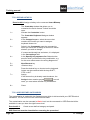
Click to select the group.
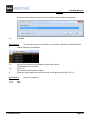
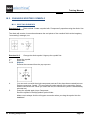
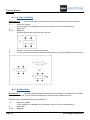
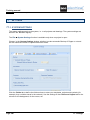
Execute the Edit ➤ Actions ➤ Explode command. The group has been ungrouped.
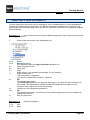
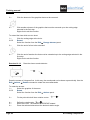
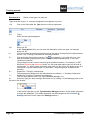
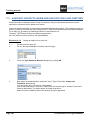
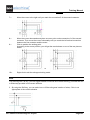
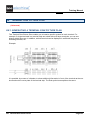
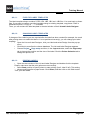
N.3. MOTOR TERMINALS AND SIMILAR COMPONENTS
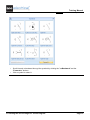
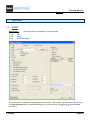
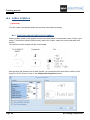
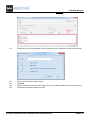
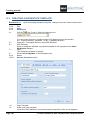
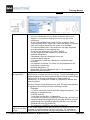
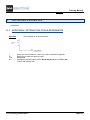
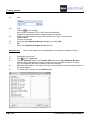
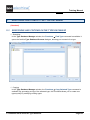
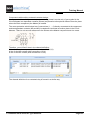
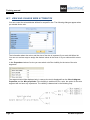
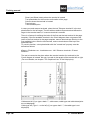
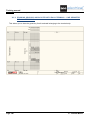
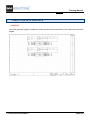
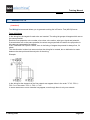
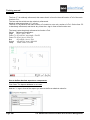
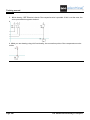
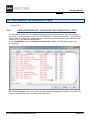
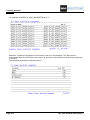
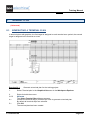
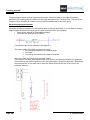
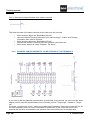
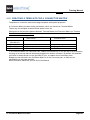
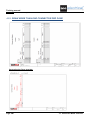
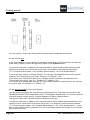
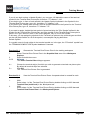
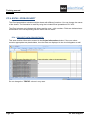
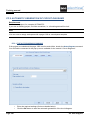
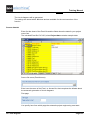
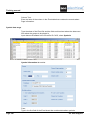
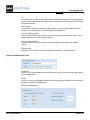
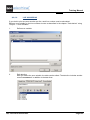
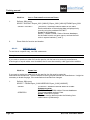
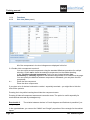
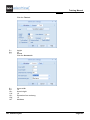
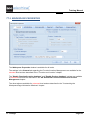
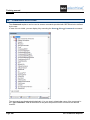
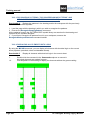
If several terminals together are frequently needed, such as terminals for a motor, then those
terminals must be defined as a group. For the second terminal and every next terminal, you can
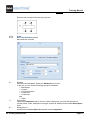
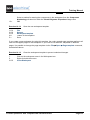
disable the view of the terminal strip using the Edit Component command.
N. Groups
Page 107