1
Training Manual
COPYRIGHT © 2013 IGE+XAO. All rights reserved
EE.11.
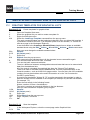
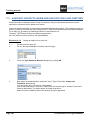
GENERATE GRAPHICAL LISTS IN ONE STEP
Advanced
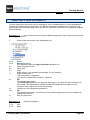
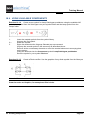
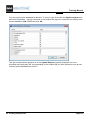
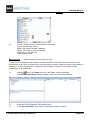
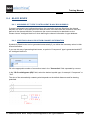
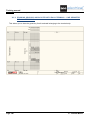
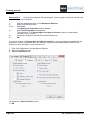
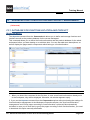
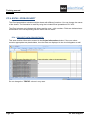
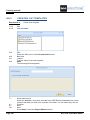
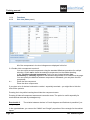
The Graphical lists can be generated in one step using the Generate command in the Graphical lists
node.
Exercise 29-7:
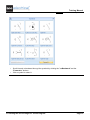
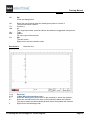
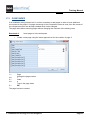
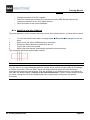
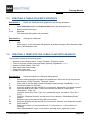
Generate the graphical lists with the help of the Generate pop-up command:
1.+
2.CO
3.>
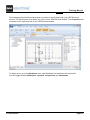
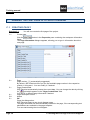
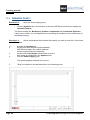
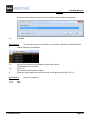
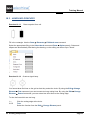
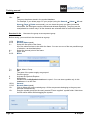
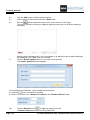
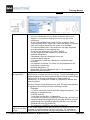
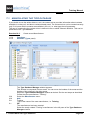
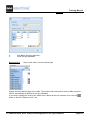
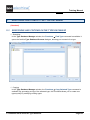
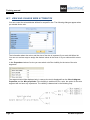
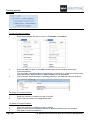
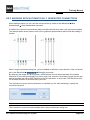
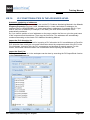
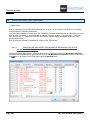
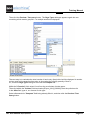
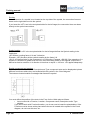
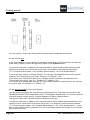
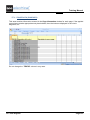
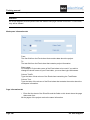
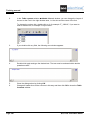
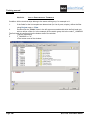
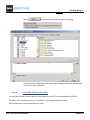
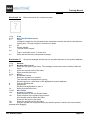
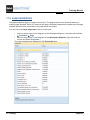
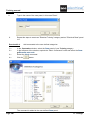
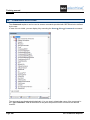
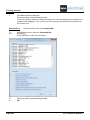
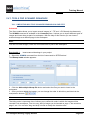
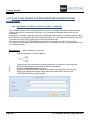
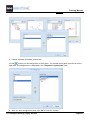
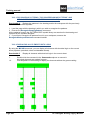
In the Workspace Explorer, right-click the Graphical lists node.
Generate
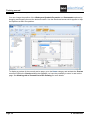
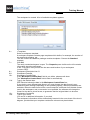
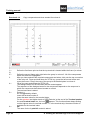
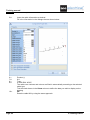
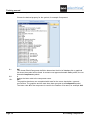
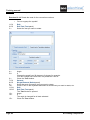
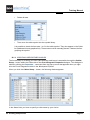
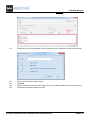
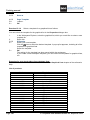
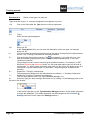
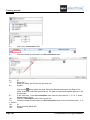
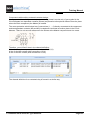
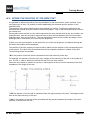
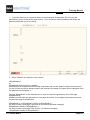
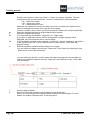
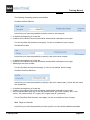
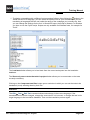
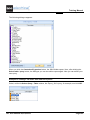
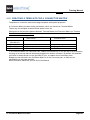
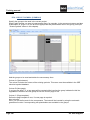
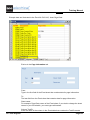
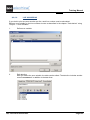
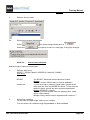
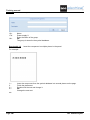
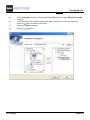
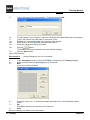
Select the lists you want to generate.
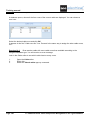
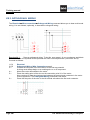
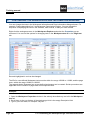
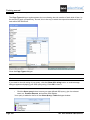
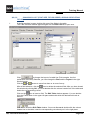
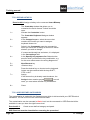
4.>
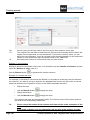
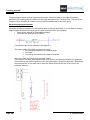
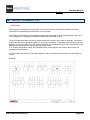
The
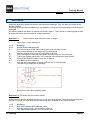
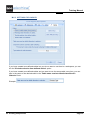
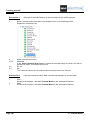
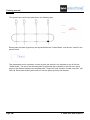
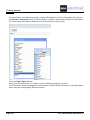
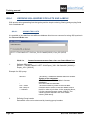
button allows you to define the order in which the lists are generated. You can
make sure that the document list is generated as last one so it will contain all others.
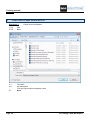
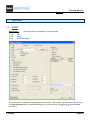
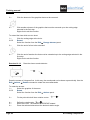
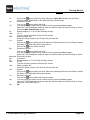
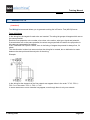
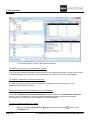
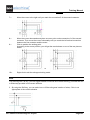
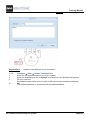
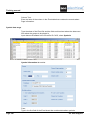
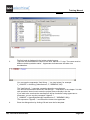
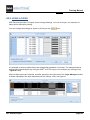
You can use the Save Settings button to save the settings you just defined for using them
again.
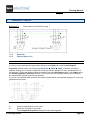
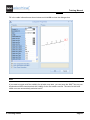
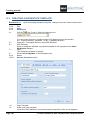
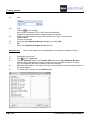
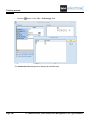
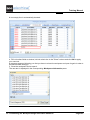
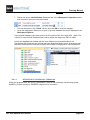
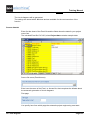
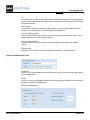
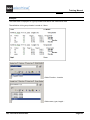
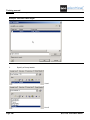
Generate
5.>
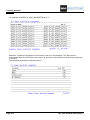
6.>
EE. Advanced Processing of a Project
Page 261