1
Training manual
COPYRIGHT © 2013 IGE+XAO. All rights reserved
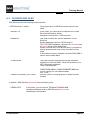
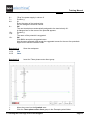
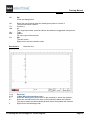
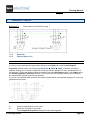
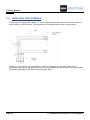
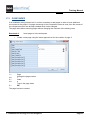
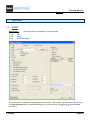
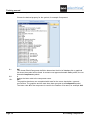
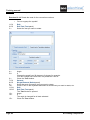
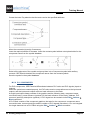
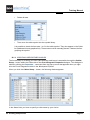
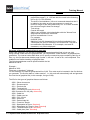
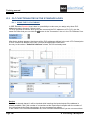
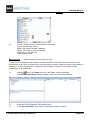
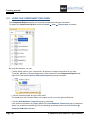
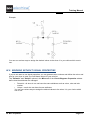
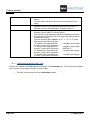
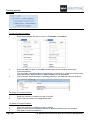
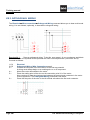
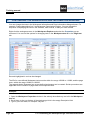
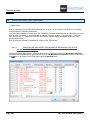
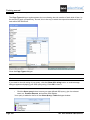
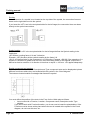
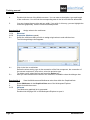
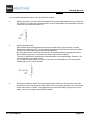
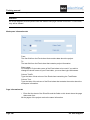
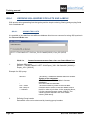
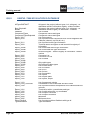
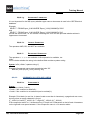
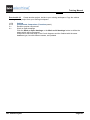
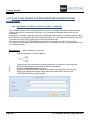
The component text "Cable-Shield" can contain the following keywords:
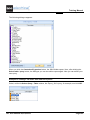
+S="Name of the symbol folder in the "Cables.SES" symbol library"
This name replaces the symbol group name in the template placeholder-text "Cable-Shield". It is
used by all shields of this cable.
-S= Do not draw the shield in the cable plan. (The effect is the same as if this component text does
not exist)
+C=<n>
where <n> gives the number of the core which is connected to the shield.
n=1: the first core is connected to the shield
n=2: the second core is connected to the shield
...
n=0: the last core is connected to the shield
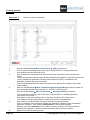
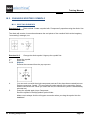
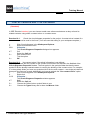
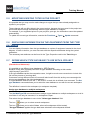
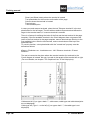
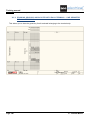
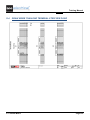
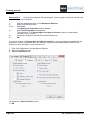
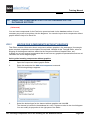
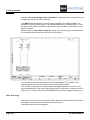
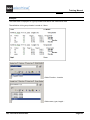
2. Template for the graphical Cable plan
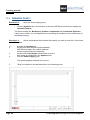
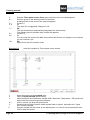
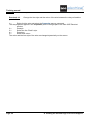
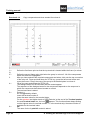
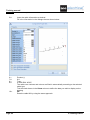
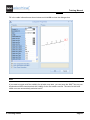
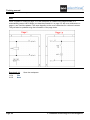
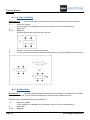
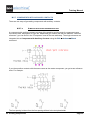
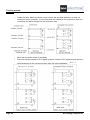
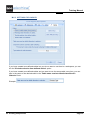
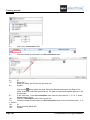
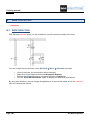
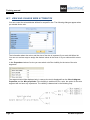
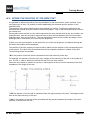
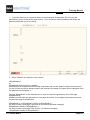
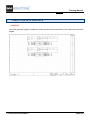
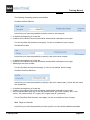
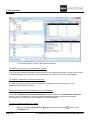
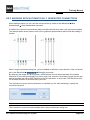
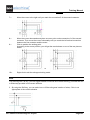
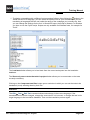
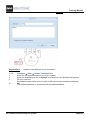
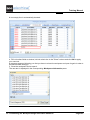
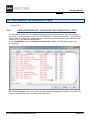
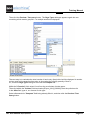
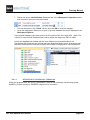
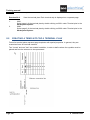
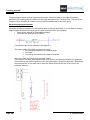
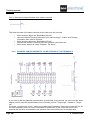
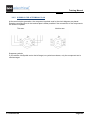
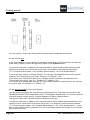
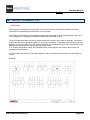
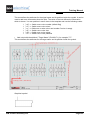
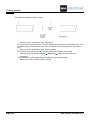
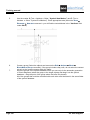
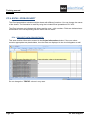
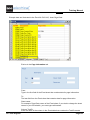
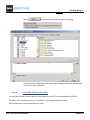
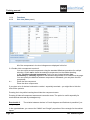
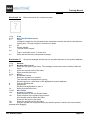
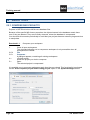
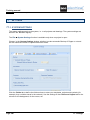
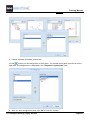
Add one or two placeholder texts "Cable-Shield" to the template of the graphical Cable plan.
These placeholders mark the position of the Cable-Shield (right and/or left).
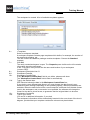
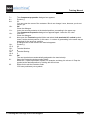
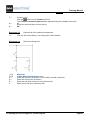
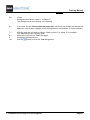
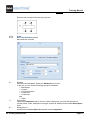
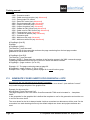
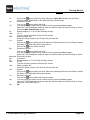
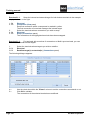
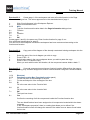
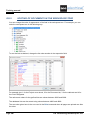
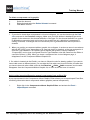
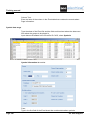
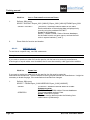
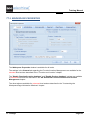
The placeholder-text can contain the following keywords:
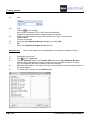
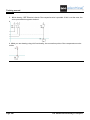
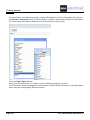
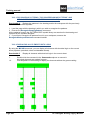
+S="Name of the symbol library\folder\symbol name"
Default: +S="Cables\CablePlan\Shield"
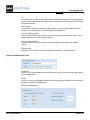
If this placeholder exists, the shield symbols defined in the circuit diagram cable symbols are not
used.
Page 204
Y. Cable Plan with Graphics