1
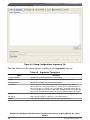
Using Debug Configurations Dialog Box
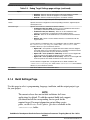
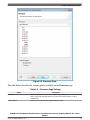
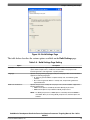
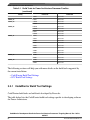
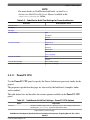
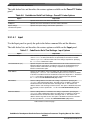
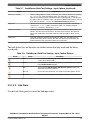
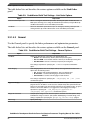
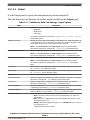
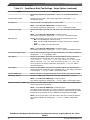
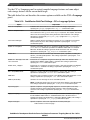
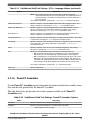
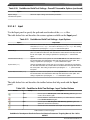
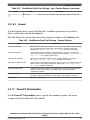
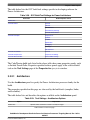
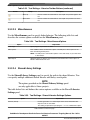
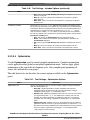
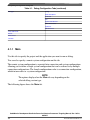
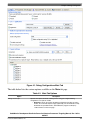
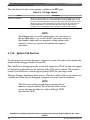
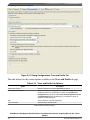
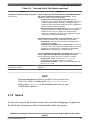
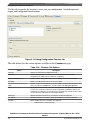
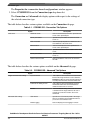
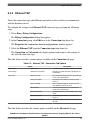
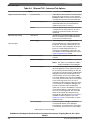
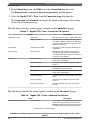
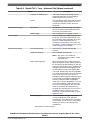
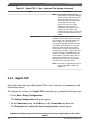
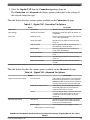
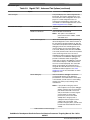
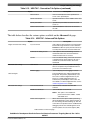
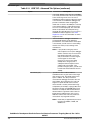
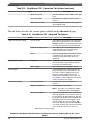
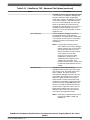
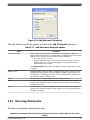
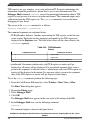
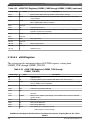
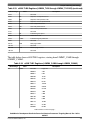
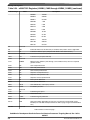
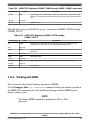
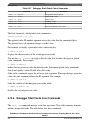
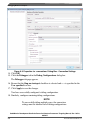
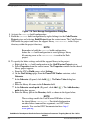
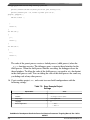
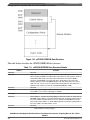
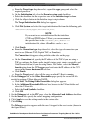
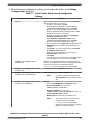
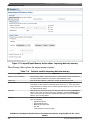
The table below lists the various options available on the PIC page.
Table 4-8. PIC Page Options
Option
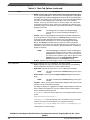
Alternate Load Address
Description
Specify the starting address at which the debugger loads your program. You can also
use this setting when you have an application which is built with ROM addresses and
then relocates itself to RAM (such as U-Boot). Specifying a relocation address lets the
debugger map the symbolic debugging information contained in the original ELF file
(built for ROM addresses) to the relocated application image in RAM. Clear the
checkbox to have the debugger load your program at a default starting address.
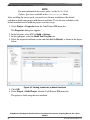
NOTE
The debugger does not verify whether your code can execute at
the specified address. As a result, the PIC generation settings of
the compiler, linker and your program's startup routines must
correctly set any base registers and perform any required
relocations.
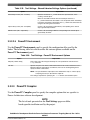
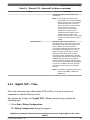
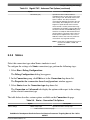
4.1.3.5 System Call Services
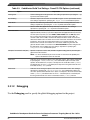
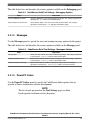
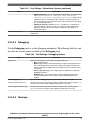
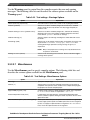
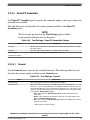
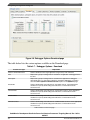
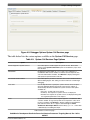
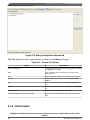
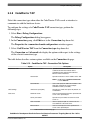
Use this page to activate the debugger's support for system calls and to select options that
define how the debugger handles system calls.
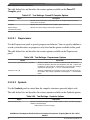
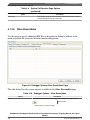
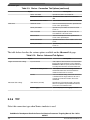
The CodeWarrior debugger provides system call support over JTAG. System call support
lets bareboard applications use the functions of host OS service routines. This feature is
useful if you do not have a board support package (BSP) for your target board.
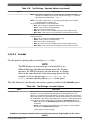
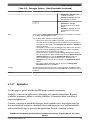
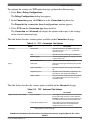
The host debugger implements these services. Therefore, the host OS service routines are
available only when you are debugging a program on a target board or simulator.
NOTE
The OS service routines provided must comply with an
industry-accepted standard. The definitions of the system
service functions provided are a subset of Single UNIX
Specification (SUS).
CodeWarrior Development Studio for Power Architecture Processors Targeting Manual, Rev. 10.5.0,
06/2015
114
Freescale Semiconductor, Inc.