1
Chapter 5 Working with Debugger
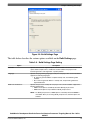
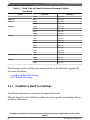
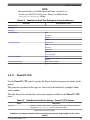
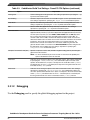
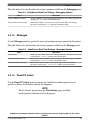
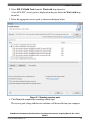
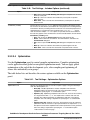
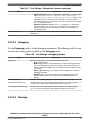
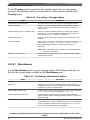
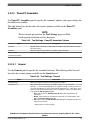
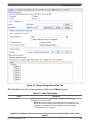
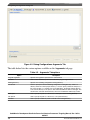
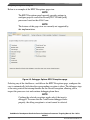
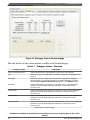
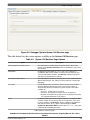
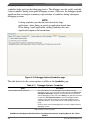
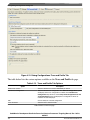
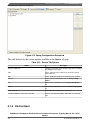
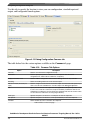
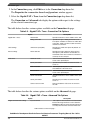
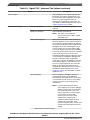
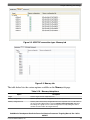
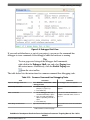
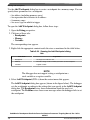
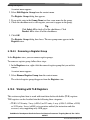
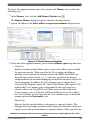
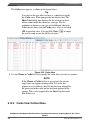
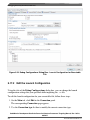
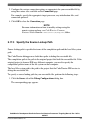
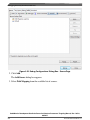
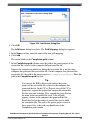
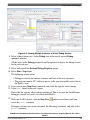
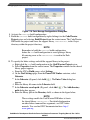
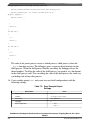
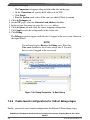
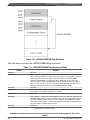
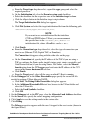
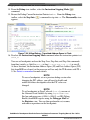
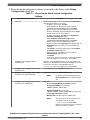
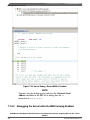
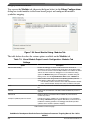
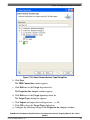
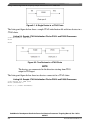
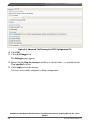
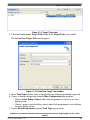
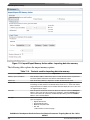
Figure 5-10. Add Watchpoint Dialog Box
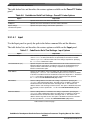
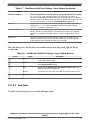
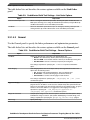
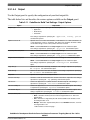
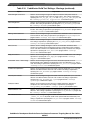
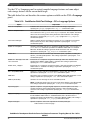
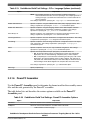
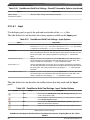
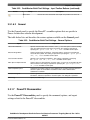
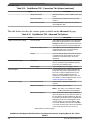
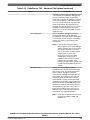
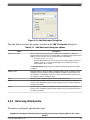
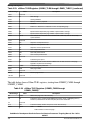
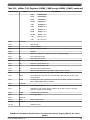
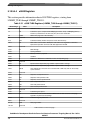
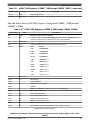
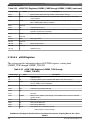
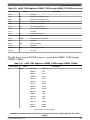
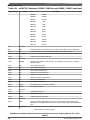
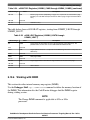
The table below describes the options available in the Add Watchpoint dialog box.
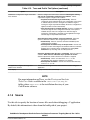
Table 5-21. Add Watchpoint dialog box options
Option
Expression to watch
Description
Enter an expression that evaluates to an address on the target device. When the
specified expression evaluates to an invalid address, the debugger halts execution and
displays an error message. You can enter these types of expressions:
• An r-value, such as &variable
• A register-based expression. Use the $ character to denote register names. For
example, enter $SP-12 to have the debugger set a watchpoint on the stack
pointer address minus 12 bytes.
The Add Watchpoint dialog box does not support entering expressions that evaluate
to registers.
Memory space
Select this option to specify an address, including memory space, at which to set the
watchpoint. Use the text box to specify the address or address range on which to set
the watchpoint. If a debugging session is not active, the text/list box is empty, but you
can still type an address or address range.
Units
Enter the number of addressable units that the watchpoint monitors.
Write
Select this option to enable the watchpoint to monitor write activity on the specified
memory space and address range. Clear this option if you do not want the watchpoint
to monitor write activity.
Read
Select this option to enable the watchpoint to monitor read activity on the specified
memory space and address range. Clear this option if you do not want the watchpoint
to monitor read activity.
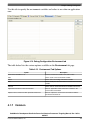
5.9.2 Removing Watchpoints
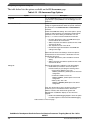
To remove a watchpoint, perform these steps:
CodeWarrior Development Studio for Power Architecture Processors Targeting Manual, Rev. 10.5.0,
06/2015
Freescale Semiconductor, Inc.
171