1
Chapter 11 Working with Hardware Tools
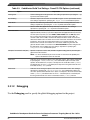
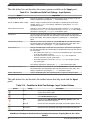
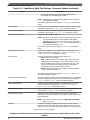
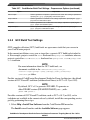
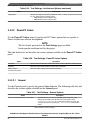
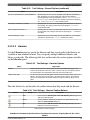
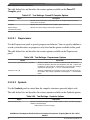
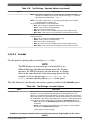
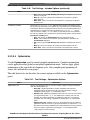
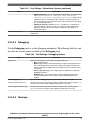
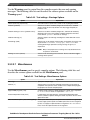
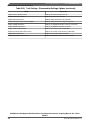
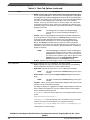
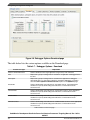
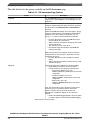
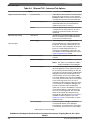
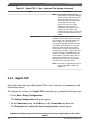
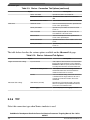
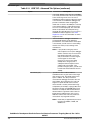
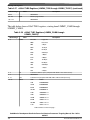
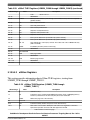
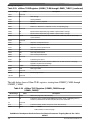
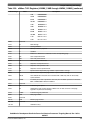
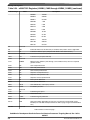
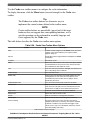
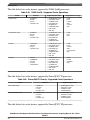
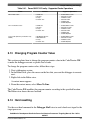
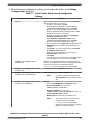
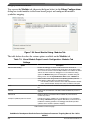
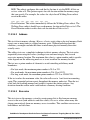
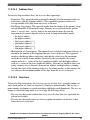
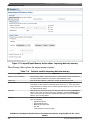
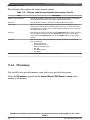
Table 11-4. Controls used for importing data into memory (continued)
Item
Explanation
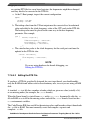
• Annotated Hex Text
• Raw Binary
Number of Elements
Enter the total number of elements to be transferred.
Verify Memory Writes
Select the checkbox to verify success of each data write to the memory.
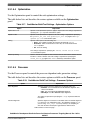
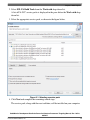
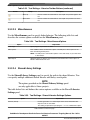
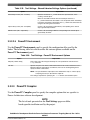
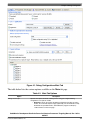
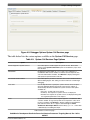
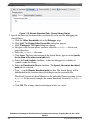
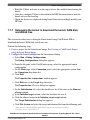
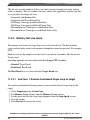
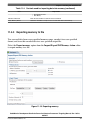
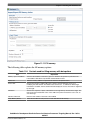
11.4.3 Exporting memory to file
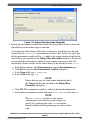
You can read data from a user specified memory range, encode it in a user specified
format, and store this encoded data in a user specified output file.
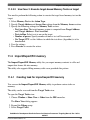
Select the Export memory option from the Import/Export/Fill Memory Action editor
to export memory to a file.
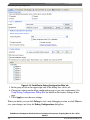
Figure 11-10. Exporting memory
CodeWarrior Development Studio for Power Architecture Processors Targeting Manual, Rev. 10.5.0,
06/2015
Freescale Semiconductor, Inc.
431