1
LETTUS User Manual
System Administrator
0.1
Menu 0
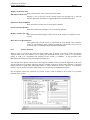
Printer System Administration
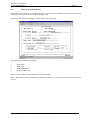
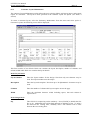
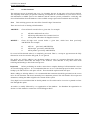
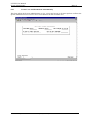
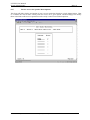
Whenever the user requests a report they will be prompted to select which printer to print on. This is done
via the printer selection screen.
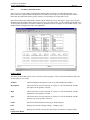
This printing process is handled at the System level by the Printer Administration screen and at the User
level by the Printer Selection screen.
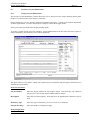
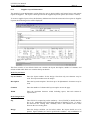
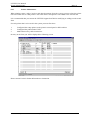
The system administrator is able to provide general control of all of the printers in the system by using
this option. This menu option will allow the system administrator to:
view and control jobs going to printers
start and stop the printer scheduler
make the printer unavailable to the system
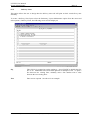
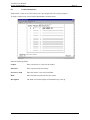
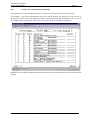
The screen will display all printers that have been setup for this system and a list of permissible options.
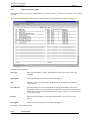
The following options require the entry of a printer number once the option is selected.
Reject Further Jobs on Printer
Will allow the printer to process the current print jobs but will close the printer
and will not allow any further spooled print jobs to be sent to it. This command is
issued automatically whenever a user attempts to print direct on pre-printed
stationery.
Accept Further Jobs on Printer
Will open a closed printer so that it may be used by any operator again.
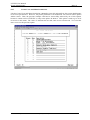
Display Jobs on Printer
Lists all current jobs on the selected printer showing the print job ID, who
submitted the job along with the job and printers current status.
Kill Job on Printer
Immediately kills the current job on the selected printer. Note that you may have
to use the same UNIX login as the original user.
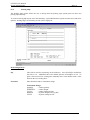
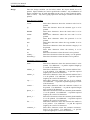
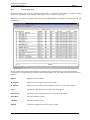
The following options do not require the entry of a printer number for their operation.
Printed on 16 May, 2002
Fresh Computer Systems Pty Ltd
0-2