1
LETTUS User Manual
System Administrator
0.21
Menu 0
Immediate Printer Setup
This option allows the system administrator to customise where a document will print, from which
terminal.
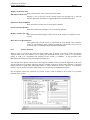
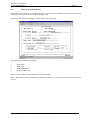
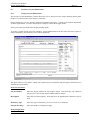
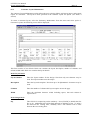
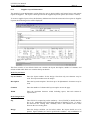
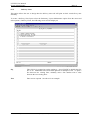
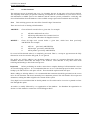
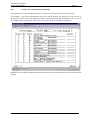
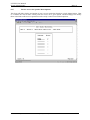
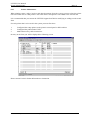
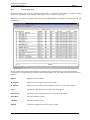
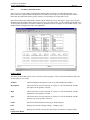
Select the Immediate Printer Setup option from the menu., the following screen will be displayed:
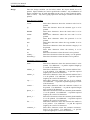
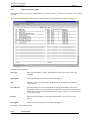
Enter the following fields:
Doc Type
Enter the document for what is being printed. Refer to the entries above for
examples.
Description
This field will automatically be entered and skipped.
Key
Enter key number to be pressed to print document. If number is not known
contact Fresh.
Users Device
Entering default will cause all terminals to print that document to the device
nominated. If there is one terminal that is required to print the same document to
another device then enter that terminals TTY number, which is located at the top
of any menu screen.
Printer
Enter the printer number for the destination printer, or LOCAL for a slave
printer.
Description
This field will automatically be entered and skipped.
Any queries please phone Fresh.
0.22
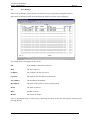
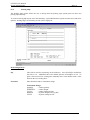
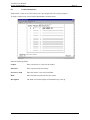
User Activity
Printed on 16 May, 2002
Fresh Computer Systems Pty Ltd
0-38