1
R&S®UPP
Manual Operation
Settings in the Panels
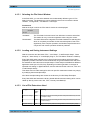
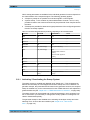
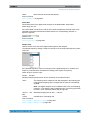
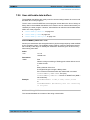
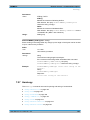
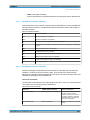
4.7.8 Selecting a Parameter – Selection Fields
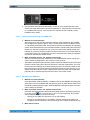
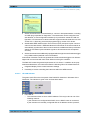
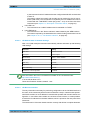
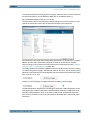
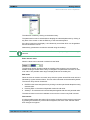
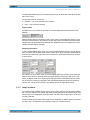
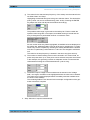
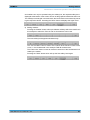
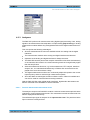
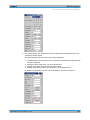
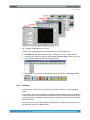
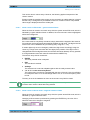
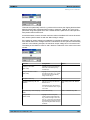
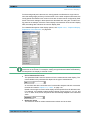
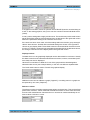
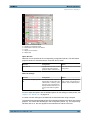
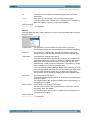
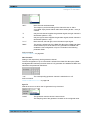
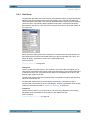
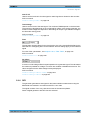
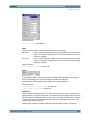
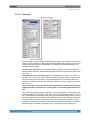
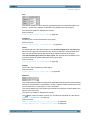
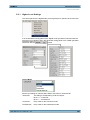
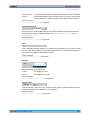
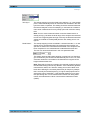
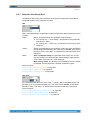
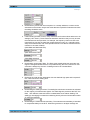
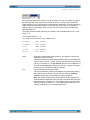
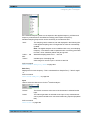
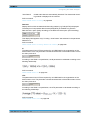
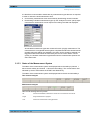
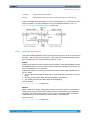
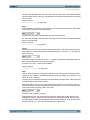
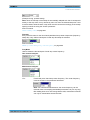
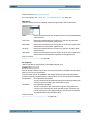
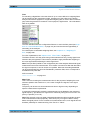
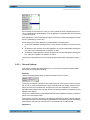
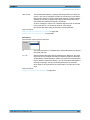
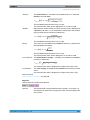
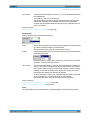
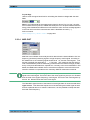
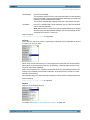
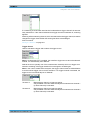
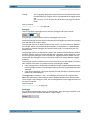
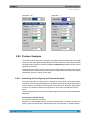
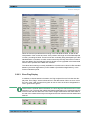
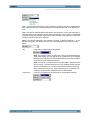
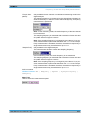
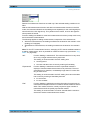
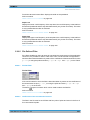
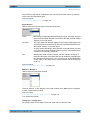
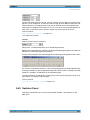
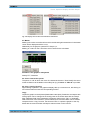
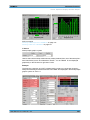
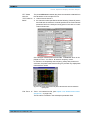
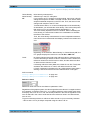
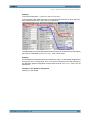
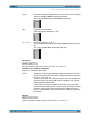
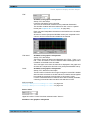
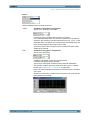
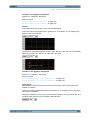
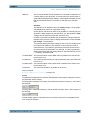
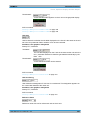
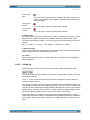
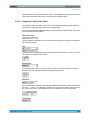
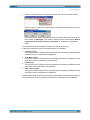
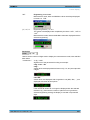
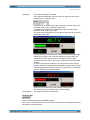
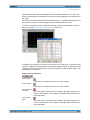
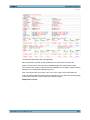
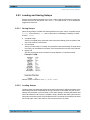
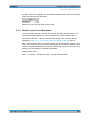
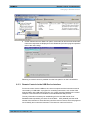
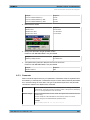
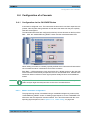
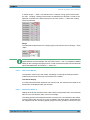
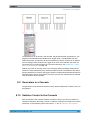
button displays a selection field. As soon as a parameter field
Activating the adjacent
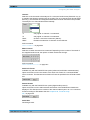
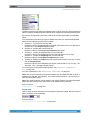
has the focus, a list for selecting the available parameters can be opened with the
ENTER key or by opening a list for selecting provided parameters with a click of the
mouse. The fold-down parameter list is displayed below the selection field.
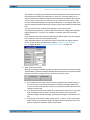
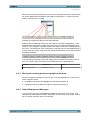
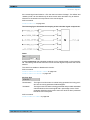
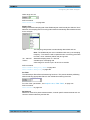
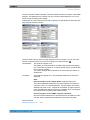
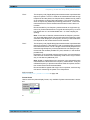
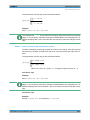
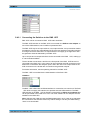
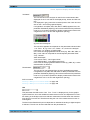
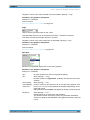
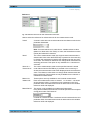
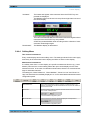
If a mouse is used, the items are selected and activated by clicking with the mouse. Only
one entry can be selected at any given time.
The parameter list can be quit without adopting the highlighted parameter by pressing
the ESC key.
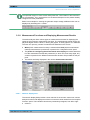
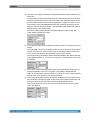
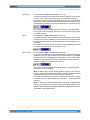
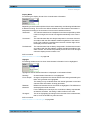
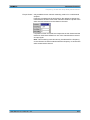
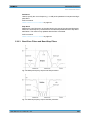
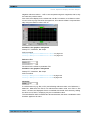
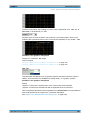
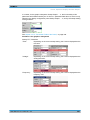
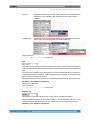
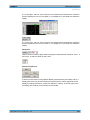
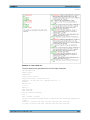
If the list is longer than the displayed window, a scroll bar is available.
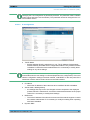
Note1:
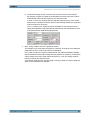
The contents of the parameter lists are not fixed but vary depending on other settings
selected.
Note2:
Alternatively, parameters can also be selected using the softkeys.
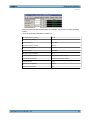
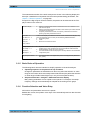
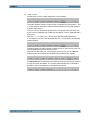
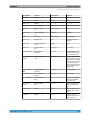
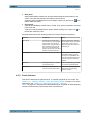
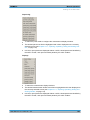
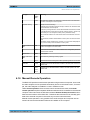
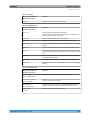
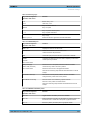
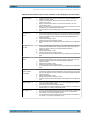
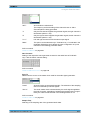
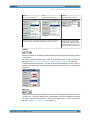
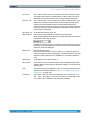
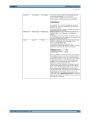
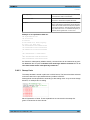
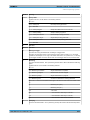
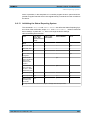
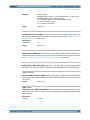
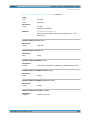
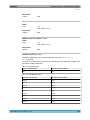
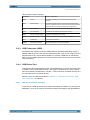
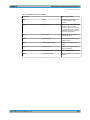
Function
PC keyboard
Mouse
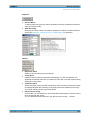
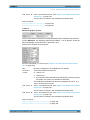
Open parameter list
Press the Enter key.
Click button.
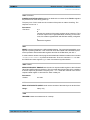
Scroll
Move displayed section of list
using up/down cursor keys.
Activate the UP or DOWN button in
the scroll bar until the desired entry
is displayed.
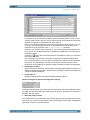
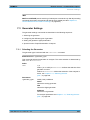
Select parameter
Highlight selection using up/down
cursor keys and press Enter key.
Click parameter.
Quit parameter list without adopting a setting
Press the ESC key.
Click anywhere outside parameter
list.
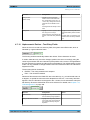
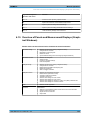
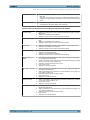
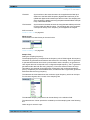
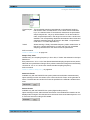
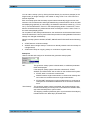
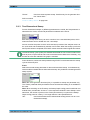
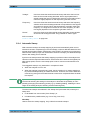
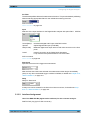
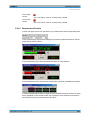
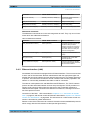
4.7.9 Numeric Entries – Numeric Entry Fields
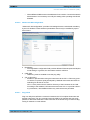
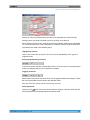
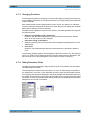
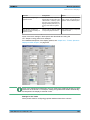
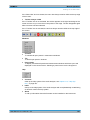
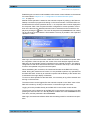
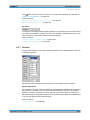
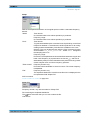
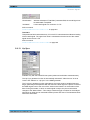
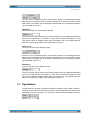
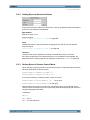
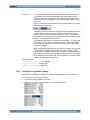
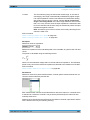
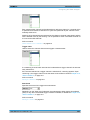
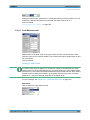
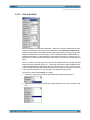
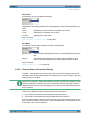
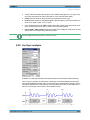
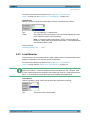
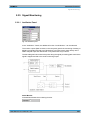
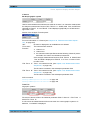
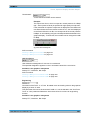
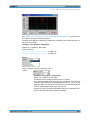
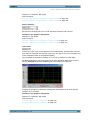
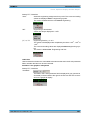
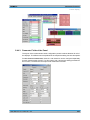
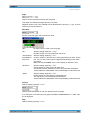
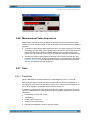
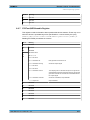
Numeric values (e.g. the output voltage) can be entered or edited in these fields.
User Manual 1411.1055.32 ─ 03
121