1
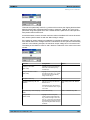
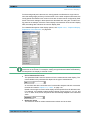
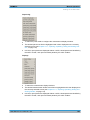
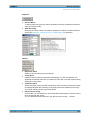
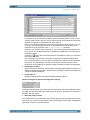
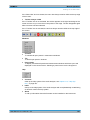
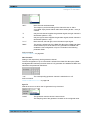
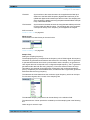
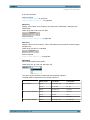
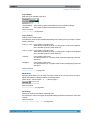
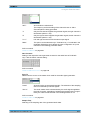
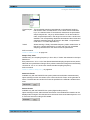
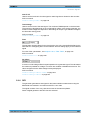
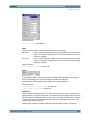
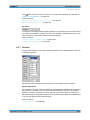
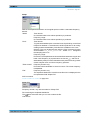
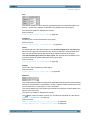
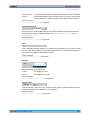
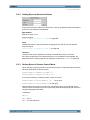
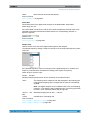
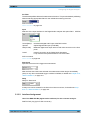
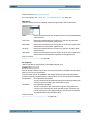
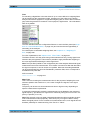
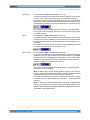
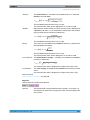
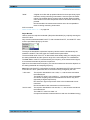
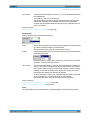
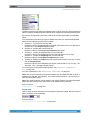
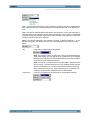
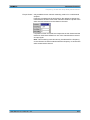
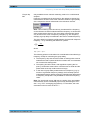
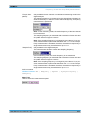
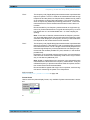
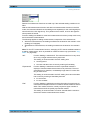
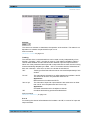
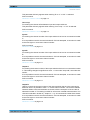
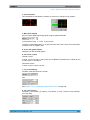
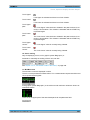
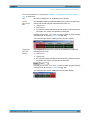
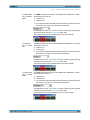
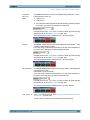
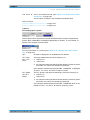
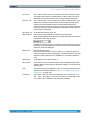
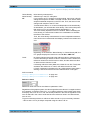
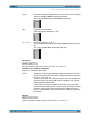
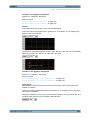
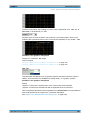
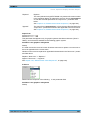
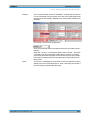
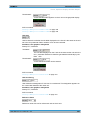
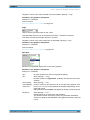
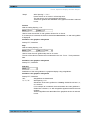
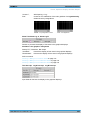
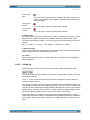
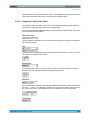
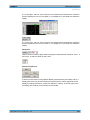
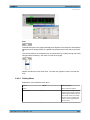
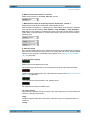
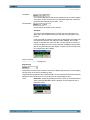
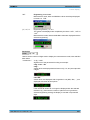
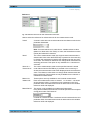
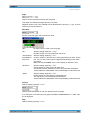
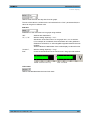
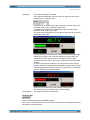
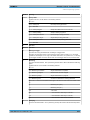
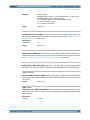
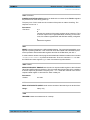
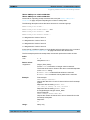
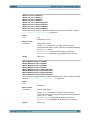
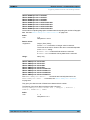
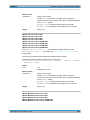
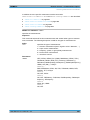
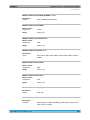
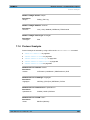
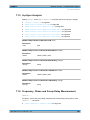
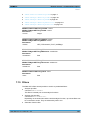
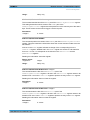
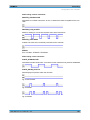
R&S®UPP Instrument Function Traces, Spectrum Displays and Bar Graphs "O Cursor" The Y value of the O Cursor is actuated once as the reference value. The display then returns to Value and the Y value of the O Cursor is displayed as the new reference value in the parameter field below. "Ref 997 Hz" The Y value at 997 Hz is actuated once as the reference value. The display then returns to Value and the Y value of the O Cursor is displayed as the new reference value in the parameter field below. If the X axis is not a frequency axis (e.g. in the case of level sweeps or waveform displays), an error message is displayed and the reference value remains unchanged. "Ref 1000 Hz" As for Ref 997 but with 1000 Hz "Meas Ref Ch" This option is only available for multichannel instruments. Every level measurement result of the channel specified in the Analyzer Config panel under Ref Channel is saved as a reference value. If a referenced unit is selected in the Unit parameter field, the measurement result is referenced to this variable reference value and displayed. "Meas Ch1" Moving reference value Every level measurement result for channel 1 is saved as reference value and used as a referenced display, provided a reference unit was selected. These options are only available for two-channel measurement. "Meas Ch2" As for Meas Ch1 but with channel 2 "Gen Track" The reference trace is deleted and the currently applicable generator voltage, and then each newly set generator voltage, is used as the reference value. "File" The reference trace is loaded from a file. The file name is entered in the subsequent parameter field (see chapter 5.46, "Measurement Value Sequences", on page 549). "File Intern" "File Intern" has to be offered and displayed only if "File:Trace A or File: Trace B is set at "Y-Source" and a trace file containing a reference value scan in addition to the data scan is loaded. User Manual 1411.1055.32 ─ 03 475