1
R&S®UPP
Instrument Function
Traces, Spectrum Displays and Bar Graphs
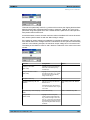
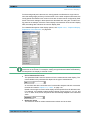
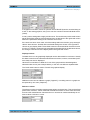
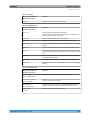
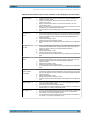
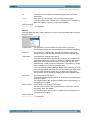
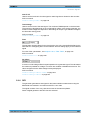
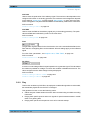
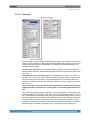
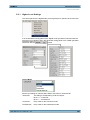
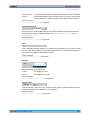
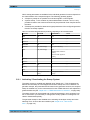
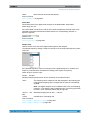
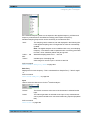
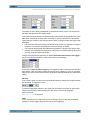
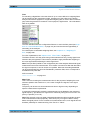
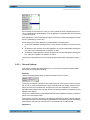
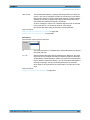
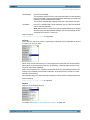
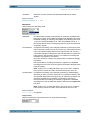
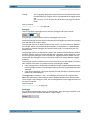
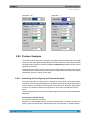
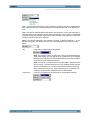
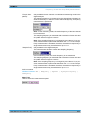
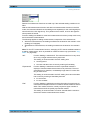
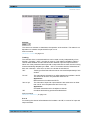
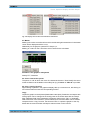
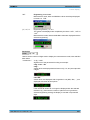
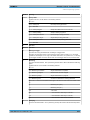
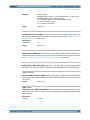
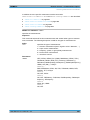
"Steps"
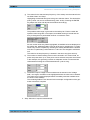
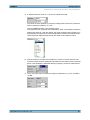
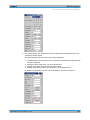
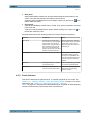
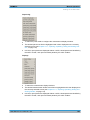
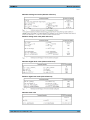
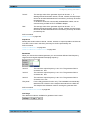
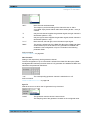
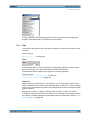
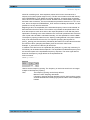
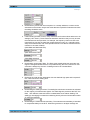
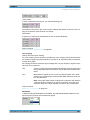
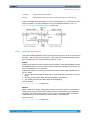
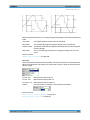
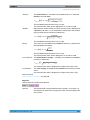
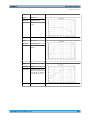
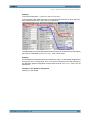
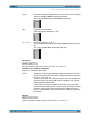
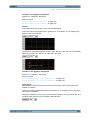
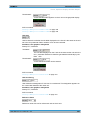
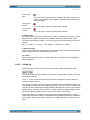
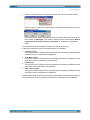
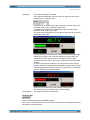
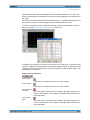
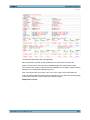
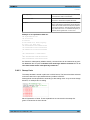
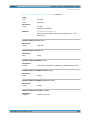
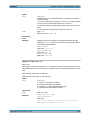
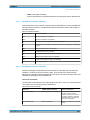
With "Spacing " = "Lin ":
Preset division of an X axis in a fixed step size.
The step size is set in the parameter field below.
These main gridlines are not hidden if the graphical window is reduced
in size.
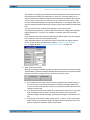
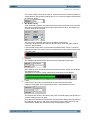
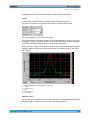
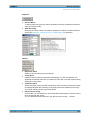
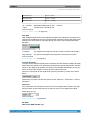
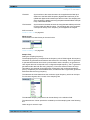
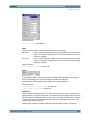
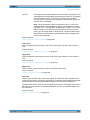
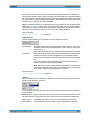
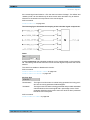
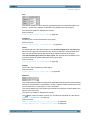
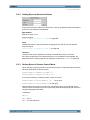
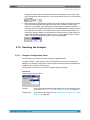
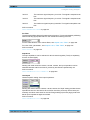
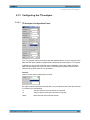
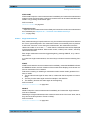
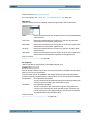
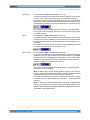
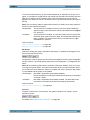
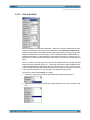
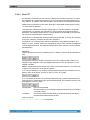
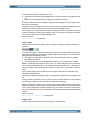
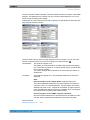
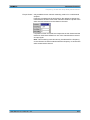
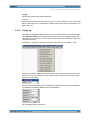
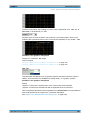
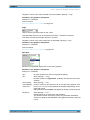
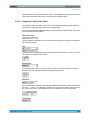
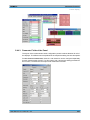
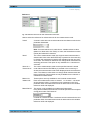
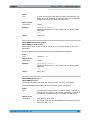
Division
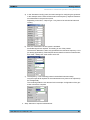
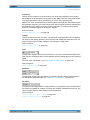
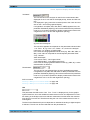
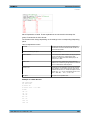
With the setting Spacing = Lin:
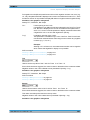
Used to enter the number of main gridline divisions for an X axis.
If, for example, 2 is entered, the X axis is divided into two sections , i.e. one main gridline
is displayed.
Available in the graphics subsystems
Sweep, FFT, Waveform
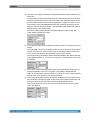
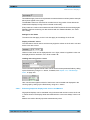
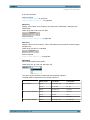
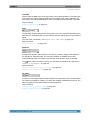
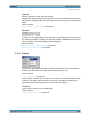
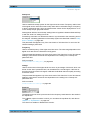
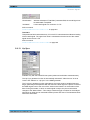
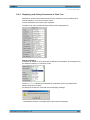
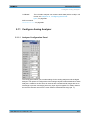
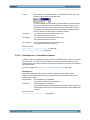
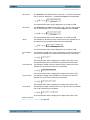
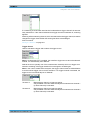
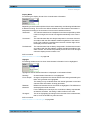
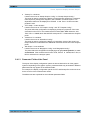
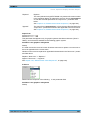
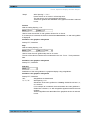
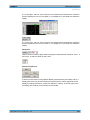
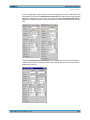
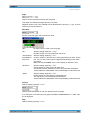
Step
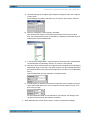
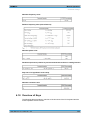
With the setting Spacing = Lin.
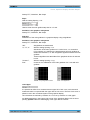
Used to enter the main gridline step size for an X axis.
The unit of the value is linked to the unit selected in the Unit Funct Track parameter
field.
Available in the graphics subsystems
Sweep, FFT, Waveform
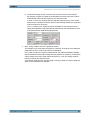
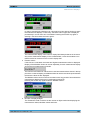
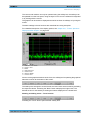
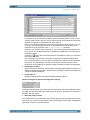
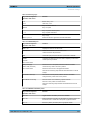
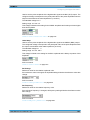
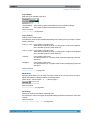
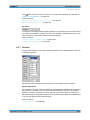
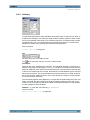
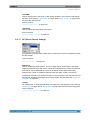
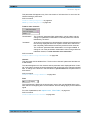
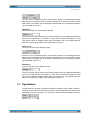
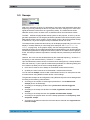
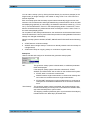
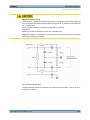
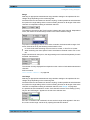
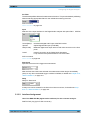
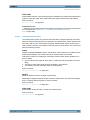
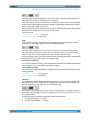
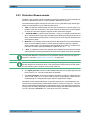
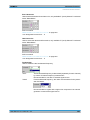
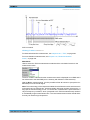
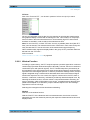
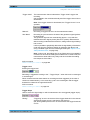
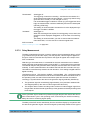
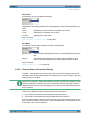
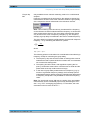
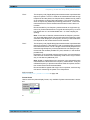
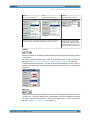
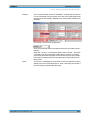
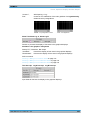
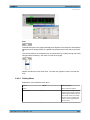
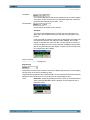
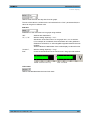
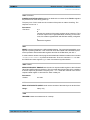
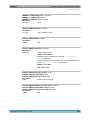
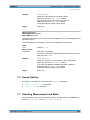
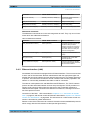
Sub Grid
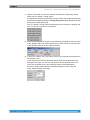
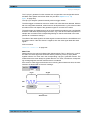
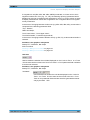
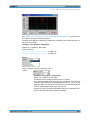
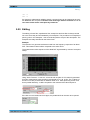
Subdivision of the main gridlines in a graphical display using subgridlines.
Available in the graphics subsystems
Sweep, FFT, Waveform
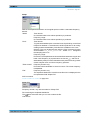
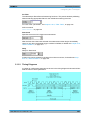
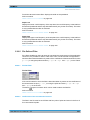
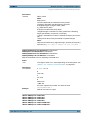
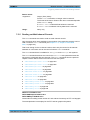
"Off"
Subgridlines are deactivated.
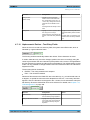
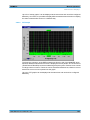
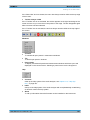
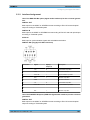
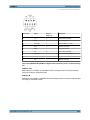
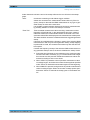
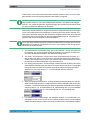
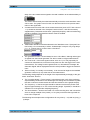
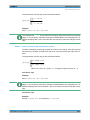
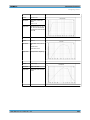
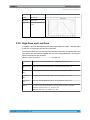
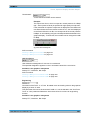
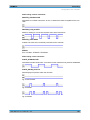
"2, ""4, ""5"
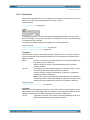
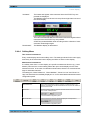
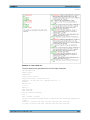
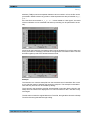
With Spacing = Lin:
Subdivision of the main gridlines in a linearly divided X-axis into 2, 4,
or 5 sections.
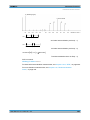
If, for example, 2 is selected, the area between two main gridlines is
divided into 2 sections, i.e. one subgridline appears between the main
gridlines.
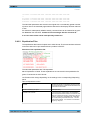
These subgridlines are not hidden if the graphical window is reduced
in size.
User Manual 1411.1055.32 ─ 03
503